I tested 12 of the most popular AI email marketing tools to find out which ones actually help you write better emails, connect with your target audience, and get more replies. Here is my top list of 5 solutions for your quick overview.
| Tool | Key AI features | Price | Best for |
|---|---|---|---|
| Snov.io AI Email Builder |
| Starts with a free plan; paid from $39/month* | Solopreneurs, sales teams, and agencies that need an all-in-one lead generation, outreach, and deal management platform. |
| Instantly Copilot |
| From $37/month; free trial with 100 credits | Individual users or teams needing cost-effective email automation with AI. |
| Jasper AI |
| From $69/month; free 7-day trial | Marketing teams that want to streamline content creation for multiple channels. |
| GetResponse |
| From $16/month; free 14-day trial | Teams that need AI-assisted marketing to quickly generate landing pages, forms, and emails that match in style and voice. |
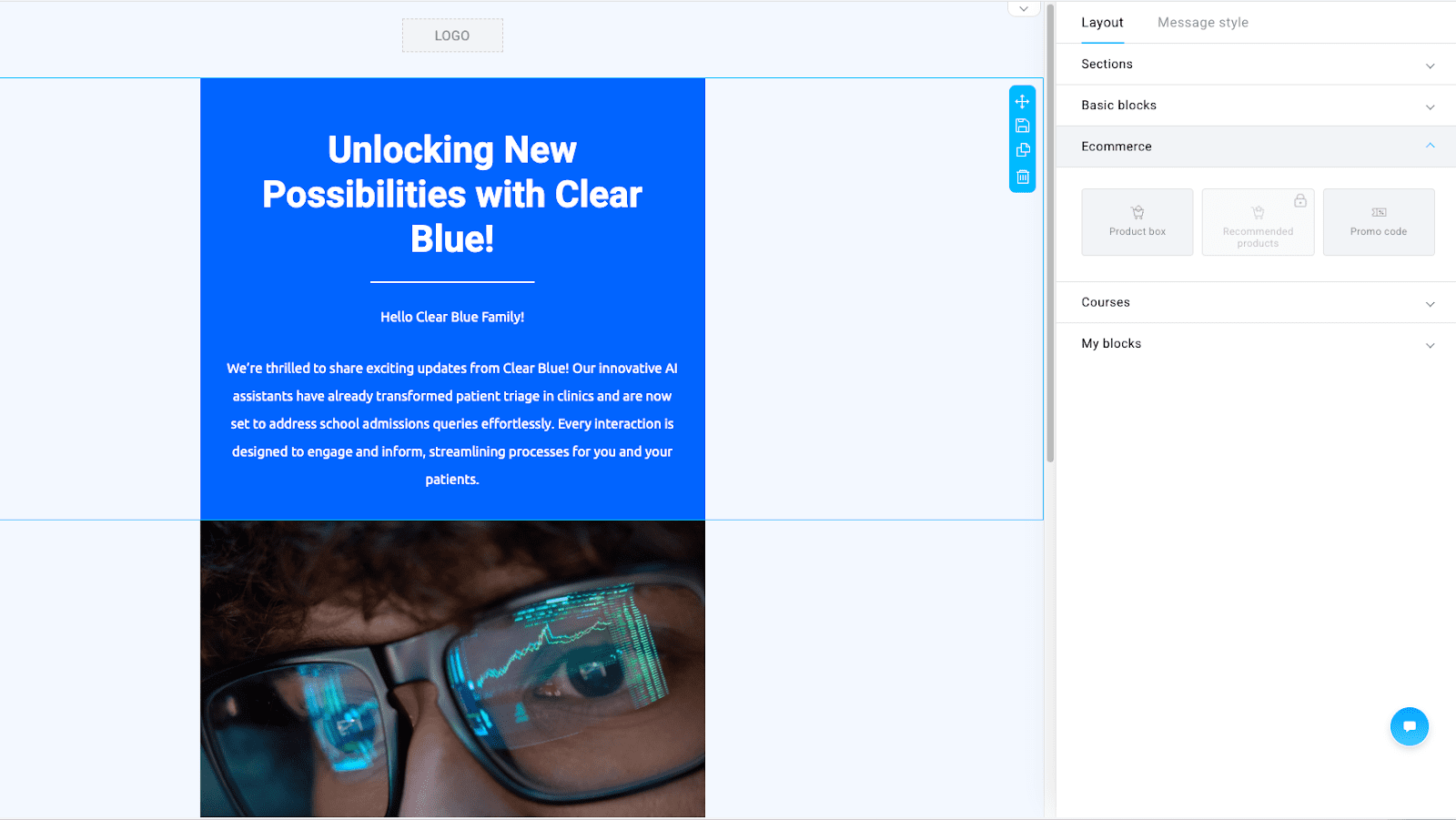
| ActiveCampaign |
| From $15/month; free 14-day trial | Teams that want AI to generate complex emails and WhatsApp messages with varied types of content, tied to marketing and sales data. |
*Prices are subject to change. Always check the provider’s website for the most recent pricing details.
Read the full article to learn about each of these tools as well as other AI-enhanced solutions in more detail. Hope my honest review will help you make the right choice.
There’s no denying that AI for email marketing has been changing the sales industry these days. Recent research by McKinsey shows that organizations investing in AI are experiencing a sales ROI uplift of 10 to 20 percent.
If you’re in search of the most effective ways of email automation with AI, this article will help you out. I’ve run my own test of the best AI email tools, and I’m here to share my honest review.
Outline:
An AI email marketing tool is a software that helps plan, write, and send emails automatically. The AI technology enables email marketing tools to draw insights from data (such as open rates, clicks, and customer behavior) to tailor subject lines, send times, and even message tone.
In theory, AI for email marketing should make campaigns easier to run without losing a personal touch. In practice, many AI email tools claim to be AI-powered but rely on basic automation rather than deep personalization.
To find out which AI email marketing tools stand up to their promise, I personally analyzed the most popular options.
I started by looking through G2 reviews, then tested each platform by myself, evaluating the following aspects:
I checked how quickly you can set up an account, understand AI features through basic onboarding, and create your first campaign.
AI email tools aren’t used in a vacuum. They should work flawlessly with CRMs, analytics dashboards, ecommerce systems, or other software sales reps use on a daily basis. That’s why I checked each tool’s integration capabilities.
Some vendors lock AI for email marketing behind costly paywalls. I looked for solutions that offer automation and personalization in lower-tier plans or even free trials.
Any issue can put your outreach campaigns at risk. So, you apparently need a platform with a reliable support team, ready to solve your problems. So I also considered customer support quality during my analysis, giving more credit to services with human assistants rather than just chatbots.
AI email tools handle customer data, so they must follow data security best practices. I prioritized software that complies with GDPR and CCPA and offers basic protections such as two-factor authentication, data encryption, role-based access controls, etc.
Finally, I compared how much time I actually saved by using each tool’s AI features. I went in with the same prompt and recorded how long it took me to get from the idea of a campaign to its launch.
❗️Please note: Not all of the described AI email marketing tools were designed for an end-to-end outreach. I took this fact into consideration during my test, prioritizing those that either allowed me to create a campaign from start to finish or seamlessly integrated with third-party platforms that enable this action.
What does it take for an email marketing tool to be “the best”? The following tools have a couple of things in common: users often rate them highly on reputable rating platforms, they have strong security measures, and their AI capabilities help sales and marketing teams save time. Let’s take a more detailed look at each one.
G2 rating: 4.5/5
Best for: Solopreneurs, sales teams, and agencies that require an all-in-one platform for AI-powered lead generation, outbound outreach, and deal management.
Snov.io is an all-inclusive platform known for its extensive feature set for effective cold outreach. With Snov.io, you can find prospects, verify emails, run multichannel campaigns, track their performance, run sentiment analysis, and use an absolutely free CRM to manage leads.
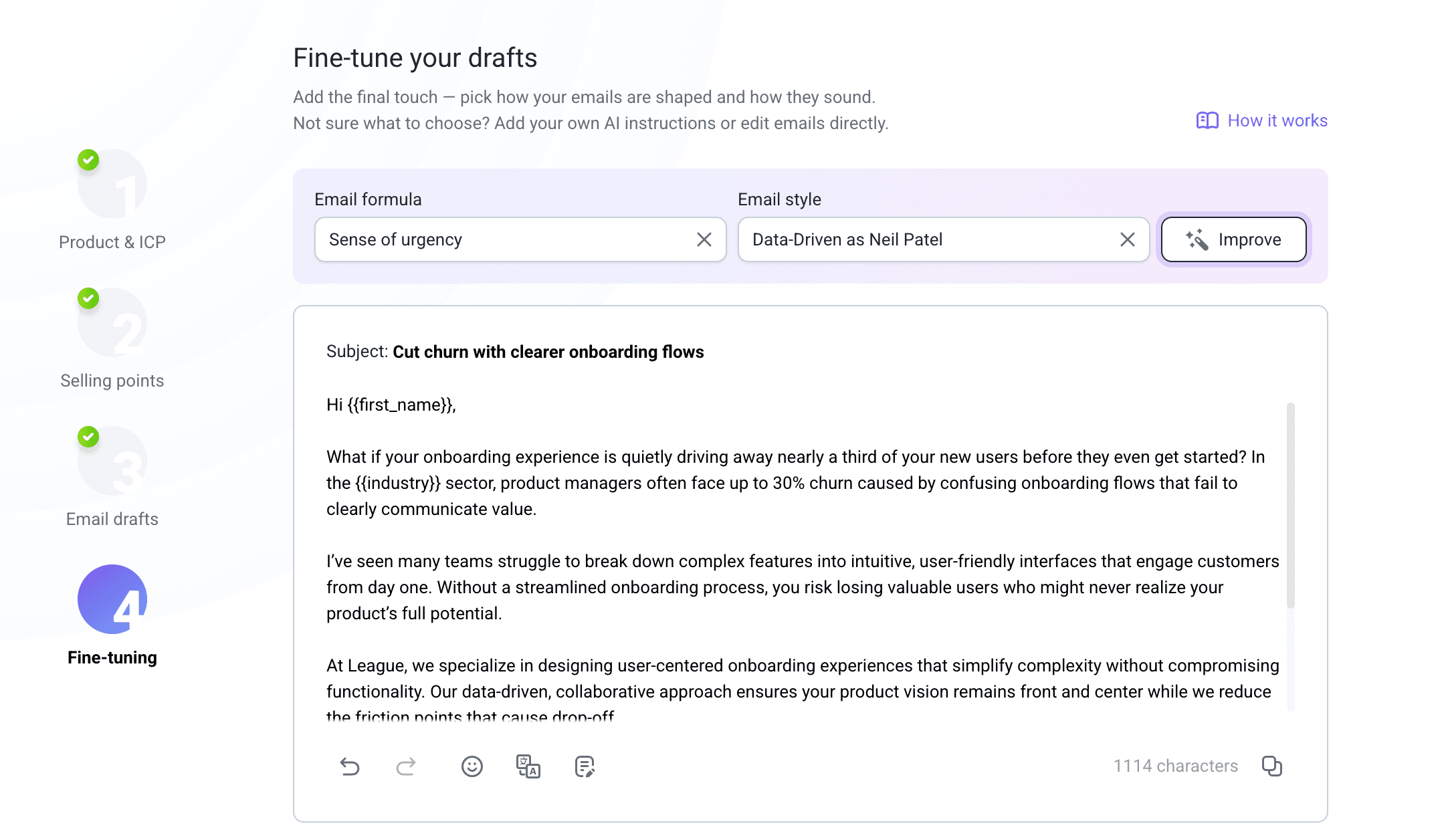
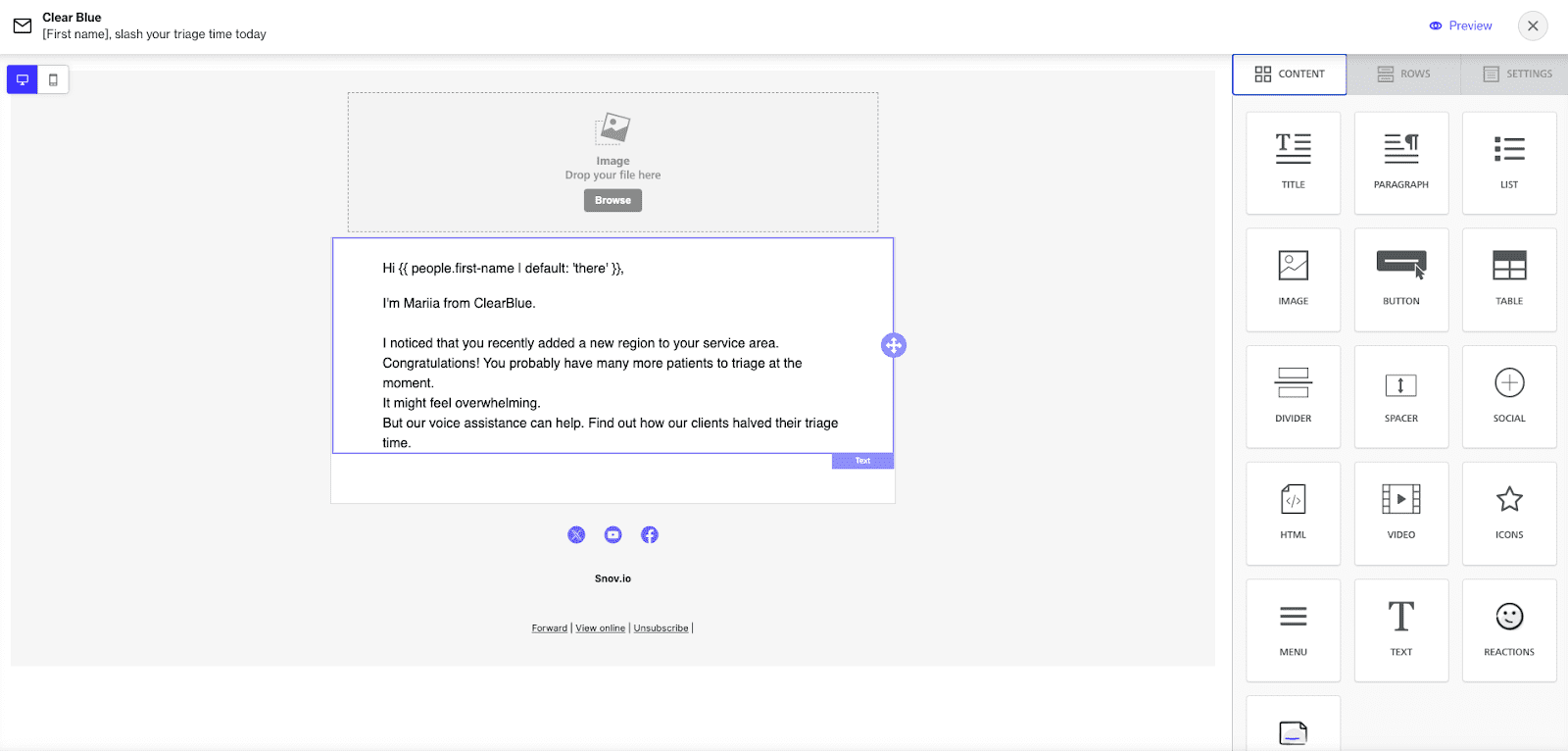
Snov.io’s AI Email Builder deserves special attention: this tool automatically generates highly personalized messages based on your ICP (ideal customer profile). With this AI email generator, you can ensure that each message within your sequence sounds natural and relevant.
Key Snov.io AI features:
Pros:
Cons:
Pricing: a forever-free plan; paid tiers are from $39/month.
What users say:
Snov.io is loved by customers for being a reliable, all-in-one platform offering end-to-end workflows, ease of use, and helpful customer support.
My testing notes:
In my experience, Snov.io’s AI Email Builder is one of the easiest tools to use. The interface feels straightforward, with the setup guidelines walking you through each step. I followed the prompts and launched my first ICP-based email campaign within minutes(!)
But I’d like to add that even finding prospects with Snov.io is a minute job. Smart AI search literally rushes to look through best-fit leads as soon as you provide your prompt. If your key outreach channel is LinkedIn, you can use Snov.io’s LinkedIn search to further automate your LinkedIn engagement right from your workspace.
Snov.io seamlessly connects with popular CRMs like HubSpot and Pipedrive, also syncing with other apps via Zapier or the API. Or you can just stick with Snov.io’s built-in CRM. In my opinion, that’s the best choice, because it keeps everything – contacts, campaigns, interaction logs, etc. – in one place.
What is especially precious for 2026 is that Snov.io takes data security seriously. It’s compliant with GDPR, CCPA, as well as other major privacy laws, and adds extra layers of protection with two-factor authentication, encryption, and user access control.
What really stood out to me, though, was how much time Snov.io AI Email Builder saves. I found that building a tailored campaign from scratch took about a third as much time as when I do it manually.
G2 rating: 4.8/5
Best for: Individual users or teams needing cost-effective email automation with AI.
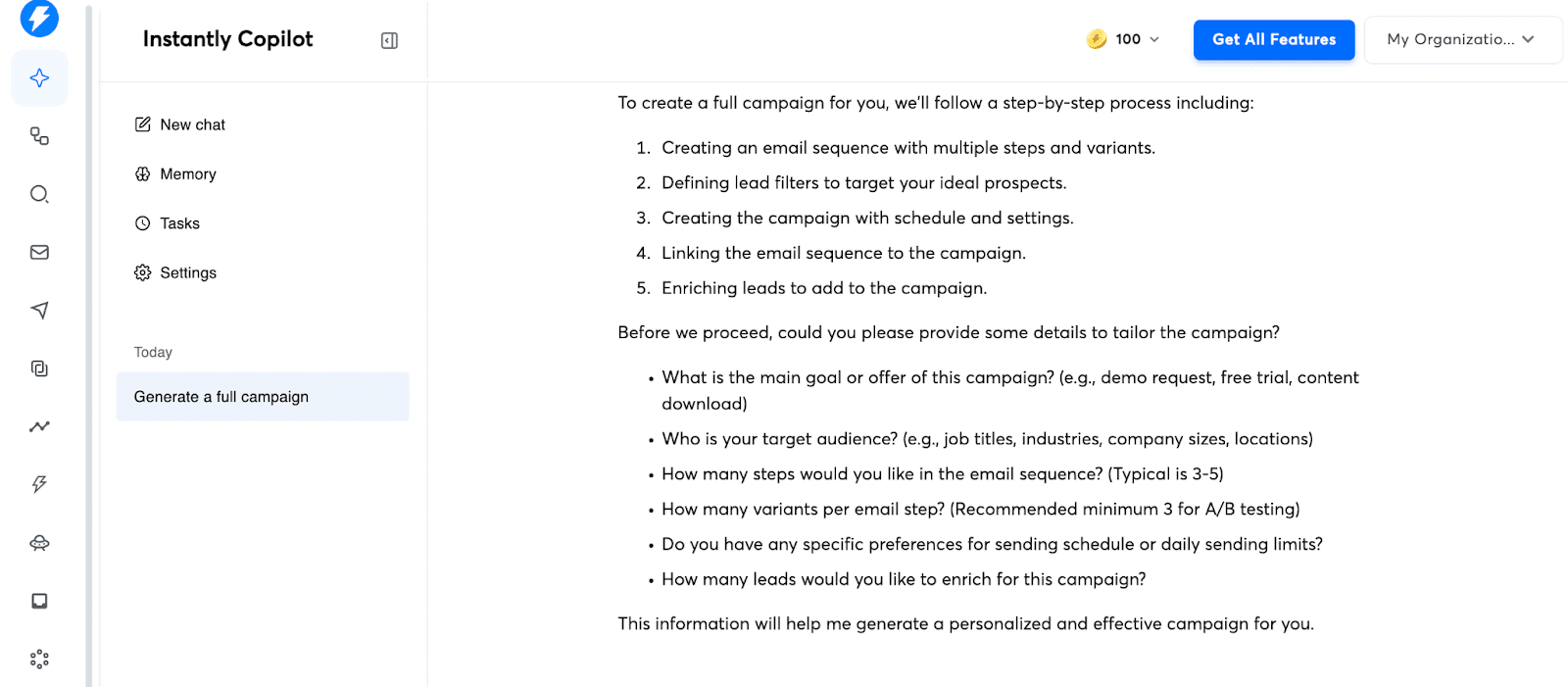
AI Copilot is an in-platform assistant from Instantly.ai that helps you perform day-to-day tasks, enabling even inexperienced users to set up, run, and analyze email campaigns.
Key Instantly AI Copilot features:
Pros:
Cons:
Pricing: from $37/month; free trial with 100 credits that expire after 2 months.
What users say:
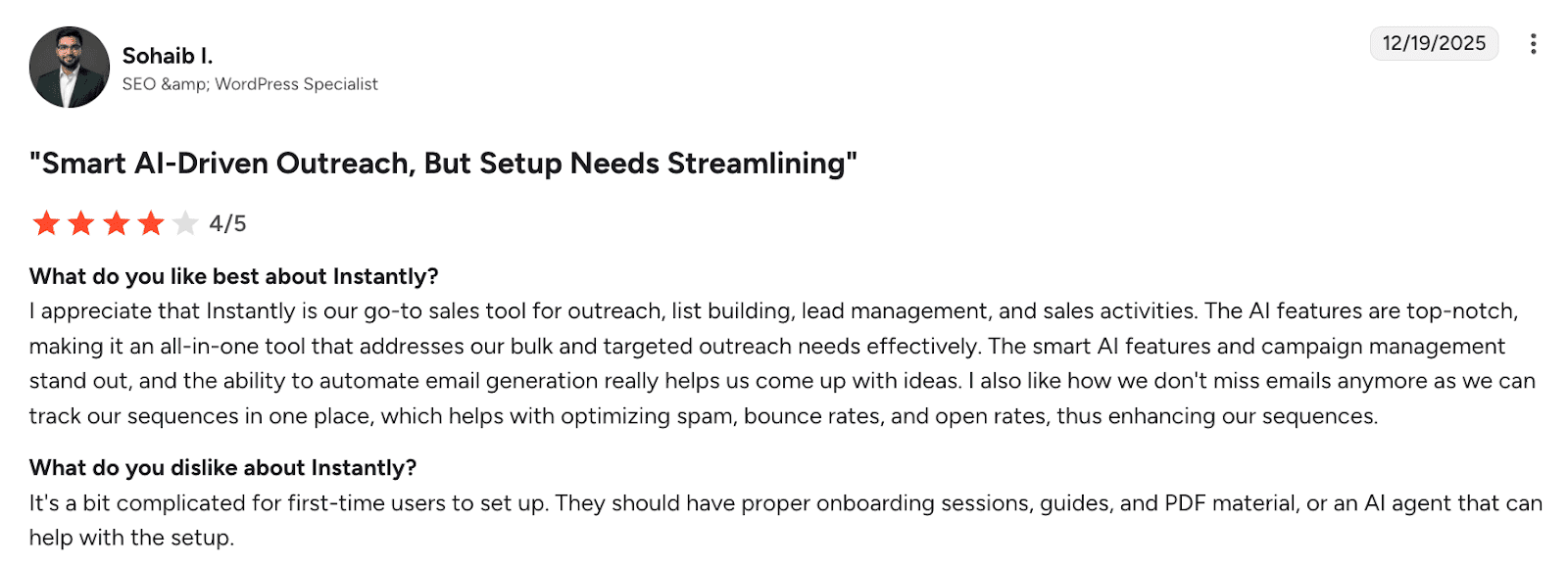
Customers value Instantly for its AI-led generation as well as centralized campaign management capabilities. However, some highlight that the initial setup can be complex, so better onboarding or guided support would be recommended.
My testing notes:
I managed to set up Instantly very quickly. Contrary to user reviews, for me, onboarding was not difficult. I think even if you’ve never used a cold email tool before, you’ll be able to start sending campaigns right away.
Integrations are simple to handle. You can connect Instantly.ai directly with major CRMs or use Zapier for custom workflows. However, the platform doesn’t offer its own deal management system, which is a downside for me.
What I appreciated is that Instanly.ai complies with data privacy standards. As for support, guys responded fast when I reached out and seemed knowledgeable.
As I tested AI Copilot, I can say that this AI assistant covers a lot: it can build full sequences, write copy, and even analyze performance. Yet, for me, AI-generated emails lacked understanding of the target audience, even though I provided essential information in the prompt. Plus, I sometimes had to rewrite large chunks of content Copilot generated.
Anyway, I think this AI email marketing tool is a good choice for beginners or small teams that need a head start.
G2 rating: 4.7/5
Best for: Marketing teams looking for ways to streamline content creation for multiple channels.
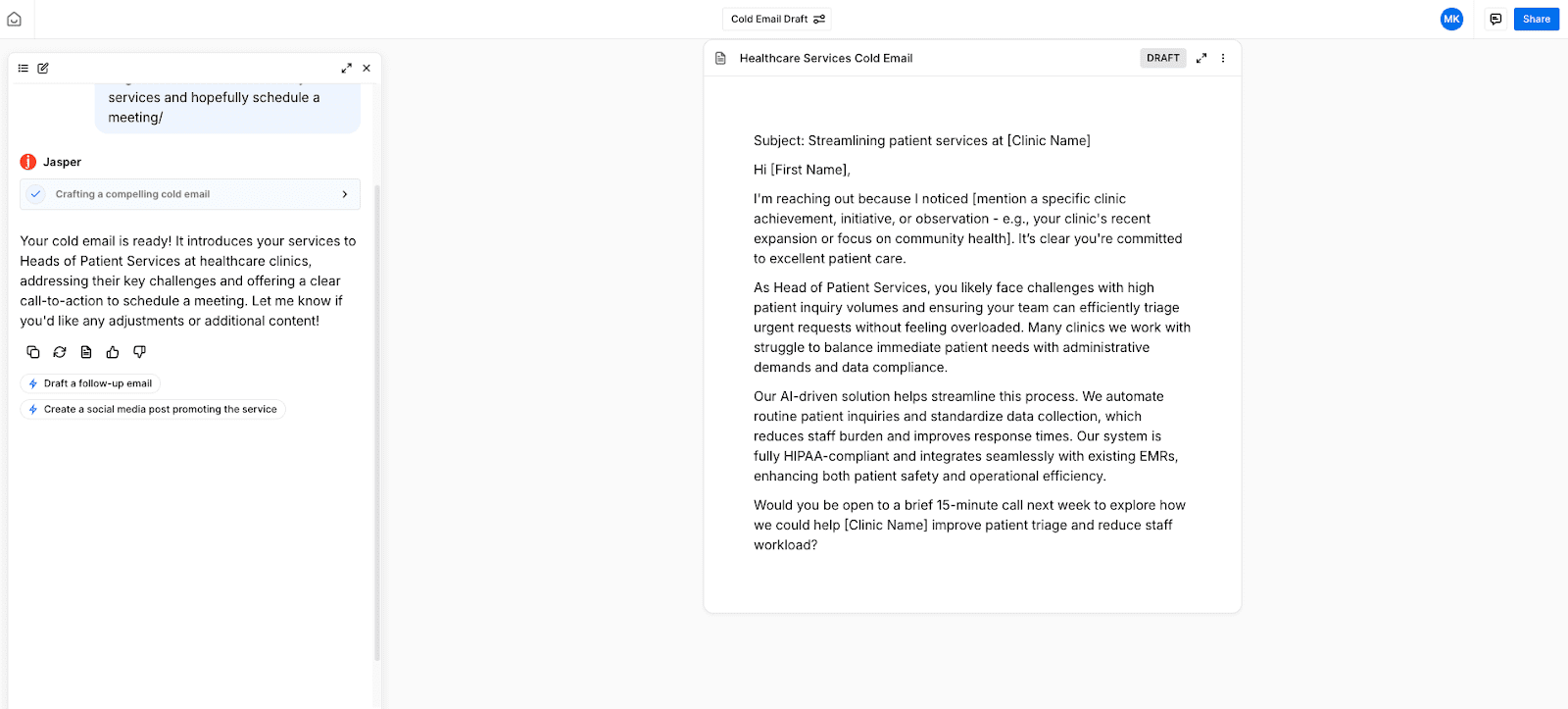
Jasper is an AI-based all-purpose marketing content creation platform. It’s designed to handle different types of content, from social media messaging to landing page creation, while keeping a consistent brand voice.
Key Jasper AI features:
Pros:
Cons:
Pricing: from $69/month; free 7-day trial available.
What users say:
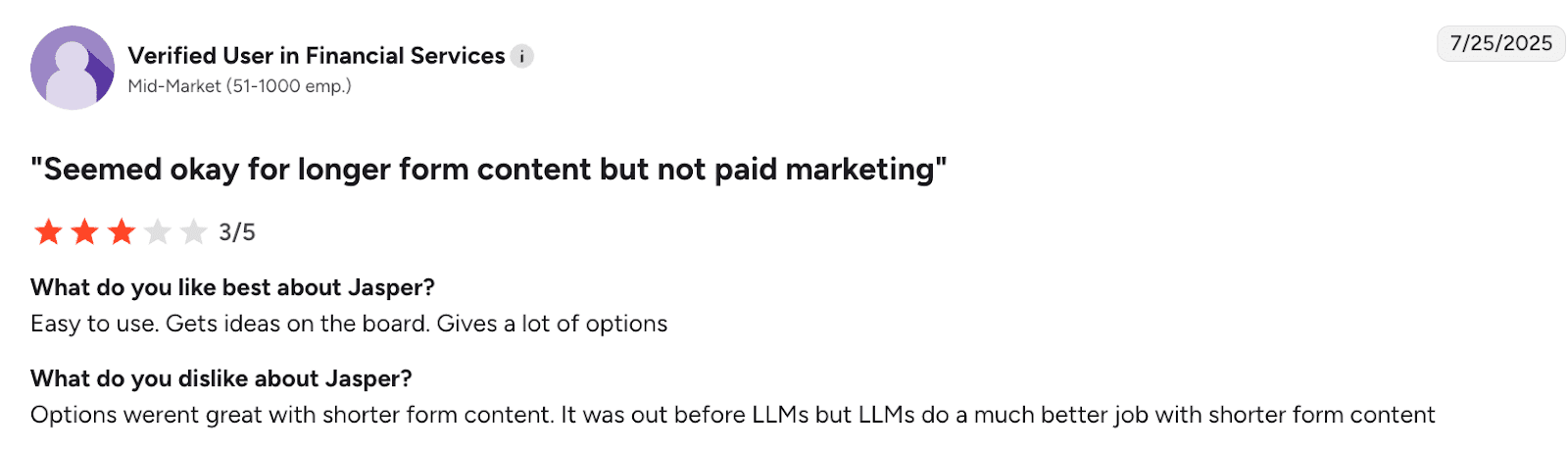
Overall, users love Jasper AI for its easy-to-use functionality. However, some note that this tool works better with short forms of content.
My testing notes:
Setting up Jasper took more effort than I expected. The platform requires credit card details even for the trial, which is always a red flag for me. Once inside, the interface looks clean, while the onboarding helps users to understand the tool quickly.
I want to be clear here: Jasper isn’t built for running email campaigns; it’s purely a writing tool. There are no options for sending emails, sequencing, or managing contacts. You can connect it to other apps through integrations, but that is only useful if you already have a dedicated email platform in place.
The AI writing experience itself is smooth but limited. On the bright side, it can produce short or long-form emails based on prompts, keeping the same tone of voice. It’s also quite good at determining the pain points and desires of a particular audience. But, on the downside, even after giving Jasper detailed instructions about my audience and offer, the results I received were quite generic.
In my opinion, Jasper is best for people who need help with first drafts or want quick content ideas. It doesn’t save time if you’re aiming for real personalization or want a tool that handles outreach from start to finish.
G2 rating: 4.3/5
Best for: Marketing teams that prefer colorful email design and an intuitive drag-and-drop builder interface.
Benchmark Email is a modern email marketing platform that allows users to design emails, send campaigns, and track results. It offers dozens of pre-made templates, rich design capabilities, plus detailed analytics.
Key Benchmark Email AI features:
Pros:
Cons:
Pricing: starts with a free plan; paid from $37/month.
What users say:
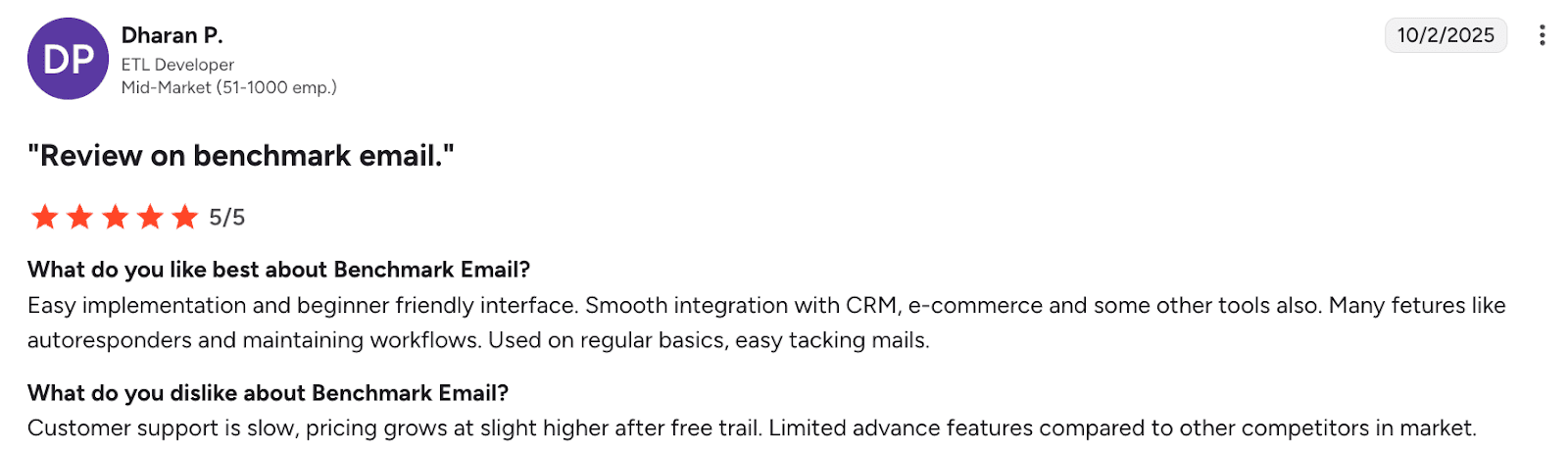
Benchmark Email is praised for its beginner-friendly interface, easy setup, and smooth integrations. Yet, some users highlight a bit slow customer support, rising costs after a free trial, and fewer advanced features compared to competitors.
My testing notes:
Benchmark Email pleasantly surprised me with its very modern interface. The tool is super easy to get started with, even if you don’t have any email marketing experience. However, contrary to the user’s review, for me, its integration capabilities are rather unclear. It seems that you have to manually upload your contact list.
The built-in audit safeguards you from sending a low-quality email that might violate anti-spam or data protection regulations. Also, the platform itself claims strong security features. In my experience, the customer support team was very helpful.
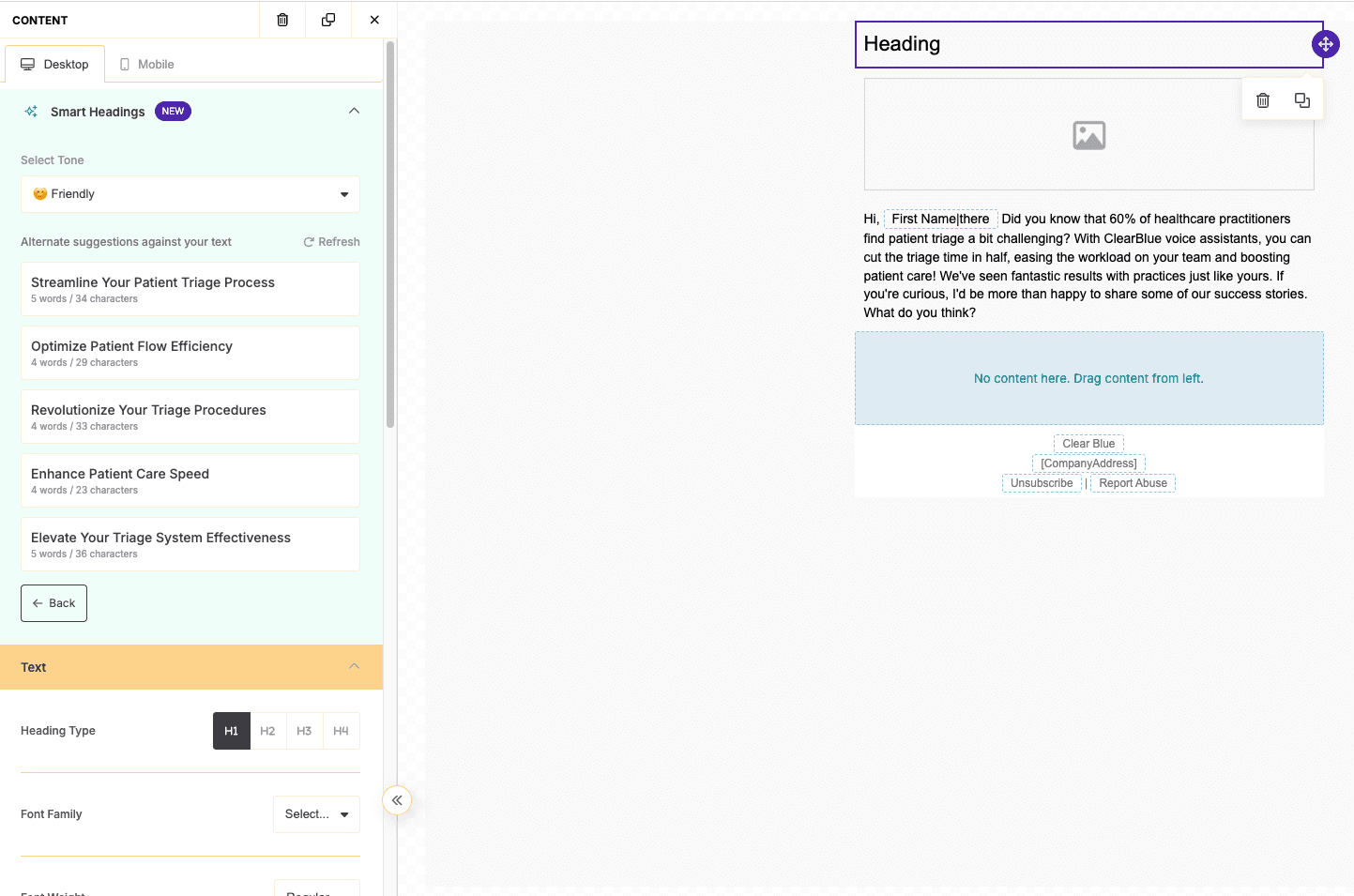
What I need to admit is that, unfortunately, it requires much more manual input than other AI email marketing tools. Unless you have an already enriched contact list, personalization capabilities are very limited. Plus, you can’t generate an email with AI, only enhance it.
Overall, I feel like email automation with AI from Benchmark Email is more relevant for B2C businesses that need more design capabilities or less in-depth personalization.
G2 rating: 3.6/5
Best for: Email marketers in the e-commerce field who want solid email automation with AI touch.
Campaigner is a multichannel marketing automation platform that, apart from email, allows users to add calls and SMS to their sequences. Besides a robust email marketing suite, Campaigner also offers professional services to help users with their marketing activities.
Key Campaigner AI features:
Pros:
Cons:
Pricing: from $14/month; free 30-day trial available.
What users say:
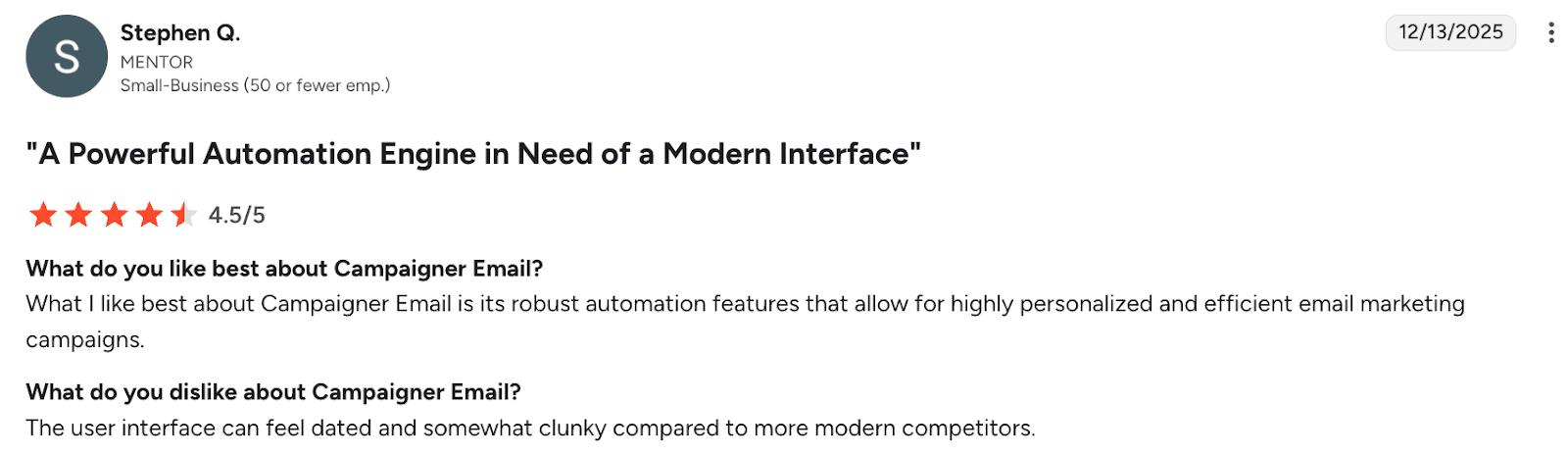
Customers love Campaigner for its robust automation functionality, yet highlight that the tool’s interface is a bit outdated.
My testing notes:
The tool requires credit card details to start a free trial, which I personally don’t appreciate. What’s worse, after I input my details, I still had issues with subscribing. The support team, however, was quick to help.
The platform boasts tight security and adheres to all major data privacy regulations, which is good. Another plus is that Campaigner can be integrated with a wide variety of software to fit into any tech stack.
For me, the advantages end here. The interface is outdated and hard to understand. The app itself kept crashing in my Chromium browser. AI capabilities are limited to subject line generation, so you’d have to type the email yourself. And finally, if you want AI-enhanced insights, you must pay extra.
So it’s safe to say, I wouldn’t choose Campaigner as my AI email marketing tool.
G2 rating: 4.3/5
Best for: Teams that require an AI-assisted marketing setup to quickly generate landing pages, forms, and emails that match your brand style.
GetResponse is an email automation platform that allows users to keep a consistent brand voice across all communication channels.
Key GetResponse AI features:
Pros:
Cons:
Pricing: from $16/month; free 14-day trial available.
What users say:
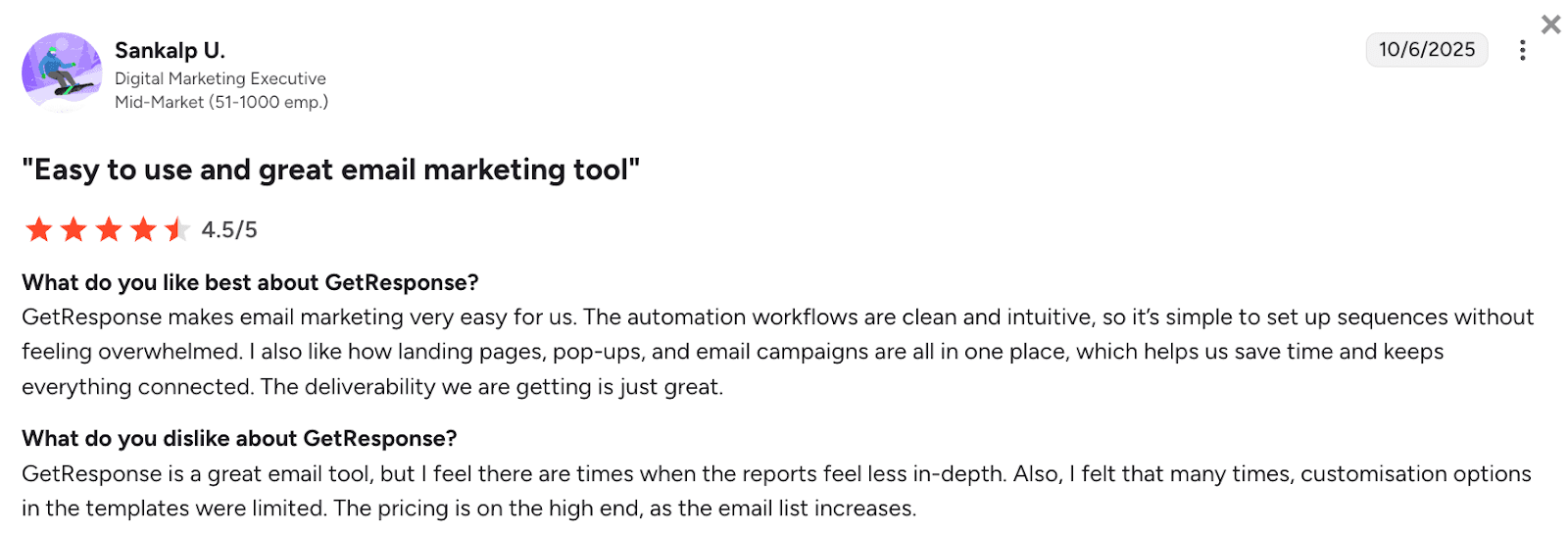
People appreciate GetResponse for making email marketing easy with the help of intuitive AI-driven automation, strong deliverability features, as well as an all-in-one setup for emails, landing pages, and pop-ups. Yet, some users mention such downsides as less detailed reporting and limited template customization.
My testing notes:
It’s easy to start using GetResponse, but it takes some time to become familiar with the platform. The interface is not very intuitive, so it took me more than half an hour to figure out how to set up a campaign properly.
Many users praise GetResponse’s customer support – my experience has been positive as well. The platform also features reliable security measures and built-in tools to enhance email deliverability.
As for AI capabilities, I wasn’t super impressed. The generated content looked fine, but read very generically. I had to make multiple adjustments to the copy and design. In my opinion, this platform wasn’t built for B2B companies. B2C e-commerce businesses can benefit from this AI email tool much more.
G2 rating: 4.5/5
Best for: Teams that want AI to generate complex emails with diverse content.
ActiveCampaign is a multichannel marketing automation platform that helps users maintain consistent messaging across email campaigns, WhatsApp, blog posts, as well as other branded content.
Key ActiveCampaign AI features:
Pros:
Cons:
Pricing: from $19/month; free 14-day trial available.
What users say:
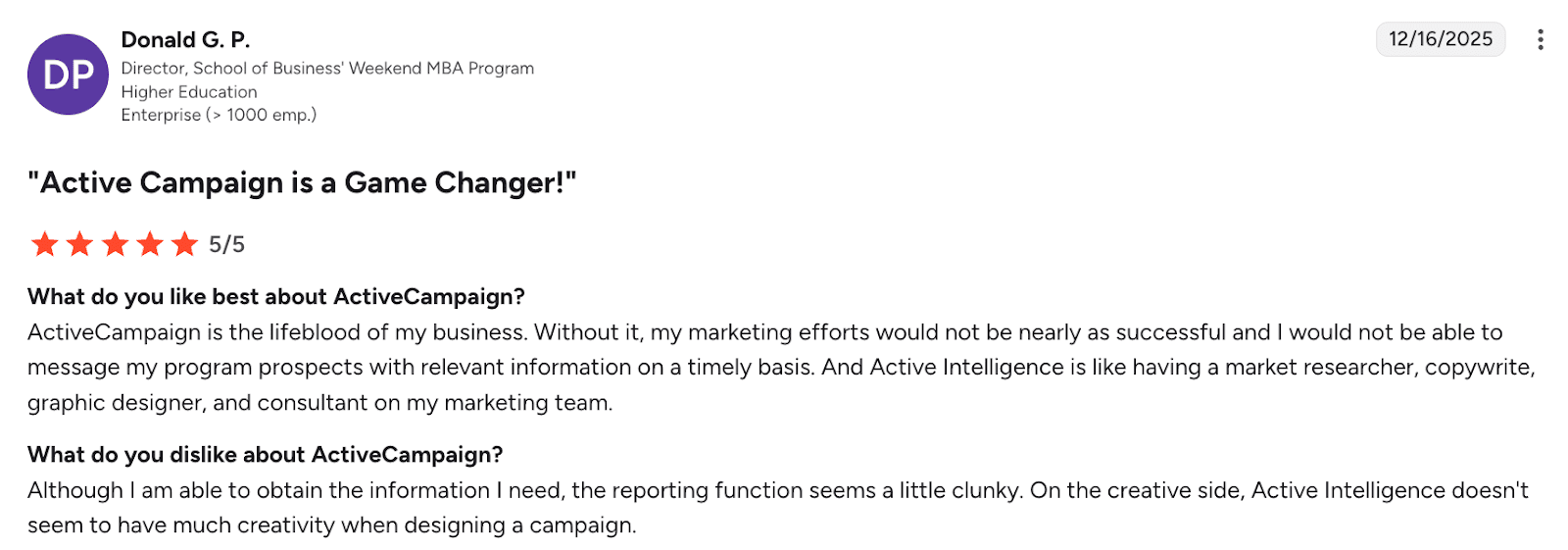
ActiveCampaign is valued for its rich feature set, customizable automation logic, and visual CRM pipeline management. However, users point out confusing plan differences between sales and marketing tools, as well as higher costs compared to other platforms.
My testing notes:
I have very mixed feelings about the ActiveCampaign signup process. If you accidentally make a mistake in your address while registering, you can’t go back to fix it, so the signup fails.
The platform itself can be slow at times. While it’s extremely powerful and feature-rich, it’s challenging to get started using ActiveCampaign right away. Also, it claims to be highly secure, but considering my experience with a failed sign-up, I’m not so sure.
I didn’t have any trouble getting support, but some users complain that the customer support team is slow and sometimes unable to handle unique scenarios.
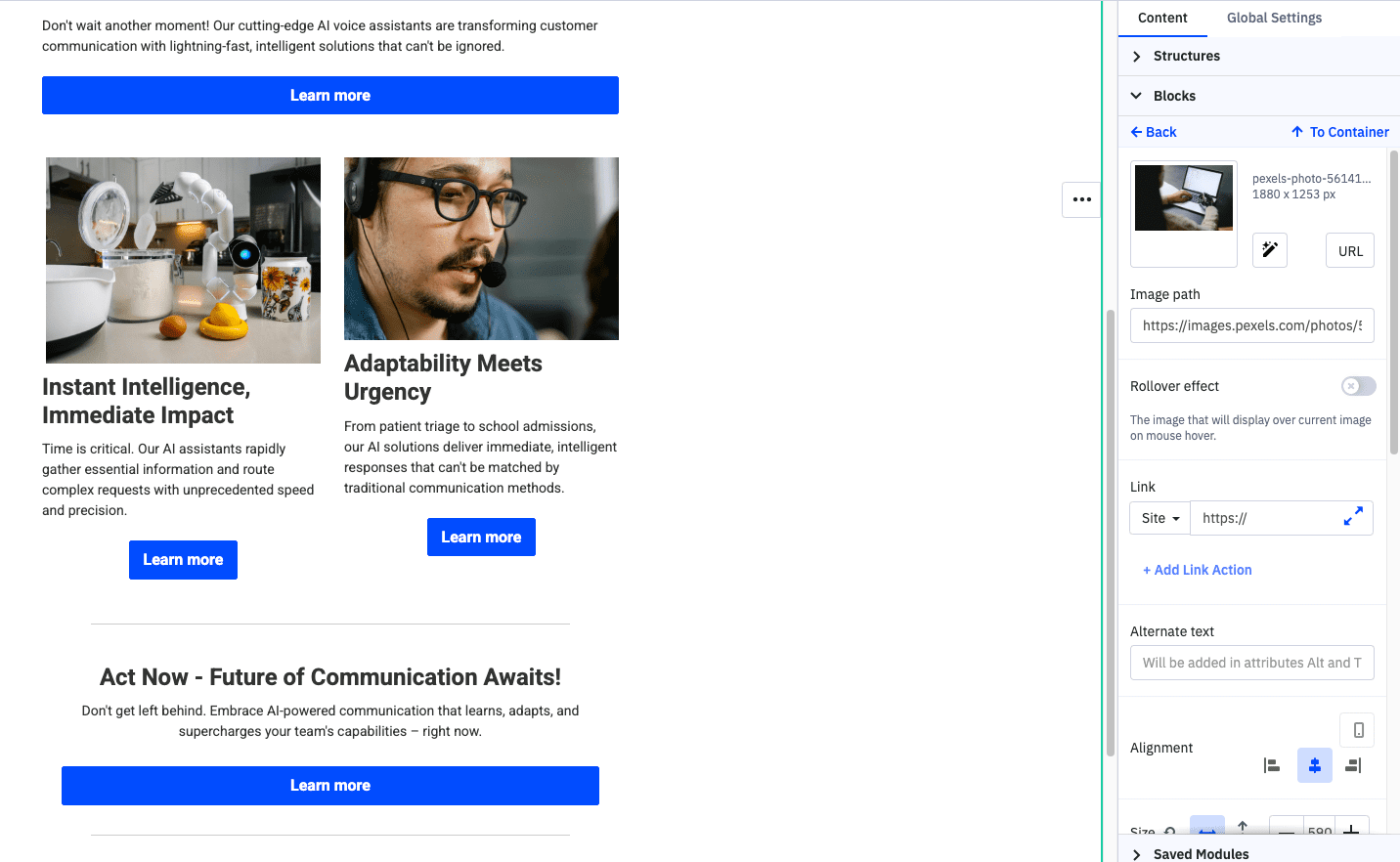
I also have dubious impressions about ActiveCampaign’s AI capabilities. I could generate the entire email – with images, buttons, and links – in a few clicks. But when it came to the text, it wasn’t so good. I had to make many adjustments, and was a bit disappointed with the lack of personalization features.
In my opinion, this platform is fine for e-commerce businesses, but not the best option for running B2B sales campaigns.
✍️ No matter how impeccable your AI email writing tool is, check the final draft of a generated copy to ensure it follows anti-spam best practices.
Here are pro tips on bypassing email spam filters:
All the above tips are proven effective by Dmytro Krasiuk, Outbound Outreach Expert at Snov.io
G2 rating: 4.4/5
Best for: Teams requiring an easy email builder, segmentation, and behavior-based messaging.
Ortto is a marketing automation and analytics platform. It’s designed to build complex sequences, launch multichannel campaigns, and gather insights about their performance.
Key Orto AI features:
Pros:
Cons:
Pricing: from $199/month; free 14-day trial available.
What users say:
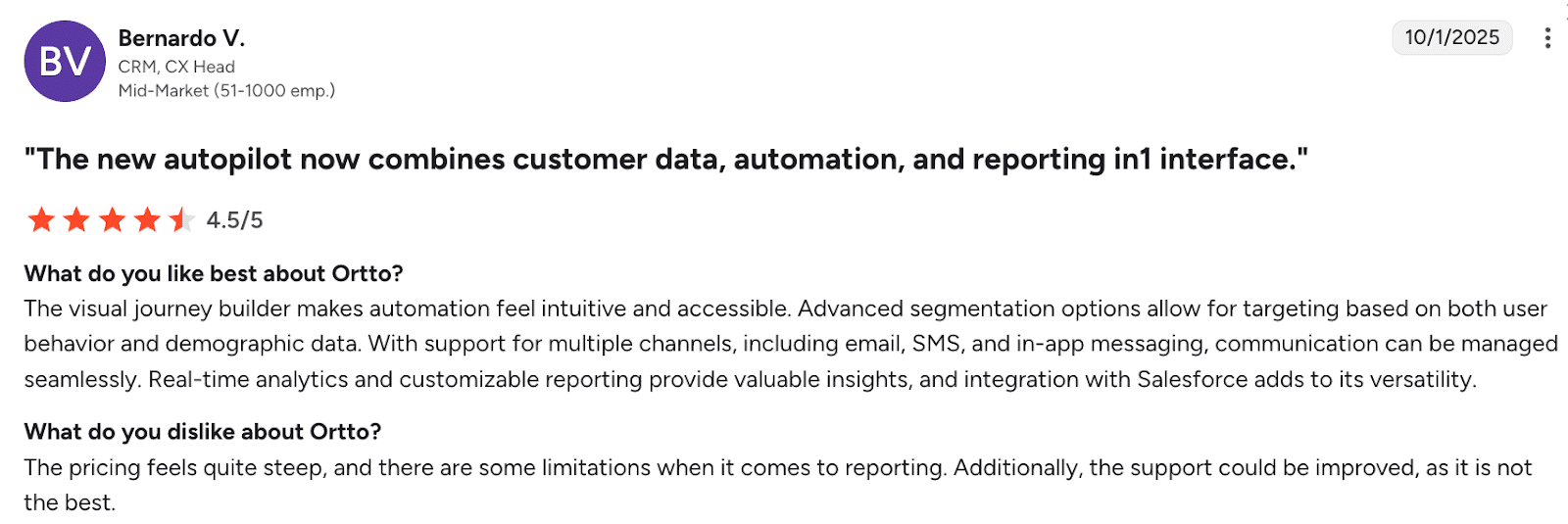
Ortto is loved for its multichannel messaging as well as Salesforce integration. Yet, some users note high pricing, reporting limitations, and customer support issues.
My testing notes:
Setting up Ortto is a breeze – you don’t need a credit card, and can just sign up with Google. The platform will automatically pull information about your company’s social media channels, area of operation, as well as target audience.
As for the onboarding, Ortto is definitely not the most straightforward campaign builder I’ve encountered. It took me a while to get it up and running. And though there are AI options for optimizing the subject line and other parts of the content, Ortto is not an AI email writing tool itself. You would need other software for that.
Speaking of other features, Ortto integrates into various marketing ecosystems and complies with multiple data protection standards. I didn’t have any trouble getting support during business hours, but it seems I was lucky because not all users are satisfied with Ortto’s customer care team.
In my opinion, Ortto is a decent email marketing tool, but there are many other solutions with similar capabilities that are way cheaper.
G2 rating: 4.6/5
Best for: E-commerce or online sellers who want AI to help write product emails, segment audiences, and predict customer behavior.
Klaviyo is an AI email marketing platform designed mainly for e-commerce businesses. It uses customer data and AI to send personalized product recommendations, automate campaigns, and predict which contacts are most likely to buy.
Key Klaviyo AI features:
Pros:
Cons:
Pricing: starts with a free plan; paid plans are from $20/month.
What users say:
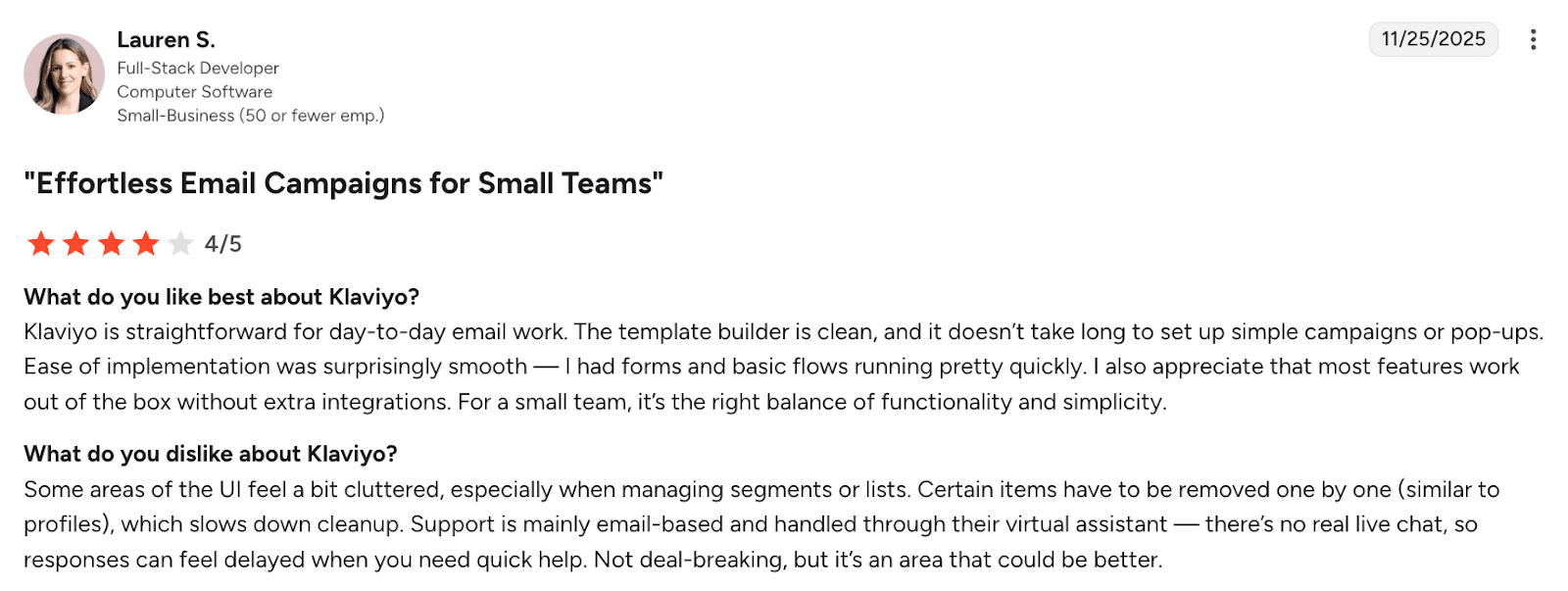
Klaviyo is appreciated for a straightforward setup, a clean email builder, and out-of-the-box functionality. Yet, users mention a somewhat cluttered UI for managing segments as well as limited real-time support.
My testing notes:
Getting started with Klaviyo was easy for me – the platform doesn’t require a credit card. Yet, you can’t register through a Google account like many of the similar tools.
Klaviyo doesn’t offer its own CRM, so it must be integrated with other tools. And while I didn’t have any issues with that, some other users report poor integration capabilities. On the plus side, the platform strictly adheres to the data protection regulations, providing multiple security measures.
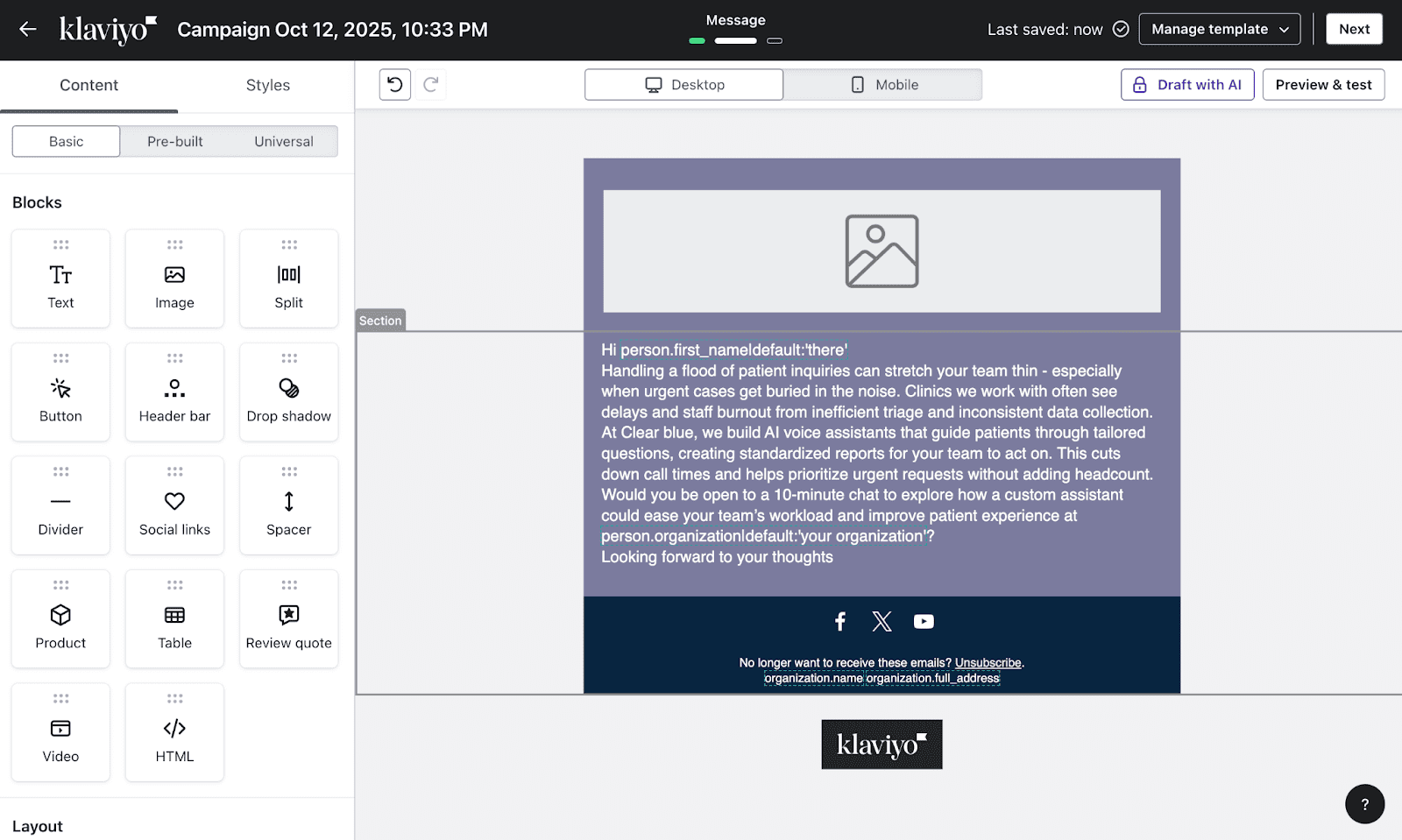
Building campaigns is fairly straightforward, too. I could set up my first campaign in minutes without having to read through many training materials. While Klaviyo includes AI options for improving subject lines and segment recipients, it doesn’t actually write emails for you, at least on a freemium plan.
In my opinion, Klaviyo is a solid email marketing platform for users who don’t need intricate personalization and complex email campaign flows.
G2 rating: 4.4/5
Best for: Solopreneurs or small businesses that need help sending newsletters and managing simple marketing workflows.
Mailchimp is an all-in-one email marketing platform that helps users design, send, and track campaigns with its built-in automation and analytics.
Key Mailchimp AI features:
Pros:
Cons:
Pricing: starts with a free plan; paid plans are from $13/month.
What users say:
Users love Mailchimp for its ease of use, drag-and-drop editor, ready-made templates, as well as its unified approach with landing pages and basic automation. However, some customers note limitations in advanced segmentation and rising costs as audiences scale.
My testing notes:
Setting up Mailchimp wasn’t that straightforward. I ran into obstacles multiple times and had to switch a couple of browsers to get the platform to work. If you register for free, you won’t be able to reach customer support in any other way but by email. In my case, the reply wasn’t instant.
The dashboard feels well-organized, though there are many menus, which, in my opinion, are slightly overwhelming.
The AI email tool is smooth to use, with plenty of templates and design options. What I like is that the tool gives basic AI-assisted suggestions for subject lines and send times. Nevertheless, the email itself still needs to be written by hand.
One of Mailchimp’s biggest strengths is its integration capability. It connects easily with CRMs, ecommerce stores, and analytics tools. Data protection also feels solid, as Mailchimp follows GDPR and other compliance standards.
G2 rating: 4.5/5
Best for: Small teams and startups needing budget-friendly multichannel email marketing software with basic automation features.
Brevo (formerly Sendinblue) is an all-in-one marketing and communication platform that lets users run simple email, SMS, and chat campaigns. It also offers basic sales and marketing automation features.
Key Brevo AI features:
Pros:
Cons:
Pricing: starts with a free plan; paid plans are from $9/month.
What users say:
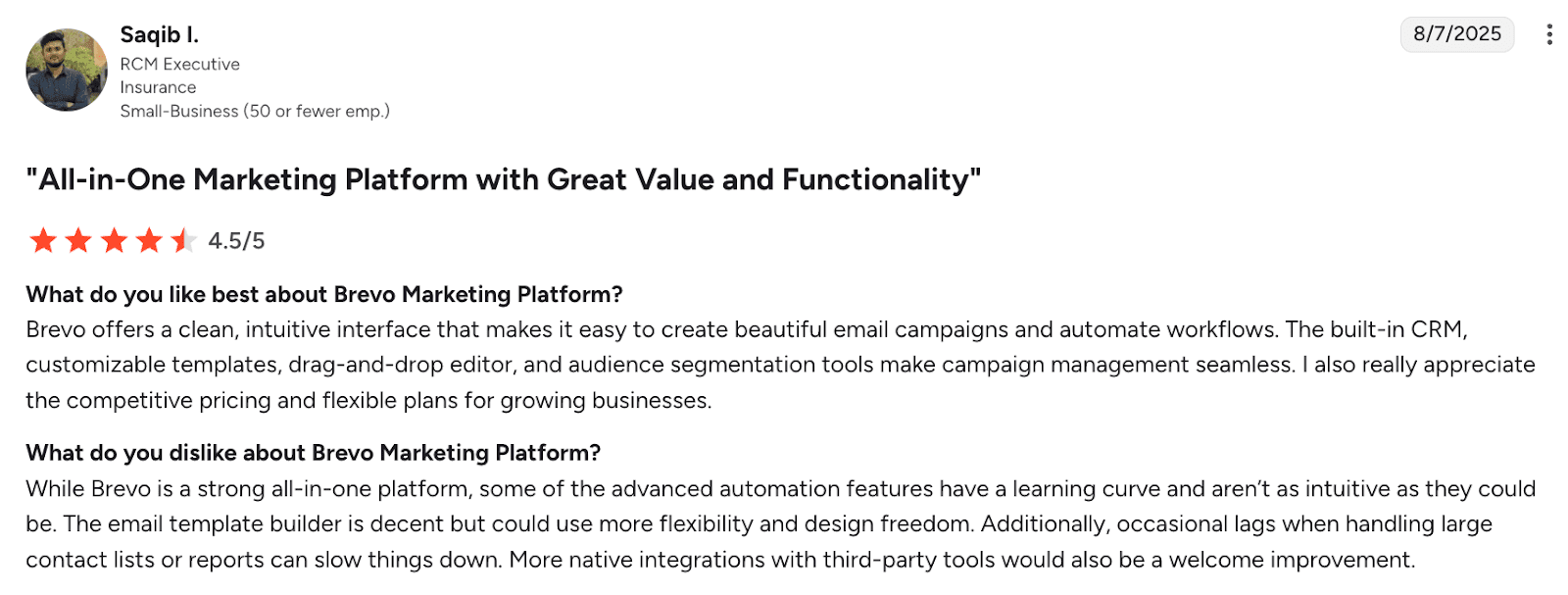
Brevo is praised for its clean, intuitive interface, built-in CRM, flexible pricing, and easy campaign automation. However, some users note a learning curve for advanced automations, limited design flexibility in the template builder, occasional performance slowdowns with large lists, and a need for more native integrations.
My testing notes:
Signing up for Brevo was mostly straightforward, but I did run into one small hiccup. The verification SMS took quite a while to arrive, which slowed down the setup. Once I got past that, the rest of the onboarding went smoothly.
The dashboard is clean and easy to navigate. I liked how simple it was to connect my existing contact list and start building campaigns. This software, though, could benefit from more native integrations with other marketing software, because it’s by no means an all-in-one tool.
Its AI features are useful, but limited. The system can suggest the best times to send messages and help segment contacts based on engagement. It’s not a content-writing platform, though, so I wasn’t able to generate any messages.
Security-wise, Brevo is GDPR-compliant and uses two-factor authentication. Support is responsive and helpful, in my experience.
G2 rating: 4.5/5
Best for: Teams that often need to create interactive, advanced email experiences.
Mailmodo is an email marketing platform that lets users create and send interactive AMP (Accelerated Mobile Pages) emails, where recipients can fill out forms, book meetings, or take actions directly inside the email.
Key Mailmodo AI features:
Pros:
Cons:
Pricing: starts with a free plan; paid plans are from $49/month.
What users say:
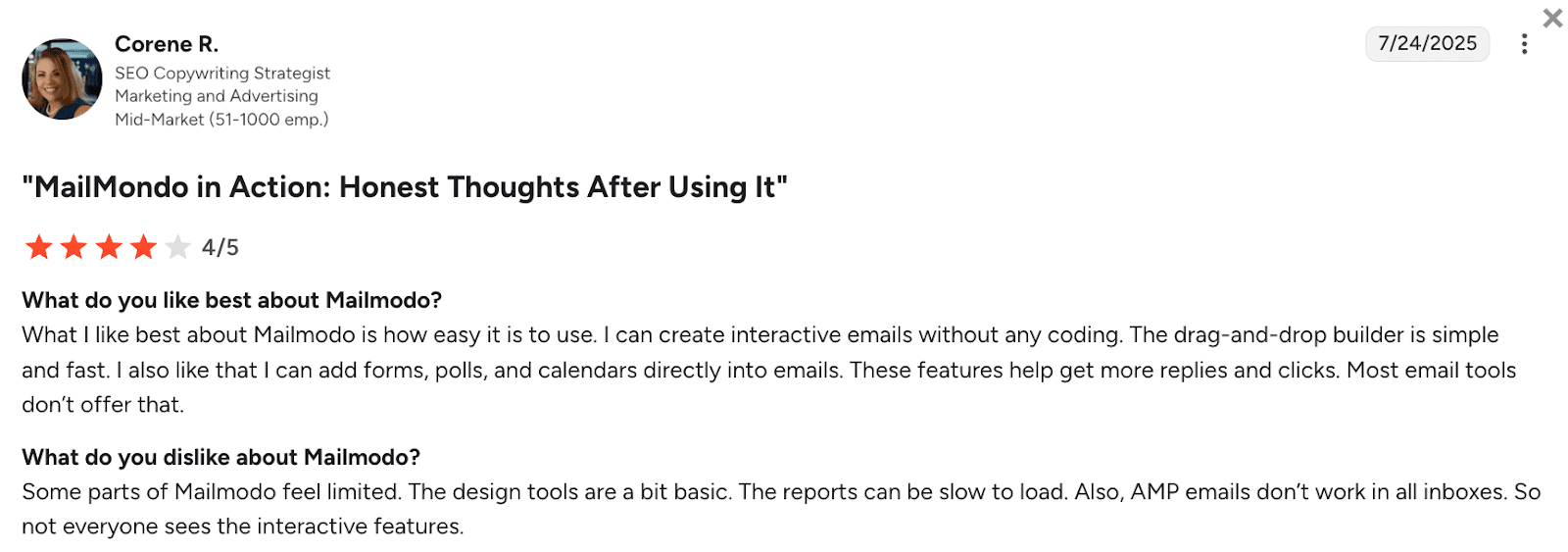
Mailmodo is praised for its ease of use and no-code builder that enables interactive emails with forms, polls, as well as calendars directly inside messages. Yet some users report slow report loading as well as limited AMP support across all inboxes.
My testing notes:
Setting up Mailmodo is quick: you can create an account via Google Workspace, and the onboarding process is simple.
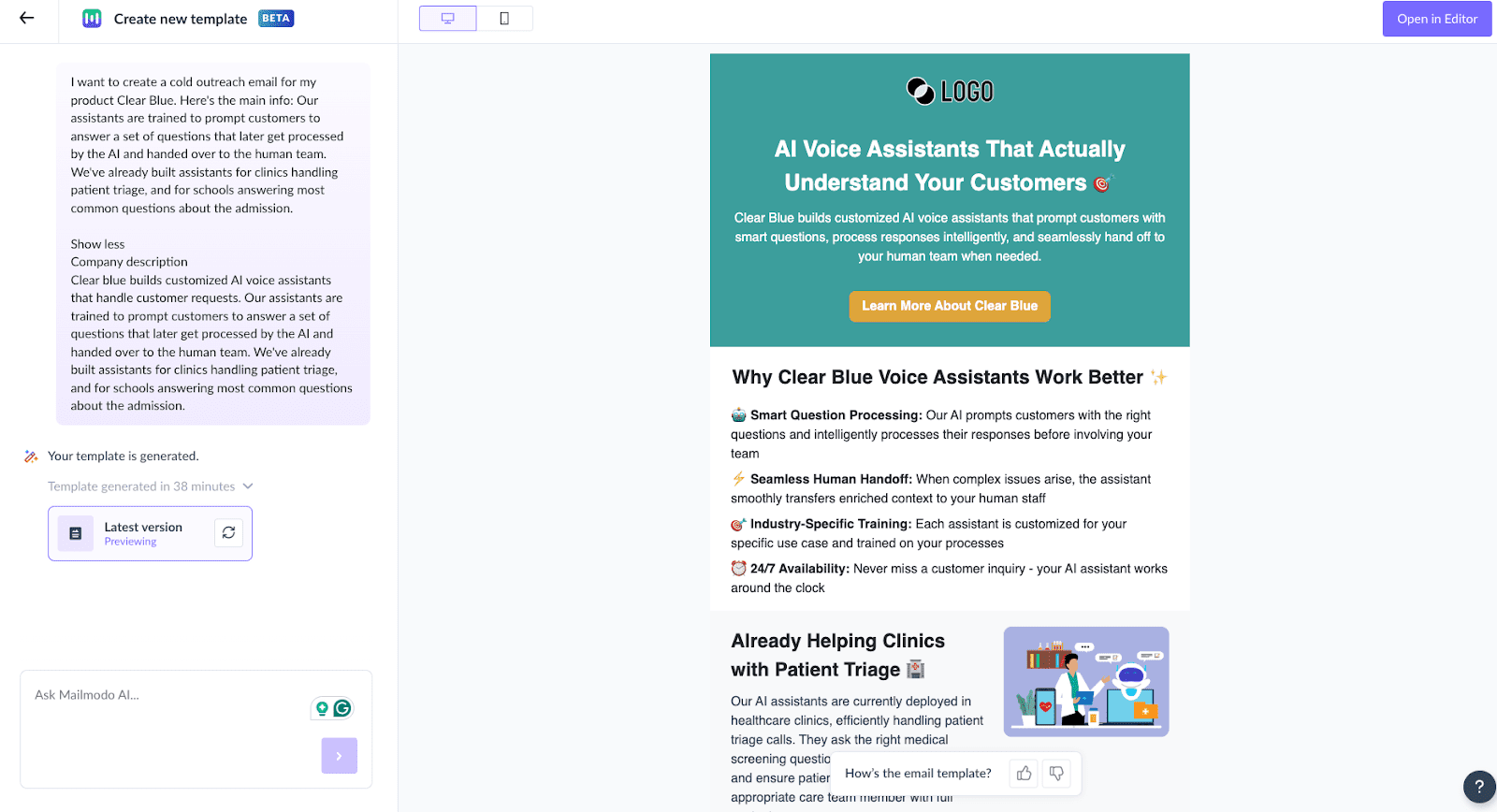
Building campaigns with Mailmodo, though, takes time. In my experience, the AI-assisted template builder was slow; moreover, I had to manually adjust the layouts, forms, and AMP elements. While the tool generates visually interesting emails with a variety of elements, they lack personalization.
Mailmodo seems to integrate smoothly with major CRMs, analytics tools, and marketing platforms. Data security and compliance also seem solid, with proper privacy protections in place.
In my opinion, Mailmodo is a good choice if you need interactive, AMP-powered emails, but it’s not the fastest AI tool for building campaigns. Also, most AI features are only available on the pricier plans.
I’ve spoken to dozens of email marketing experts, and all of them advise choosing your AI email marketing tool depending on what you actually write, send, and measure day to day. Some teams need help creating unusual subject lines. Others want enhanced testing capabilities or smarter send-time predictions.
I’ve collected the best recommendations that, I’m sure, will help you sort through the options and choose a tool that matches your sales goals.
Decide which part of email outreach slows you down. Do you need subject line ideas, stronger CTAs, consistent tone across different sequences, or deeper analysis of your campaigns’ results? Note down the parts you want to be enhanced.
👉For example: “I want help writing cold emails that resonate with my ICPs.”
It’s good if your tool enhances other activities apart from just powerful AI-writing. Otherwise, you risk overpaying while choosing separate solutions for an automatic warmup, bounce handling, bulk sending, reply tracking, etc. So, think globally and define all your email marketing goals.
👉For example: “I send low-volume B2B emails and need reliable deliverability, not bulk sending,” or “I use Gmail for my outreach and want a tool that works right inside this mailbox.”
A good email tool shouldn’t force you to rebuild your stack. Ensure it integrates with your CRM, analytics, or e-commerce platform to keep data consistent.
👉For example, if you already use HubSpot, look for a solution that automatically logs actions under each contact.
A trial period is your opportunity to understand if the solution fits you, so use it wisely. Run a small test campaign. Compare time spent writing, setup effort, and response rates before and after using AI for email marketing.
👉For example, test 50 contacts with AI-generated content and 50 with manually written content. Then compare the results you’ve got from testing different solutions.
Some tools hide key AI features behind higher tiers, so explore each platform’s specifics before subscribing.
👉 For example, the entry plan might cost $20, but not offer any advanced features you need. To get AI writing capabilities, you’d have to subscribe to a PRO plan that costs $99. In this scenario, it’s better to choose another solution, which already comes with the relevant feature set, but costs less than $99.
Email involves personal data, so ensure it complies with the relevant regulations in your region. Additionally, ask how the provider handles training data from your content.
👉For example, if you operate in the EU, your software of choice should comply with GDPR. On the other hand, in Brazil, LGPD would be more relevant, and in the US, you’d have to check with the particular state’s regulations.
The right AI email marketing tool should make daily tasks lighter, not more complicated. It should help you write faster, send smarter, and track results without extra setup. Don’t rely on feature lists alone – talk to other users, run your own experiments, and analyze outcomes.
AI has become essential in modern email marketing. It helps sales and marketing teams to save time on routine tasks, letting them focus more on building meaningful relationships with customers.
However, the AI feature set differs significantly from tool to tool. That’s why you should always select software based on your requirements and use scenarios. After testing 12 AI-enhanced email marketing solutions, here’s what I discovered:
If you want the most comprehensive AI email marketing tool, Snov.io’s toolset won’t disappoint. With its flexible and budget-friendly AI capabilities, you can be well-prepared for every email marketing scenario.
Learn how we tripled conversions by sending 3,000 personalized cold outreach emails with Snov.io’s AI…
Learn how to use LinkedIn QR Codes to connect faster and grow your professional network…
Discover the 17 best B2B sales tools to accelerate your pipeline in 2026. Compare their…
Unlock growth and visibility with expert tips on building a personal brand through a smart…
Learn how to get phone numbers from LinkedIn with tools like Snov.io. Up your B2B…
Interested in learning how to detect fake emails fast? Use proven tips and Snov.io’s verifier…