
This guide shows how to switch your plan tier or billing period, and how proration works in those cases.
How to change your plan
How proration works
Changing your plan tier
Changing your billing period
LinkedIn slots proration
Enrichment tokens
How to change your plan
Upgrades, downgrades, and billing period changes all follow the same three steps.
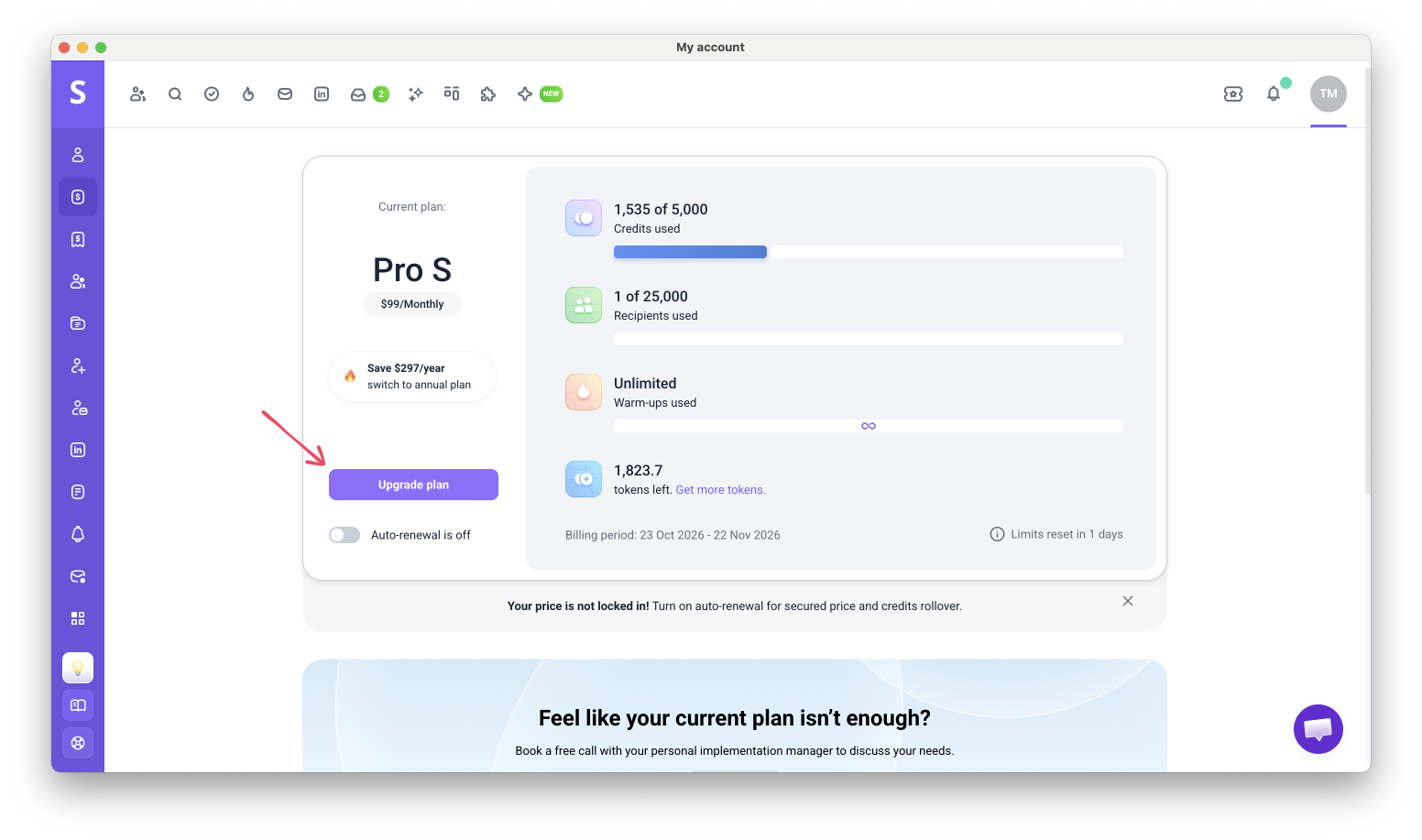
Go to Plans, or click Upgrade plan on your Billing page.
Select Monthly, 3 months, or Annual at the top of the page. Learn more about billing periods in this guide.
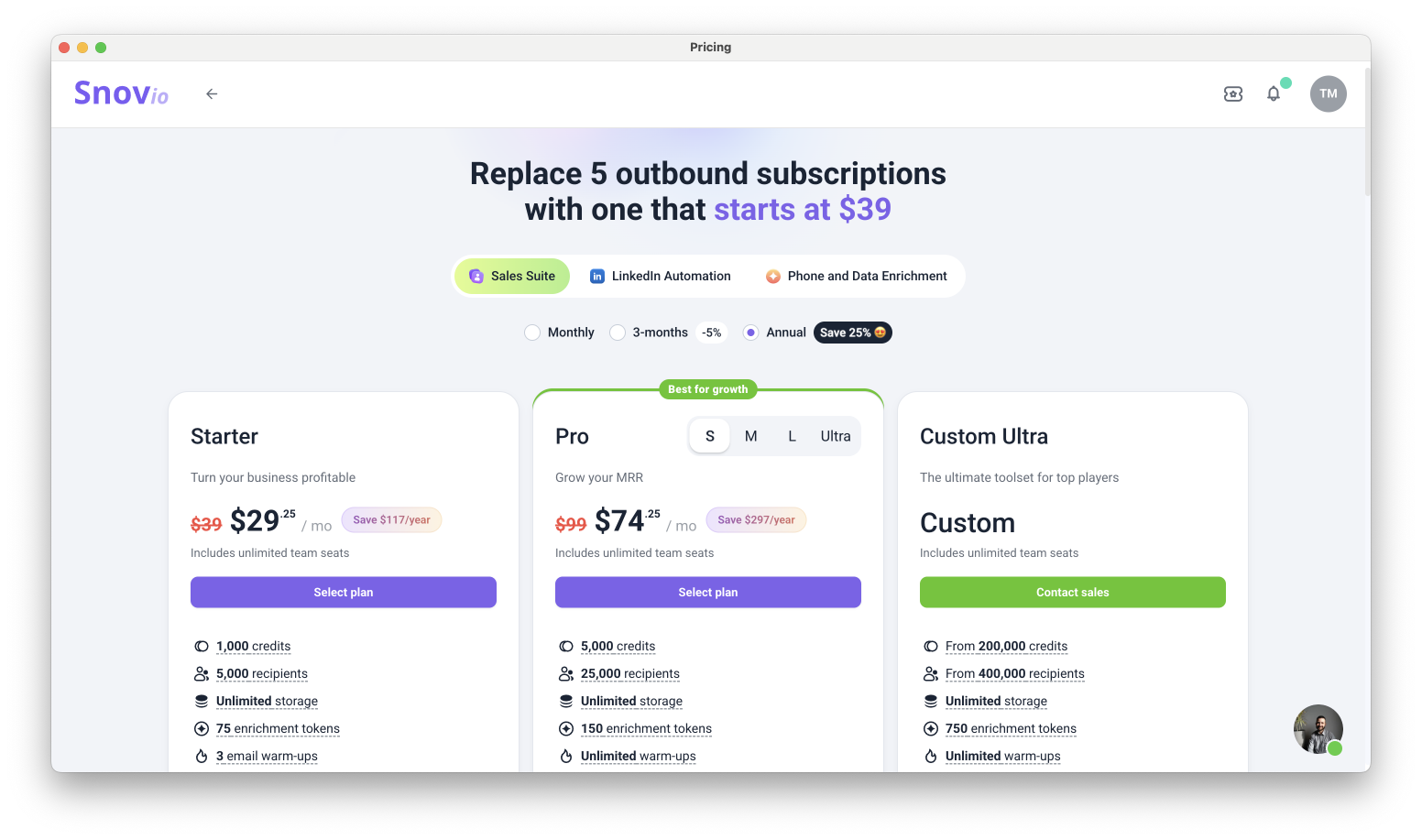
Click Select plan on the option you want. A pop-up will summarize how the switch affects your current plan and balance.
Review your order summary and click Proceed to payment. Your new plan activates as soon as payment goes through.

How proration works
A prorated discount lowers the price of your new plan by subtracting the value of the unused months left on your current plan.
You only get a prorated discount when you upgrade to a higher tier on a 3-month, 6-month, or Annual plan. All other switches are billed at the full price of the new plan.
| Switch type | Prorated discount |
|---|---|
| 3-month, 6-month, or Annual to a higher tier (same or longer period) | Yes |
| Monthly to a higher or lower Monthly plan | No |
| Monthly to a 3-month, 6-month, or Annual plan | No |
| 3-month, 6-month, or Annual to a lower tier | No |
| Annual to a 3-month or 6-month plan, or 6-month to 3-month | No |
| 3-month, 6-month, or Annual to a Monthly plan | No |
| The same Annual plan, bought before the period ends | No |
Changing your plan tier
Upgrading on a 3-month, 6-month, or Annual plan
You get a prorated discount for the unused months remaining on your current plan, paying only the difference toward the higher tier. Your new limits and features unlock immediately.
Upgrading on a Monthly plan
You pay the full price of the new monthly plan (monthly plans don't qualify for proration). Your new limits and features apply right away.
Downgrading to a lower tier (any billing period)
Whether you're on a Monthly, 3-month, 6-month, or Annual plan, downgrading to a lower tier starts a new plan period at the full price of the lower plan. No prorated discount or refund applies. Your limits decrease immediately, and features exclusive to your previous tier become unavailable.
Changing your billing period
Switching from Monthly to a 3-month, 6-month, or Annual plan
You can stay on your current tier or upgrade to a higher one at the same time. Your current monthly plan is cancelled without a refund, and you pay the full price of the new plan (including its multi-month or annual discount).
Switching from Annual to a 3-month or 6-month plan (or 6-month to 3-month)
Your current plan is cancelled immediately without a refund, and you pay the full price of the shorter multi-month plan.
Switching from a longer plan to a Monthly plan
Switching from a 3-month, 6-month, or Annual plan to a Monthly plan cancels your current plan, and you lose all unused credits. You pay the full price of the monthly plan.
Renewing the same Annual plan
Buying the same Annual plan before your current billing period ends cancels your existing plan without a refund and charges the full price with no prorated discount. If you simply want to continue on the same plan without paying early, leave automatic renewal turned on.
LinkedIn slots proration
LinkedIn Automation slots are managed and billed as a separate subscription with their own billing period and renewal cycle.
To learn how slots are priced and prorated, see this guide.
Enrichment tokens
Unused enrichment tokens included in your plan don't carry over when you switch plans. You immediately receive the token limit of your new plan, while token packages purchased separately follow their own expiration timer. See our enrichment tokens guide.


Lo lamentamos 😢
Cómo podemos mejorarlo?