Subscribe to Email Tracker summary reports to get your email opens and clicks delivered to your inbox. You see how your emails perform without opening the reports page.
Sign in to your Snov.io account
- Choose how often to receive reports
- Set the delivery time
- Receive reports for several email accounts

Sign in to your Snov.io account
Click the tracker icon in your Gmail inbox. If you do not have a Snov.io account yet, click the suggested link to create one.
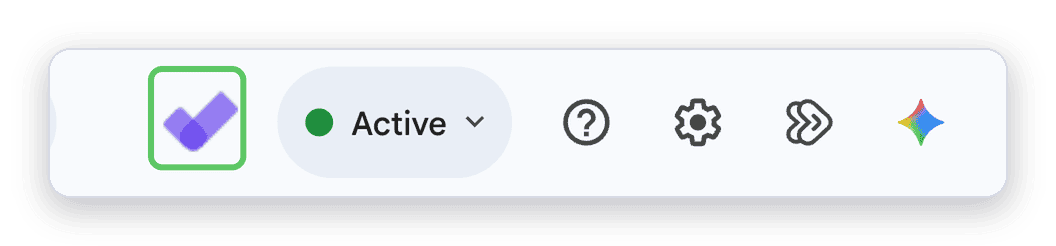
If you already have an account that uses the same email address as the Email Tracker extension, sign in from the Tracker window.
Open the reports page
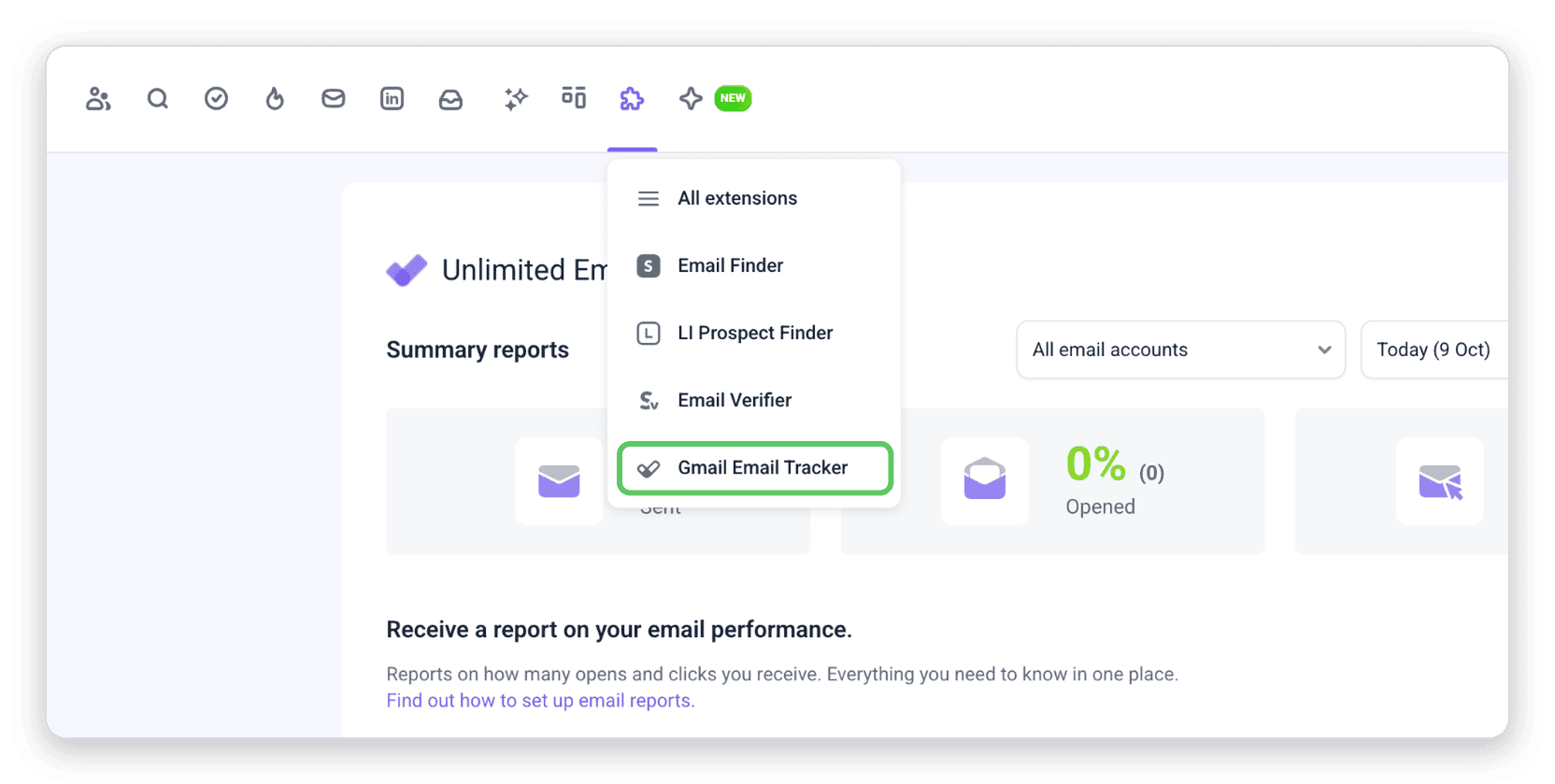
In your Snov.io account, open the Extensions menu and select Gmail Email Tracker.
Check your email performance
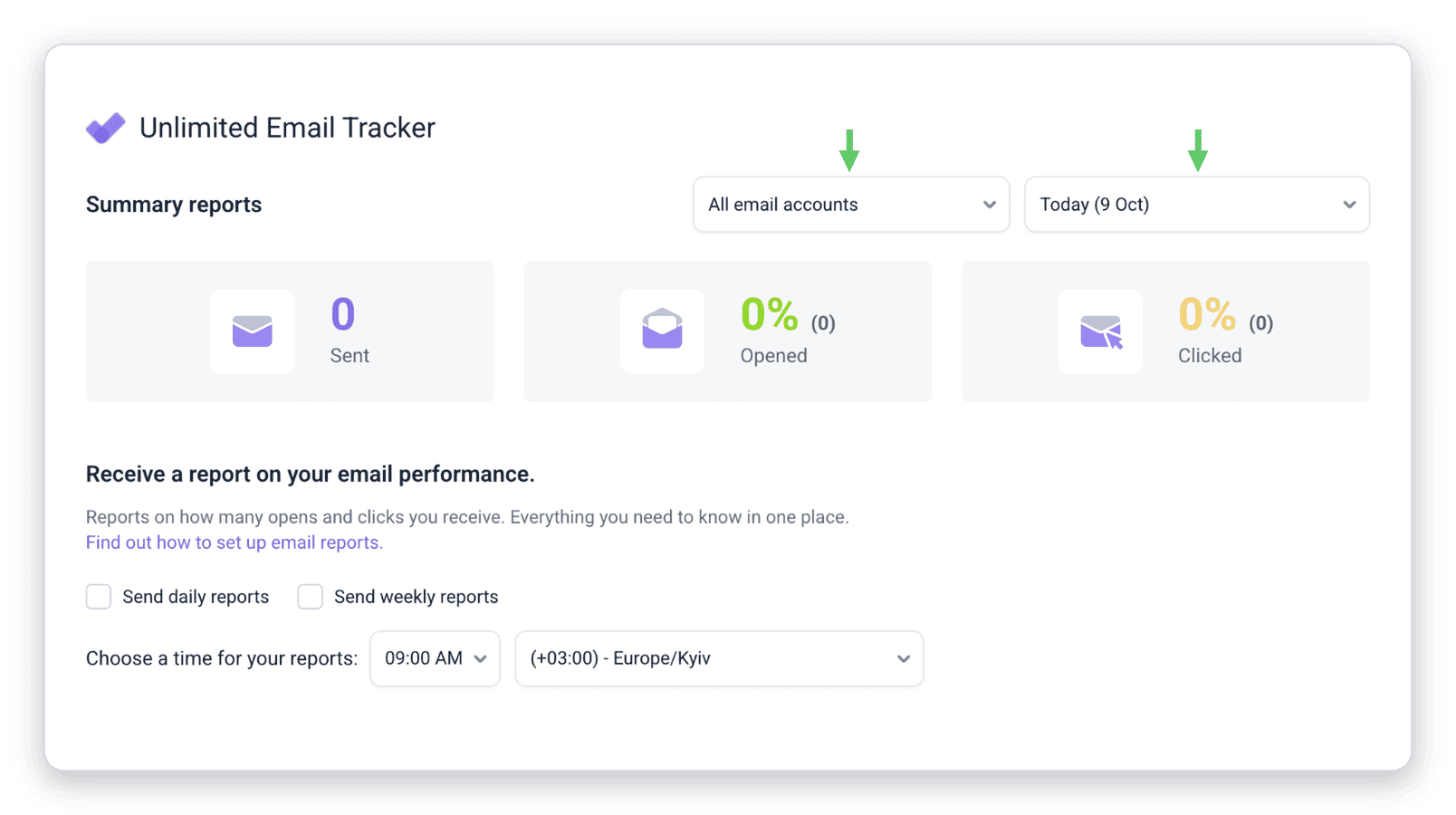
Use the two dropdowns at the top to select an email account and a date or period. The page shows how many emails you sent and your open and click rates.
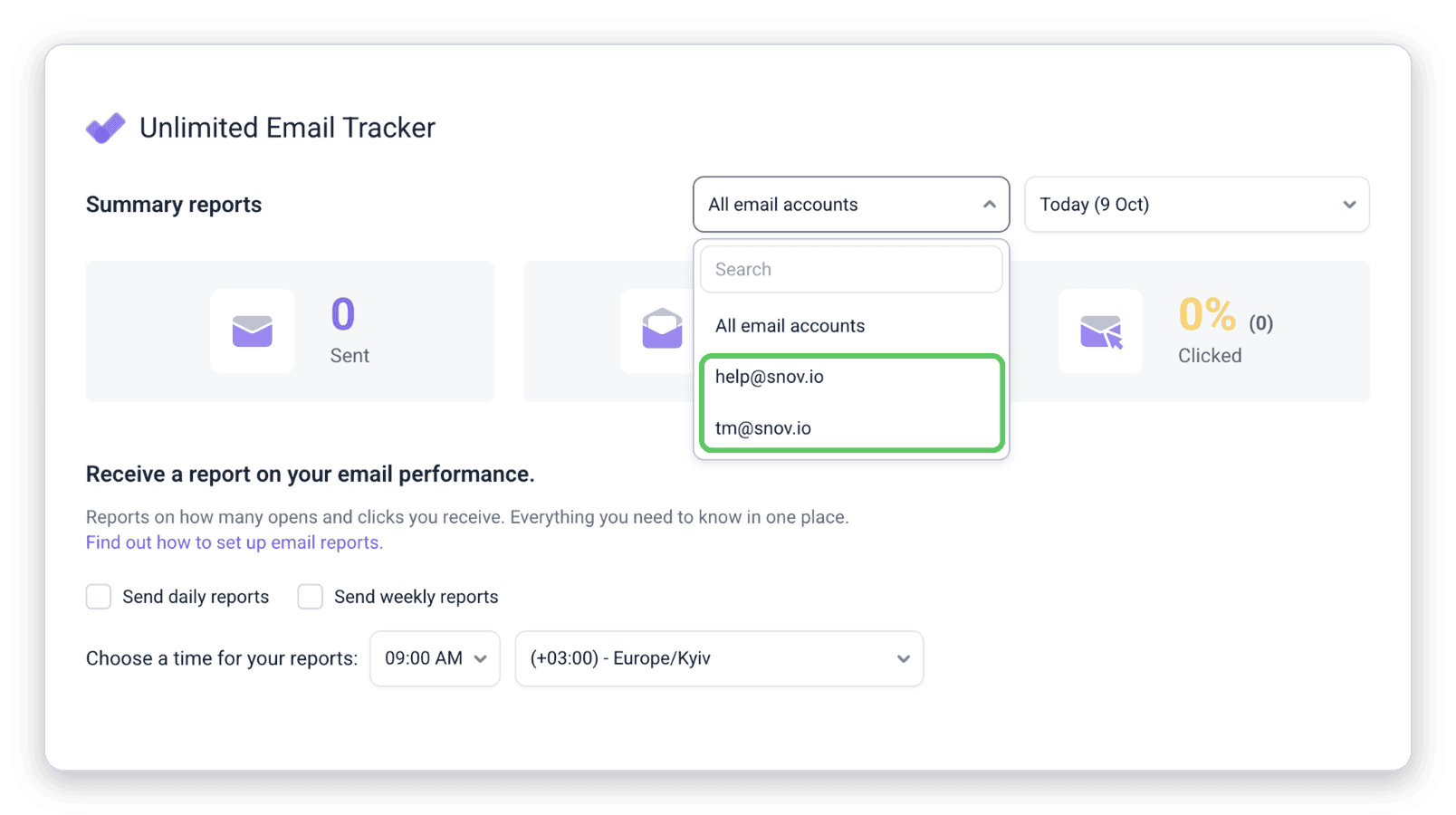
In the account dropdown, select All email accounts or a single account.
Subscribe to summary reports
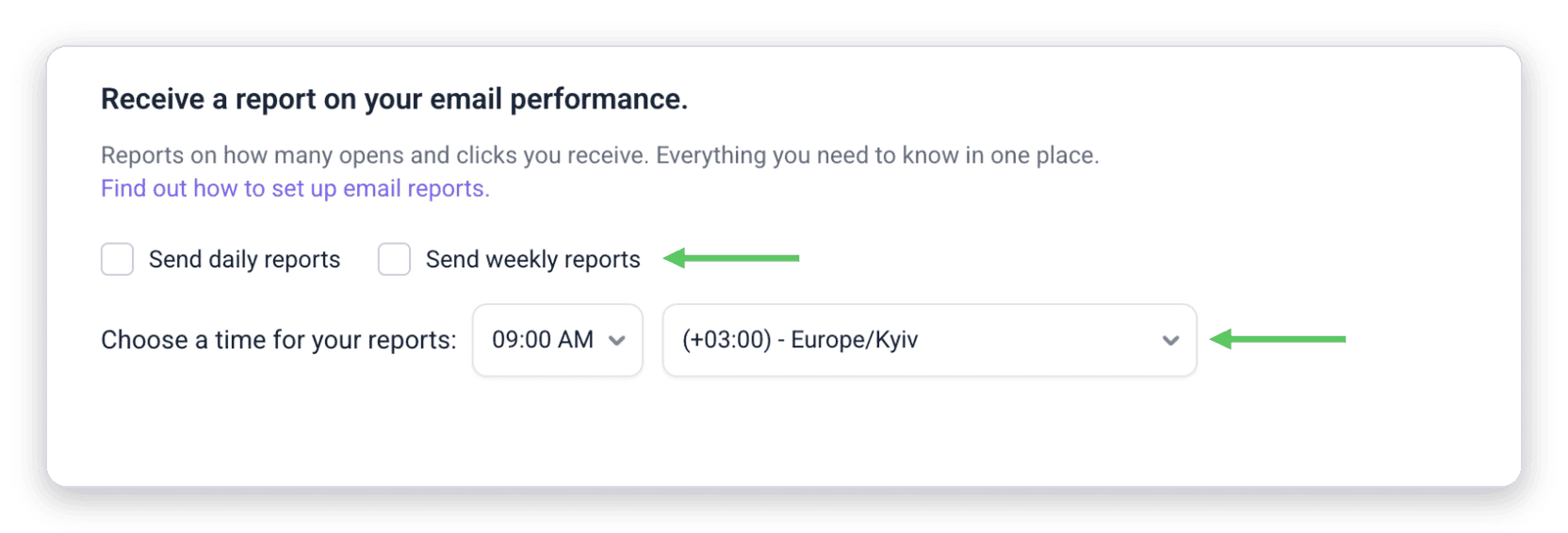
Summary reports are emails with your Email Tracker statistics. Set them up in the Receive a report on your email performance section of the reports page.
Choose how often to receive reports
Select Send daily reports, Send weekly reports, or both:
- Daily reports arrive every day with statistics for the previous day
- Weekly reports arrive every Monday with statistics for the previous week
Set the delivery time
Next to Choose a time for your reports, select the time and your time zone.

Receive reports for several email accounts
If Email Tracker is enabled on several email accounts, you can select more than one account to receive reports. Snov.io sends the reports to the email address you used to create your Snov.io account.


Sorry about that 😢
How can we improve it?