Sync the Snov.io Email Tracker extension with your Snov.io account to save the contacts you email in Gmail to a prospect list. Each contact gets a timeline with your sent emails, opens, clicks, and replies, so you no longer copy addresses by hand.
For example, when you email a prospect from Gmail, Snov.io saves the prospect's full name and email address to your list. It also adds the email to the contact's timeline.

Before you start. To sync contacts, make sure you have:
1) The Starter plan or higher
2) The Snov.io Email Tracker extension in Gmail (read this guide to set it up)
Turn on sync
Open the Sync to CRM tab
In Gmail, click the Snov.io Email Tracker icon.
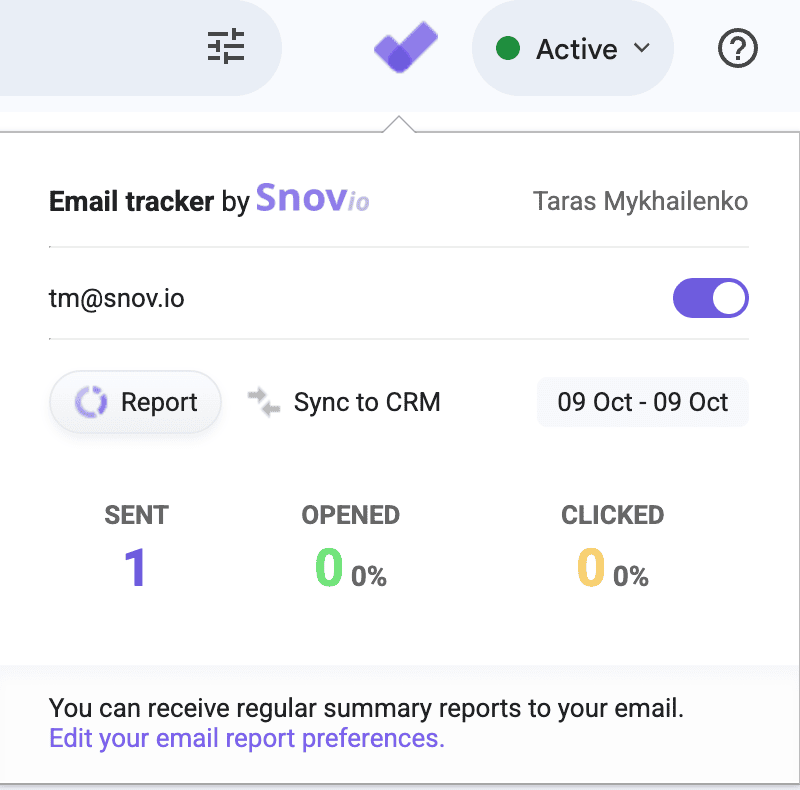
In the popup, open the Sync to CRM tab.
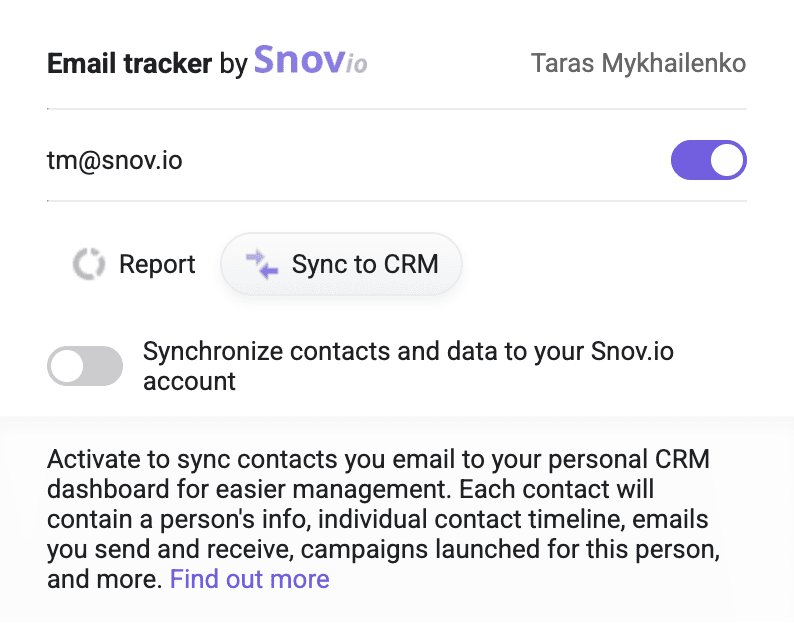
If you are not logged in to your Snov.io account, click Login. Then return to Gmail and refresh the page if the sync options do not appear.
Activate the toggle
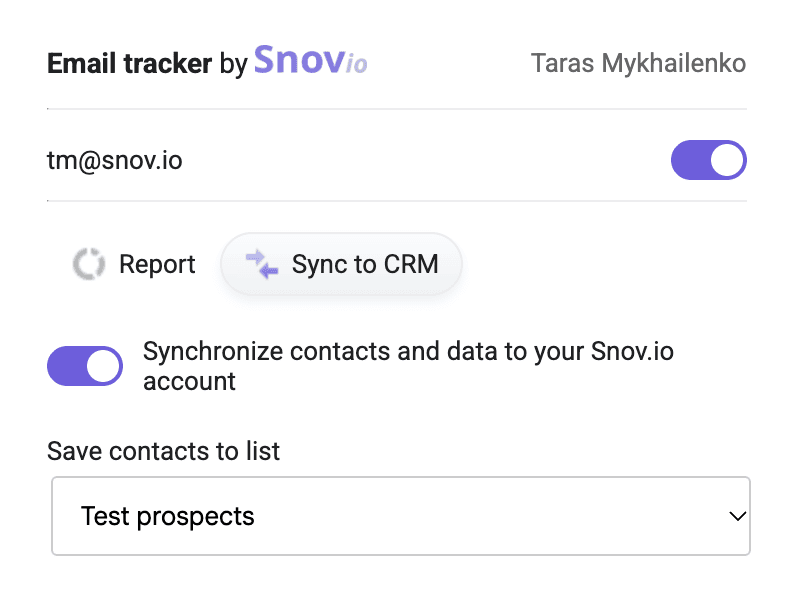
Turn on the Synchronize contacts and data to your Snov.io account toggle. Gmail may ask you to choose your account and allow Snov.io to access it. Confirm to continue.
Select a list
After you turn on sync, choose the list for synced contacts in the Save contacts to list menu. Snov.io saves each contact you email to this list with their full name and email address.
View synced contacts
Open your prospect lists in Snov.io and click a synced contact. The prospect's timeline shows:
- Sent emails
- Statistics for email opens, clicks, and replies
- The prospect's replies
To manage synced contacts, read this guide.
Check sync rules
Timeline tags
When you send or receive an email, Snov.io adds a tag to the contact's timeline:
| Tag | When Snov.io adds it |
|---|---|
| Contacted | You send an email |
| Replied | You receive a reply |
| Bounced | The email delivery fails |
Multiple recipients
An email with several recipients appears in each recipient's timeline. Open and click statistics show the total for all recipients, not for each one.
Duplicate contacts
Snov.io does not flag duplicates when the same contact is in different prospect lists. Open the prospect's profile to see every list that contains the contact.
Paused sync and delayed emails
Email Tracker shows a notification in its popup when sync is paused.

Questions about sync? Contact the Customer Care team.


Sorry about that 😢
How can we improve it?