This guide explains what enrichment variables are and how to use the data that already exists in your prospect lists in AI enrichment prompts to get a custom result.
What are enrichment variables for
Which AI tools use variables
Add variables to prompts
How column type affects variables

Before you start
To follow this guide, make sure you have:
1. Existing prospect data. Enrichment variables reference data already added to your list
2. Tokens for Enrichment & AI tools. Variables are added inside a prompt for AI-based tools
What are enrichment variables for
Variables reference existing data (columns/fields) and pull their value into the prompt for an AI agent.
Using variables, existing data can act as search context or input for generating new insights and improving your own data.

Campaign variables are for personalizing email and LinkedIn messages using existing data. Enrichment variables are for using existing data across other enrichments.
Which AI tools use variables
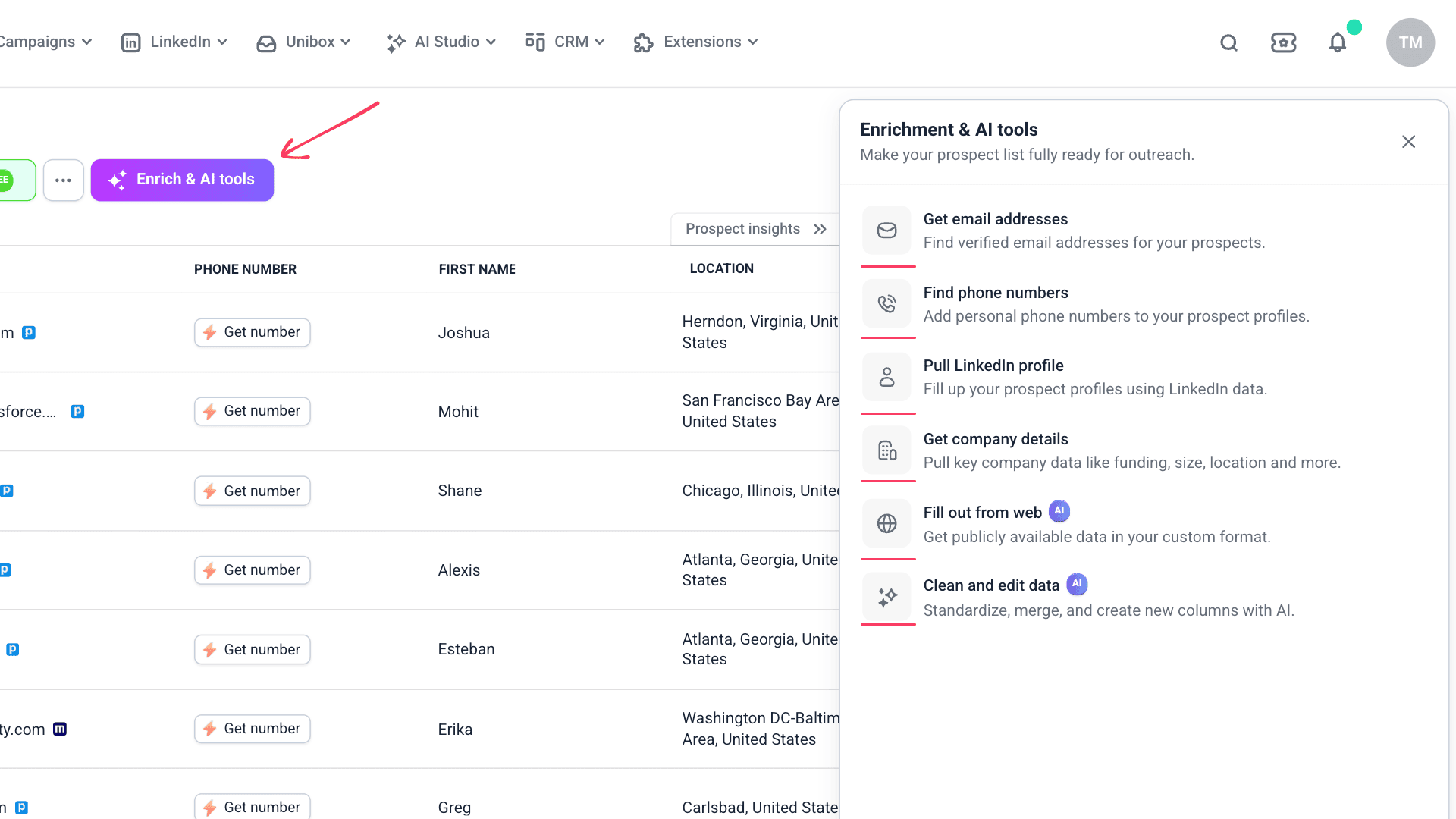
Variables are used across AI-powered enrichment tools that rely on your prompts to generate results.
1) Fill out from web (Web Search)
Use data from existing fields as a search context or as a reference to generate new insights from it or as input to qualify prospects better.
2) Clean and edit
Specify existing fields as the data you want to update or improve.
Add variables to prompts
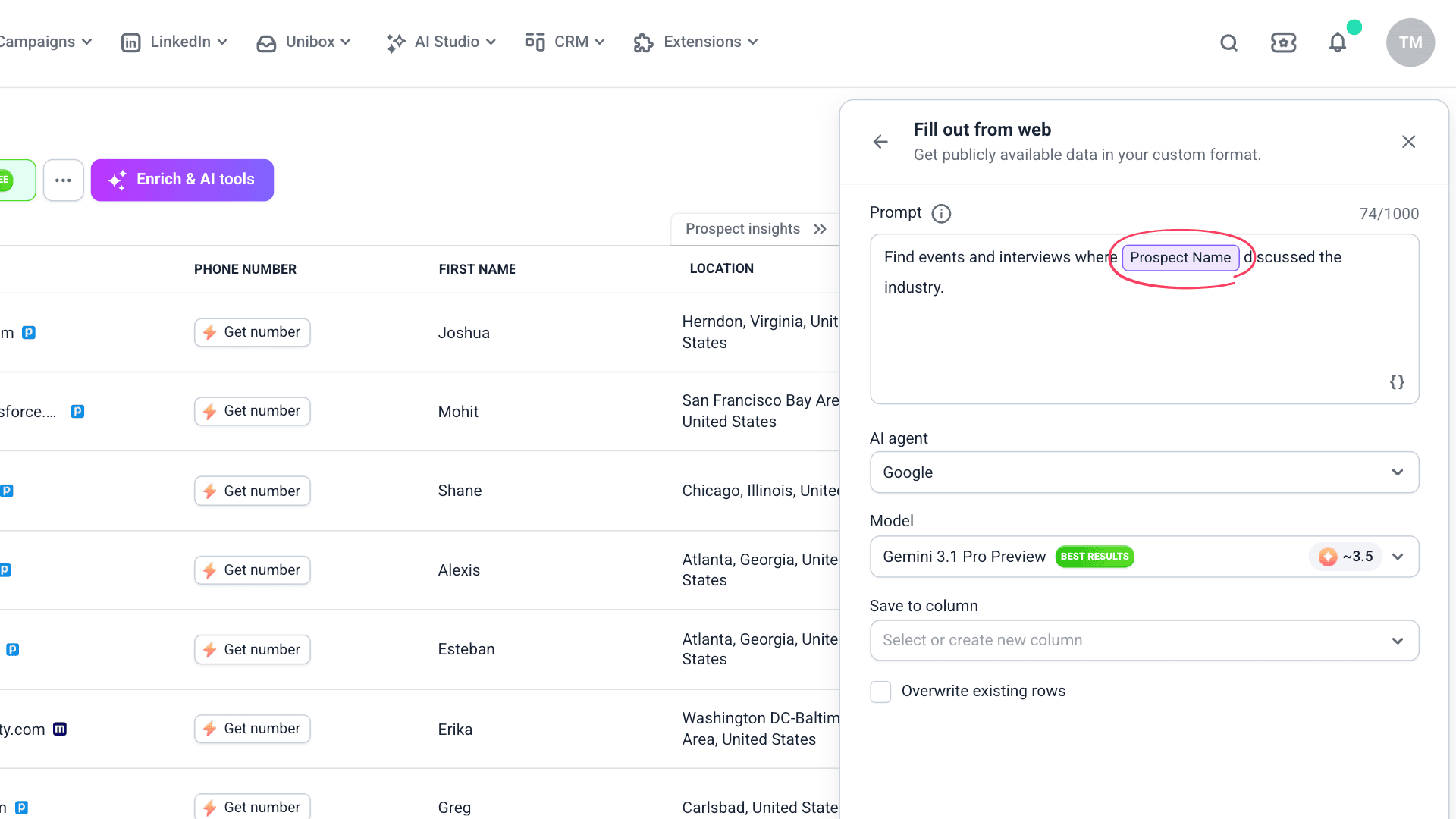
To add a variable to your enrichment prompt, type {{ }} or click the {} icon, then select a field.
Correctly added variables appear as a colored tag.
How column type affects variables
Depending on the data stored, there are single (one value) and bulk (multiple values) columns in your prospect list.
Single columns: direct reference or personalization
Single columns work best when you need a single value. They return one value that you can use directly in a prompt or personalization.
In AI enrichment prompts
Pass one data point to give the AI context:
"The prospect is a {{Job Position}} at {{Company Name}}. Write a one-sentence icebreaker."
"Find recent events and interviews where {{Prospect Name}} discussed their industry."
In emails or LinkedIn messages
Insert the value into your campaign content:
Bulk columns: AI analysis and new insights
Bulk columns contain rich data. They work best when you want the AI to analyze or summarize multiple values, not just insert text.
When your variable references a bulk column in an AI prompt, it passes the full dataset (with multiple values). The AI receives the complete data, then uses your prompt to generate results.

Using bulk columns in variables may not always be necessary or efficient for best results. Extract a value you need into a separate column, then reference that column in your prompt.
In AI enrichment prompts
Pass the full dataset and let the AI extract insights:
Prompts for Clean and edit:
"Here's the prospect's full work history: {{LinkedIn Experience}}. Summarize their career and identify their top three areas of expertise. Based on experience, identify the prospect's current company and job title."
In emails or LinkedIn messages
Bulk columns aren't meant for personalization variables.
Run an AI prompt that extracts the specific detail you need into a single column, then use that single column as a variable.


Sorry about that 😢
How can we improve it?