Use the FastSpring customer portal to update your company information, billing details, and the card used for future payments for your Snov.io plan.
Open the FastSpring customer portal
What you can change in the portal
Open the portal from the purchase email
Next steps

Open the FastSpring customer portal
Snov.io uses FastSpring as its payment processor, so your payment and billing information is stored in your FastSpring customer account. You open this account in the FastSpring customer portal.
Open the portal sign-in page
Go to the FastSpring customer portal.
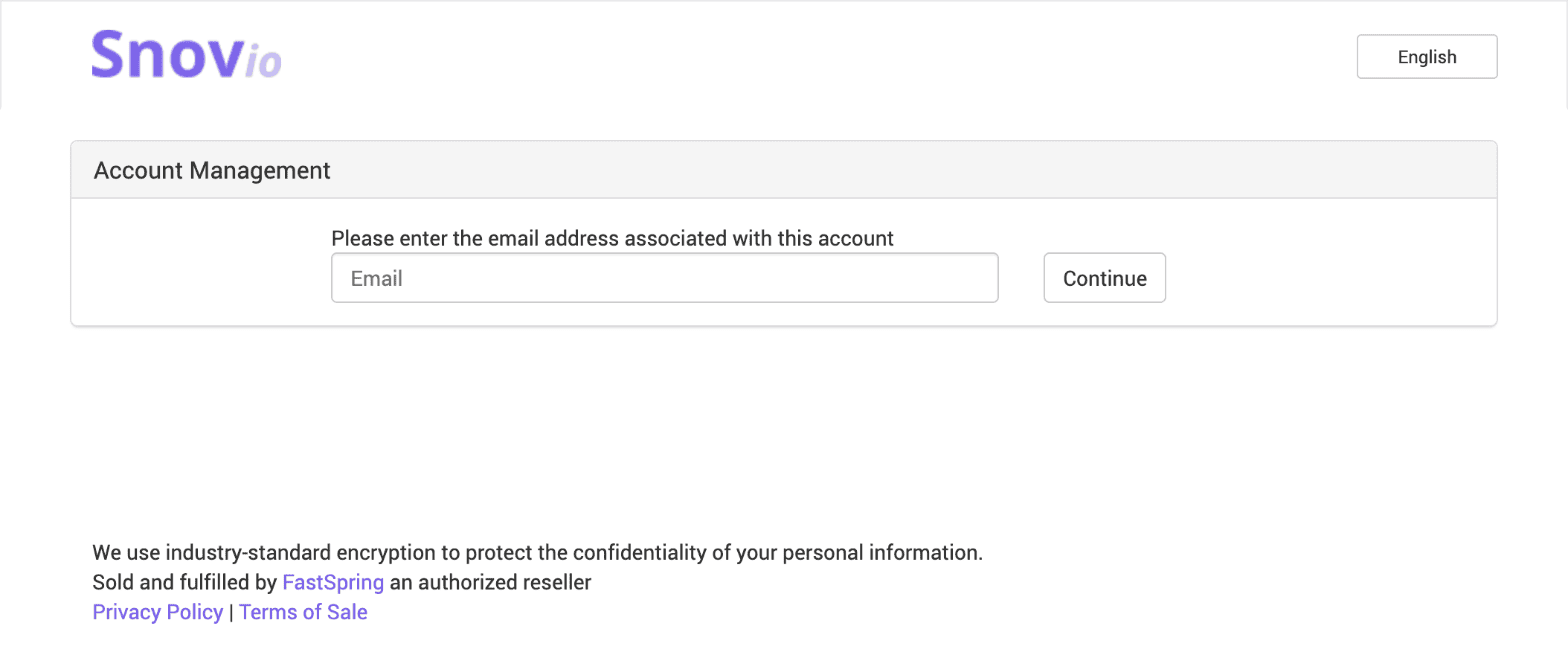
Enter your purchase email
Type the email address you used at checkout, then click Continue. Follow the on-screen instructions from FastSpring to finish signing in.
What you can change in the portal
In your FastSpring customer account, you can update:
- Company information. Edit the company details linked to your purchase.
- Billing details. Change the billing email and other billing information.
- Payment method. Replace the card used for future payments.
Open the portal from the purchase email
You can also reach your FastSpring account from the purchase email.
Open the email from FastSpring that confirms your Snov.io payment, then use the Manage Your Orders option in it to sign in.
Next steps
To get payment receipts for your Snov.io purchases, open Order history under Billing in Snov.io and read this guide for the download steps. To switch plans, see this guide.


Sorry about that 😢
How can we improve it?