Mailgun research shows that 39% of senders rarely or never verify their lists. That makes verification a rare kind of cheat code: little effort for a huge payoff.
So, how do you make verification count? This guide breaks it down.

Format
Type
Server status
Auto-generated
Catch-all
TL;DR
Invalid addresses can turn into hard bounces, which can hurt your sender reputation and, eventually, your email deliverability. Verification helps break that chain by catching problematic addresses before you send.
With that in mind, here are a few practices worth adopting:
- Verify at capture so invalid addresses don’t enter your database in the first place.
- Run checks 24–48 hours before major campaigns and reverify your database every 3–6 months.
- Keep Invalid addresses out of your campaigns, and recheck or segment Unknown ones rather than automatically discarding them.
- Watch bounce rate, spam complaints, and inbox placement for signs your list needs attention.
- Automate recurring checks and keep user-facing verification secure and low-friction.
For these checks, Snov.io Email Verifier works with individual emails, bulk lists, and API-based workflows.
Why email verification matters for deliverability
The short version: Email verification catches invalid addresses before they bounce, protecting the sender reputation (how mailbox providers assess you as a sender) that helps determine whether your emails get delivered and where they land. 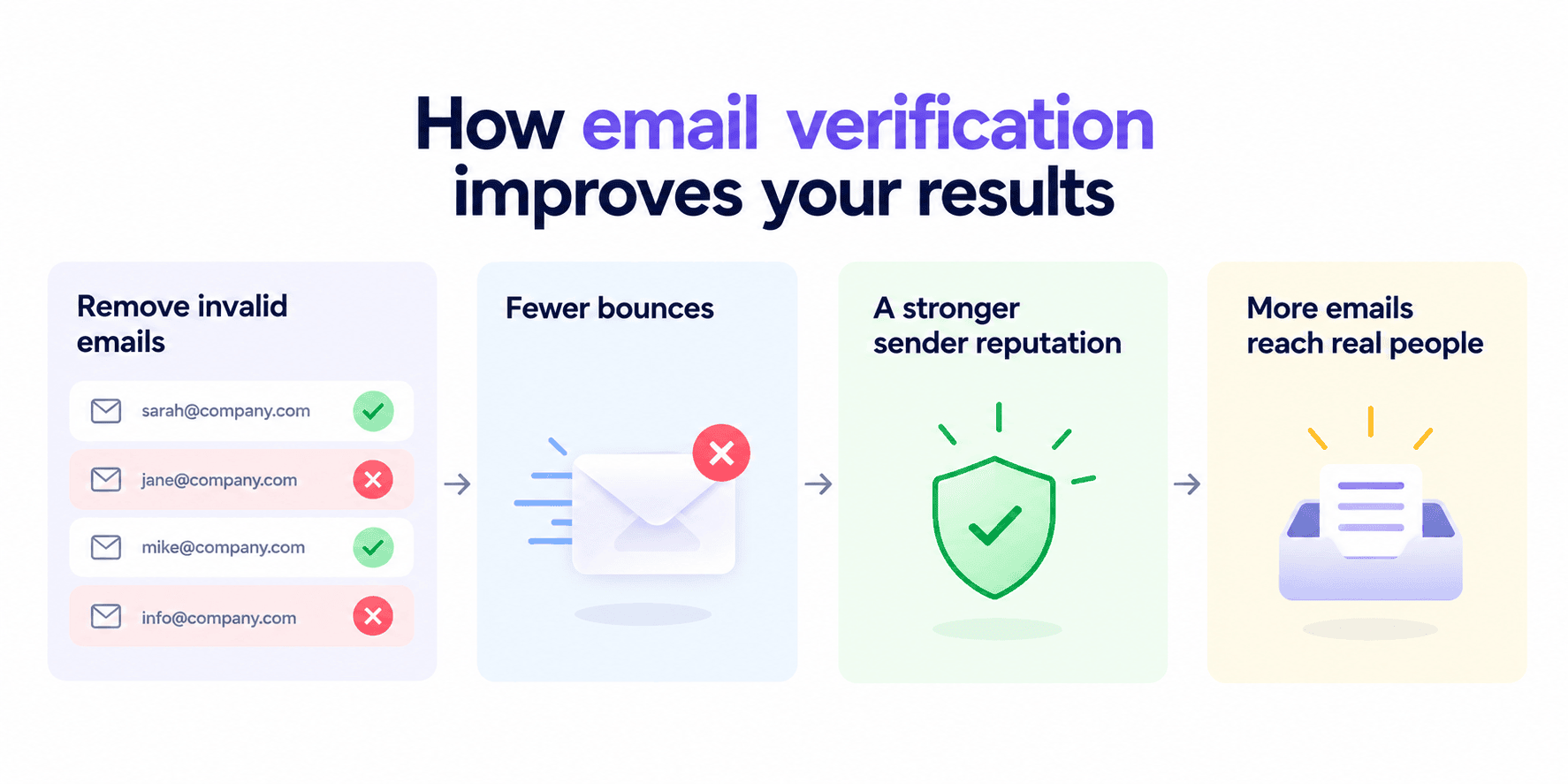
Now, a few more details.
Are invalid emails really that big of a deal? To be fair, 1 or 2 bounces probably won’t ruin your deliverability overnight, but let them pile up, and that’s a different story.
The more invalid addresses you contact, the more likely you’ll see your bounce rate climb — a problem 28.4% of senders are already hardly keeping under control.
Eventually, that can:
- Signal poor email list quality
- Hurt your sender reputation
- Make it harder to reach valid recipients
It feels like common sense to catch a low-quality address early rather than discover it through a bounce.
Email service providers closely monitor your activity, track the percentage of your bounces, and give them even the slightest hint — and the reputation of a spammer gets stuck to you. To avoid this, there is email verification. Run your contact list through 2 different email validation services to clean it up. How often, you ask? Every time before launching a campaign.
Outbound Expert at Snov.io

Email verification best practices for a clean list
The following email verification best practices, when implemented well, can become a simple routine that pays enormous dividends with little effort.
Verify emails as you collect them
What’s the easiest way to deal with dead addresses? Never let them make it onto your list in the first place.
Set up real-time verification to check addresses as soon as they’re submitted. This way, you can catch typos, fake addresses, and disposable emails right at the source.
The good news is you can fully outsource this task to Snov.io’s Verification API.
NexTranslate, a localization company working with SaaS and digital businesses, learned this firsthand. The team added Snov.io verification right after finding new prospects and before adding them to outreach campaigns, helping reduce bounces, grow reply rate by 12%, and improve deliverability.
But checking whether an address is valid is only half the story. What about whether someone actually meant to give it to you?
For subscriber lists, double opt-in helps you find the middle ground: users confirm their signup before joining your active list, leaving you with fewer accidental contacts. 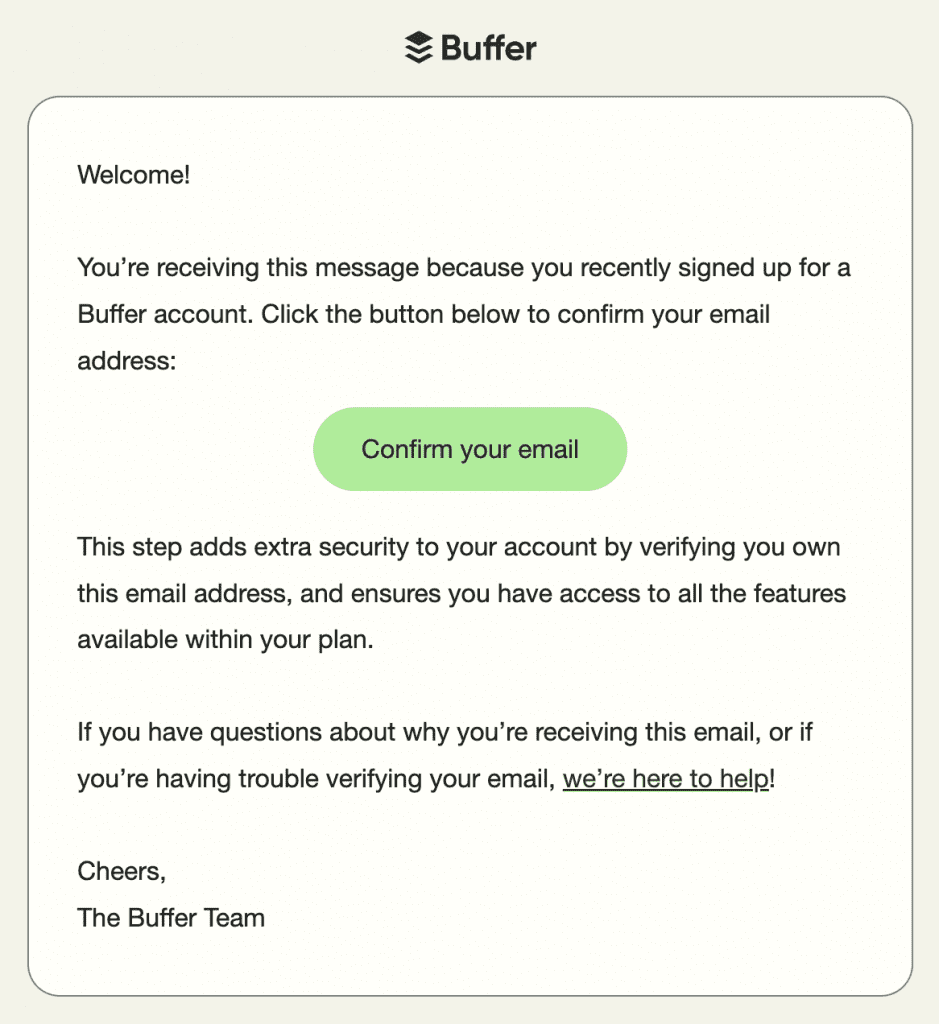
Sure, you may end up with fewer contacts, but you’re also less likely to keep people who never meant to subscribe.
Verify your list before major campaigns
Even if your list was clean when you collected it, quite a lot can change by the time you actually use it, which is why I’d run one final verification 24–48 hours before a major campaign.
This is especially worth doing before product launches, promotions, or any campaign involving older data.
And luckily, list size doesn’t have to make this complicated. With Snov.io Email Verifier, you can bulk verify up to 100,000 addresses at once.
Just upload your list to the Email Verifier and run the check before adding it to your campaign.
Reverify old email addresses
An address won’t stay valid forever. People change jobs, mailboxes get abandoned, and domains change, all outside your control.
But what you can control is how often you perform checks. Snov.io’s deliverability expert specifically recommends a full database check every 3–6 months.
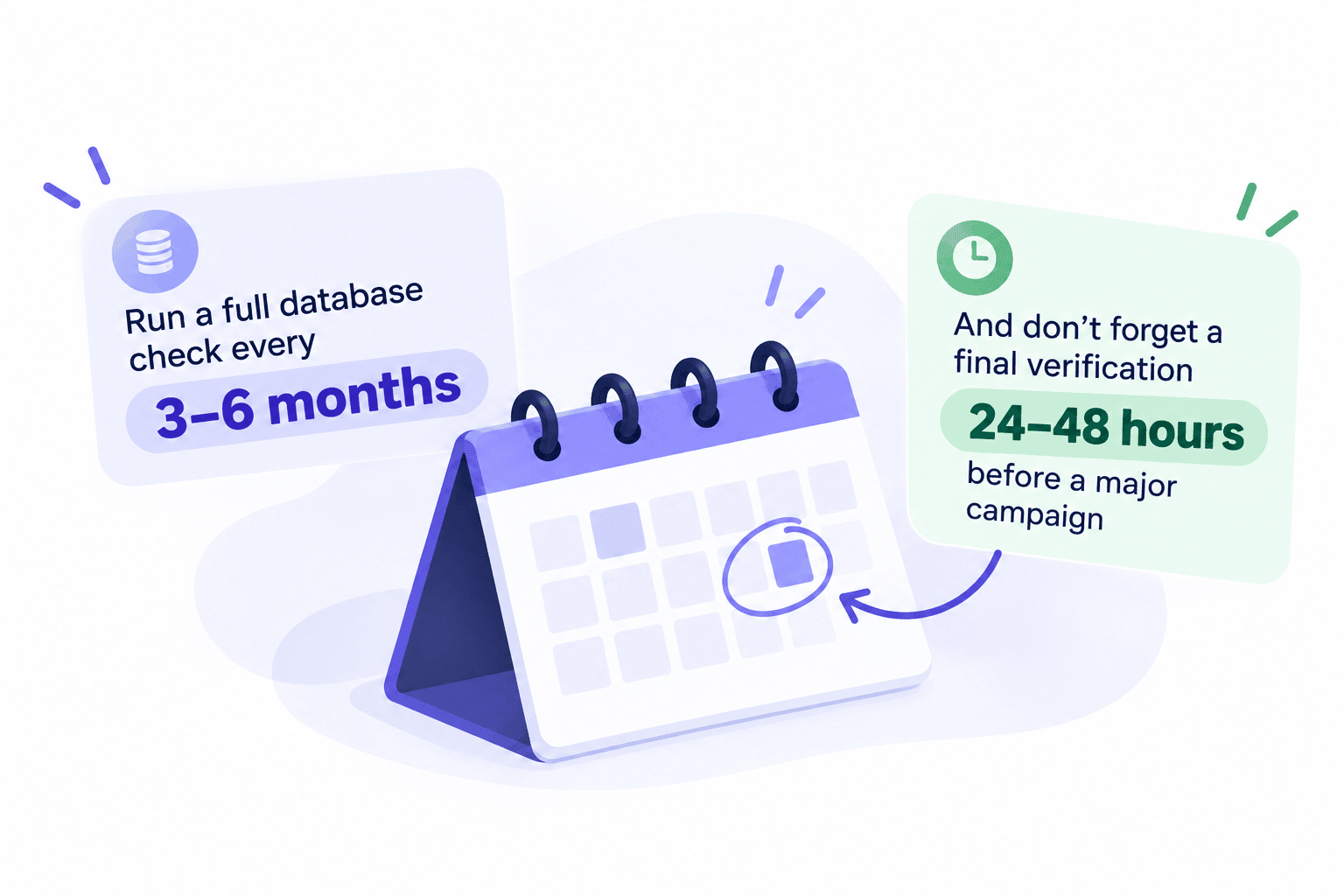
And sure, having a schedule in mind helps, but it doesn’t mean ignoring the bigger picture. If you haven’t used a list in months or your bounce rate is rising, those are good reasons to verify sooner.
So, what can we take from all this? A full database check every 3–6 months is solid, but ultimately, the faster your data changes, the more often you need to verify it.
Segment inactive contacts
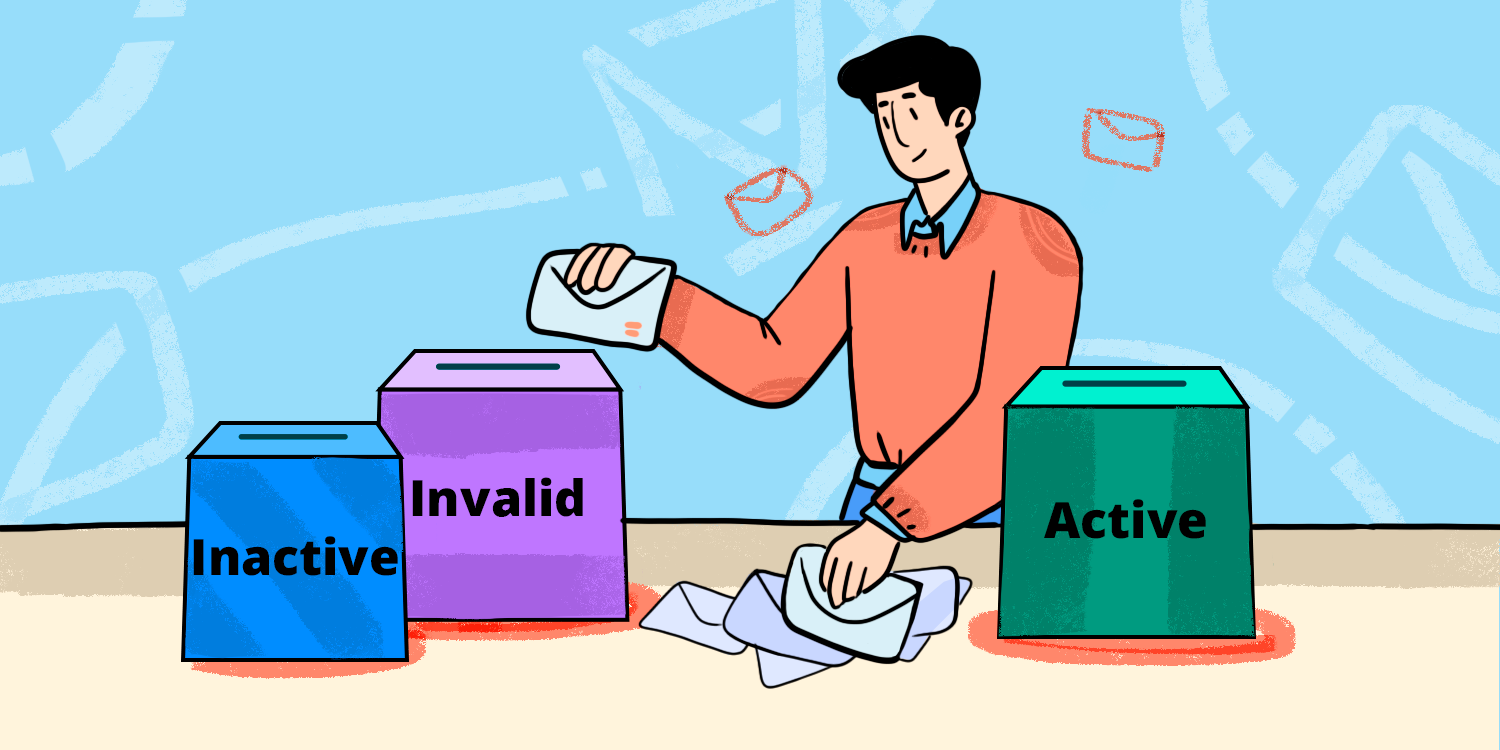
Once verification is done, you’ll usually see one of 3 results: valid, invalid, or unknown/unverifiable.
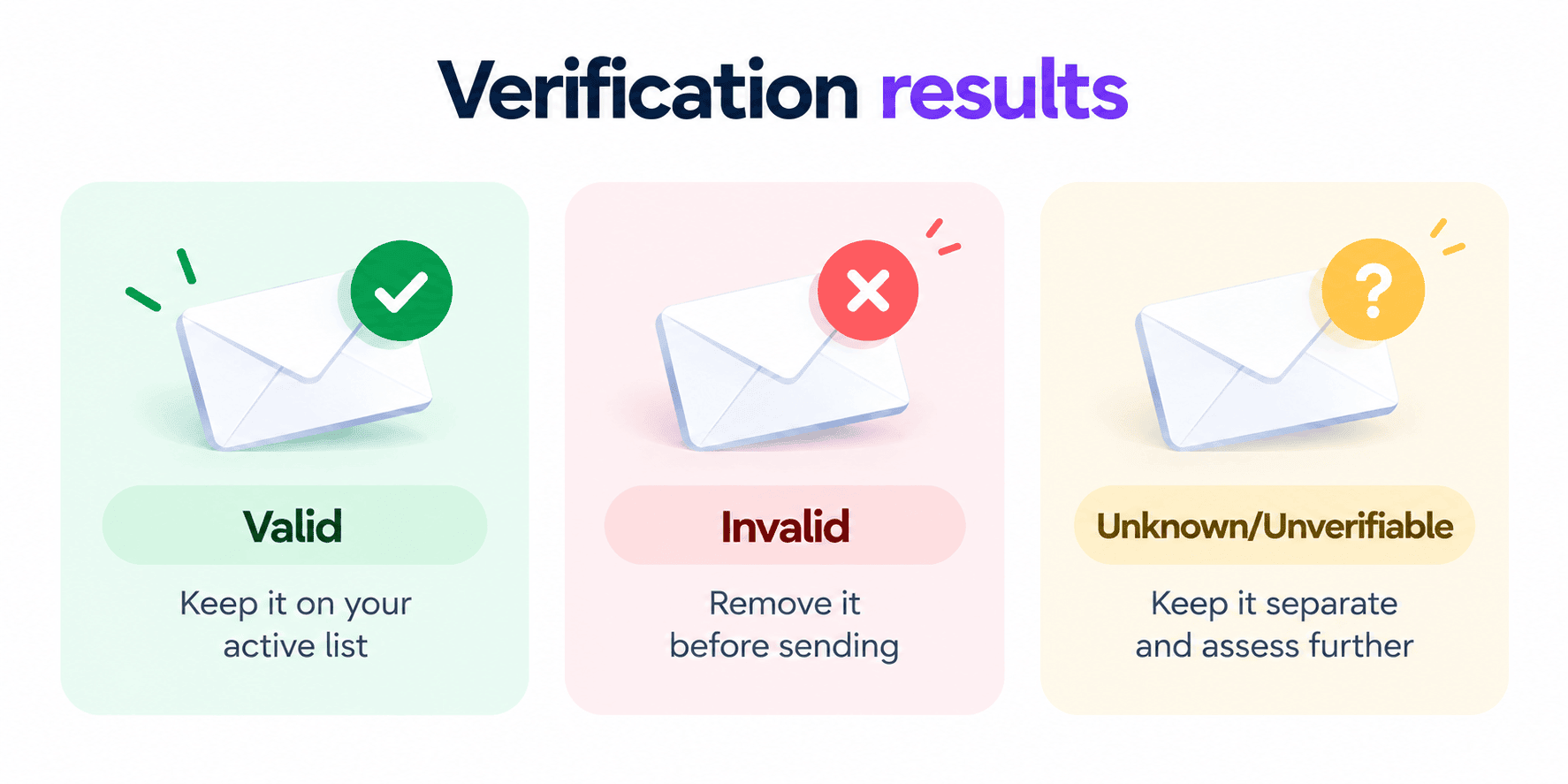
The first 2 are pretty black and white, but the third needs a little more thought.
So, what do you do with that ‘on the fence’ category?
Don’t always read unknown as invalid. Sometimes the receiving server simply doesn’t provide enough information because of catch-all settings, greylisting, rate limits, or other restrictions.
The solution comes down to how much risk you’re willing to take. Your options are reverifying the address later, keeping it in a separate segment, or testing a small portion and monitoring the results.
And if some contacts stay inactive even after you’ve rechecked them, that’s where a sunset policy can come in handy.
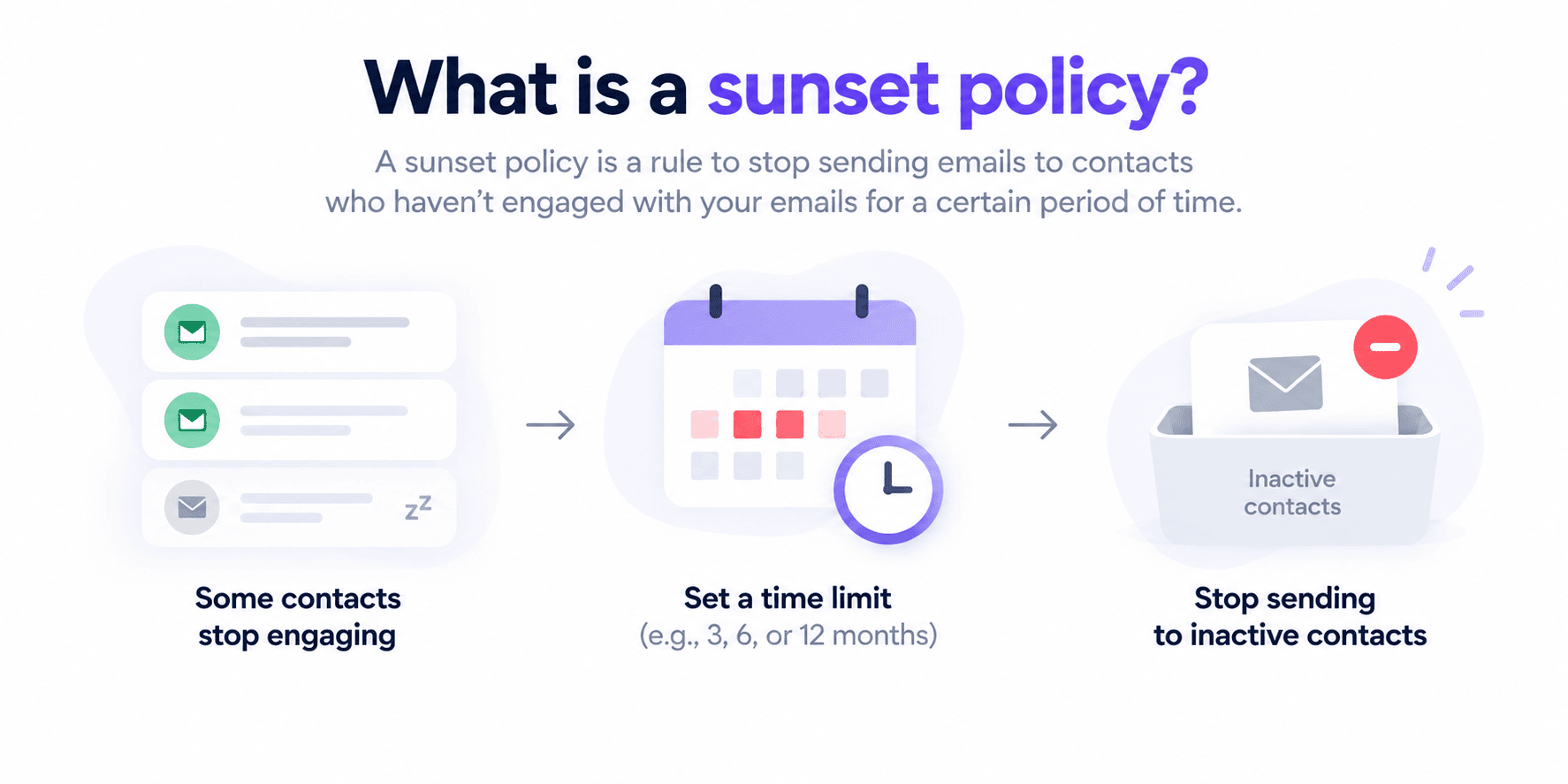
Set a point at which inactivity becomes a reason to move a contact out of your main list or into a re-engagement flow. What that point looks like depends on how often you send. Two months of silence means something very different for a weekly sender than for a monthly one.
Automate where possible
The less verification depends on someone remembering to run it, the better.
Whether it’s real-time validation at the point of capture, as we discussed earlier, or regular checks on existing data, automate as much as you can. With the n8n tool, for example, you can trigger verification when new contacts come in and automatically pass the results to your CRM.
→ Learn how to build an effective n8n email automation workflow in 2026
Test your deliverability
Don’t let a clean email verification give you a false sense of security. A valid address can still land in spam if other parts of your sending setup aren’t in order. Authentication issues, spam complaints, and poor sending practices all come into play.
Snov.io’s Deliverability Test can show you where the problem lies, checking your authentication and domain health along with actual inbox and spam placement.
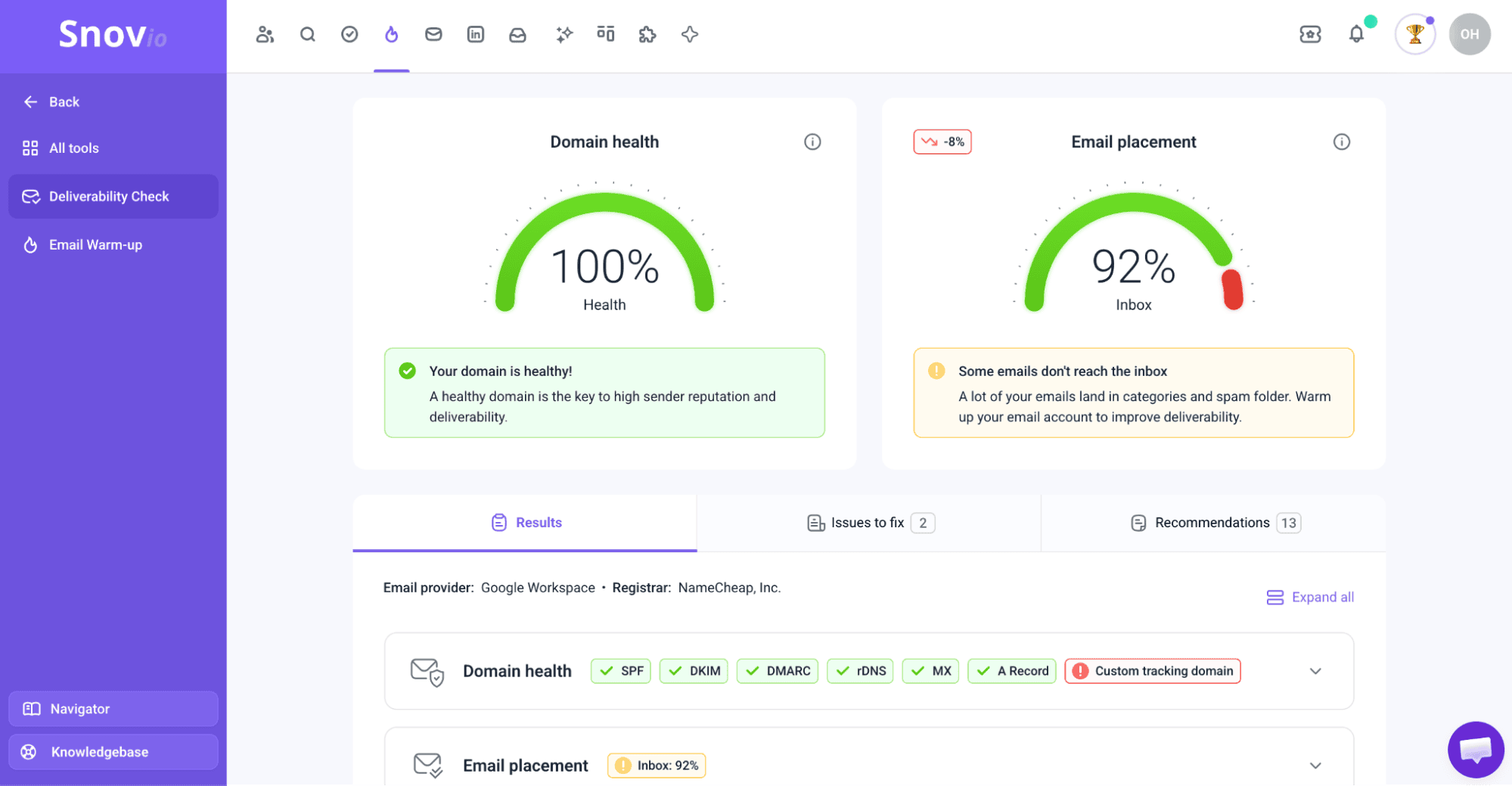
As for the results, 90%+ inbox placement is a good benchmark. Occasional dips happen, but if you keep falling below that mark, don’t ignore it.

Monitor your list performance
Even with regular verification, your campaign results can reveal when your list needs another look.
I asked our email deliverability expert to share the key metrics every sender should watch. Here’re the benchmarks he recommended:
- Bounce rate above 5% is a strong sign your list needs proper cleaning.
- Deliverability below 90% consistently is a good enough reason to run another verification.
- Spam rate above 2% is a warning sign that something about your list or sending setup needs attention.
- Open and reply rates trending downward can also be your cue to take another look at your contacts.
One unusual campaign doesn’t mean there’s something wrong with your entire list. But when several of these signals start moving in the wrong direction, why wait for the next scheduled check? I’d take that as a reason to verify sooner and see whether your data is part of the problem.
Bounce rate is worth monitoring, but the number alone doesn’t tell the whole story. Not every bounce means the address is invalid: hard bounces are often tied to list quality, while soft bounces can result from temporary mailbox or server issues. Pay attention not only to the percentage, but also to what caused it.
Deliverability specialist at Snov.io

And what if your list checks out but your email health is still struggling? That’s when I’d look beyond verification. Warming up your email account, for example, can help support your sending health and improve your chances of reaching the inbox.
Email verification UX best practices
For sign-up or sign-in, every bit of friction counts. So when adding real-time verification to the journey, make sure it doesn’t become the reason users leave.
Actually, FormAssembly found that nearly 1 in 3 sign-up forms experience drop-off, while Google Chrome reported 75% lower abandonment when autofill reduced the effort involved.
Ensure better user experience by following these quick tips:
Verify only when necessary
Don’t require email confirmation for every action. Use it when you actually need to confirm ownership, such as during account creation, password recovery, or changes to sensitive account details. For lower-risk actions, an extra verification step may only increase drop-off.
Catch errors before submission
Validate the address while the user is filling out the form. If you detect a likely typo, show a specific suggestion, like: Did you mean name@gmail.com?
Don’t correct the address automatically. Show the problem, suggest a fix, and let the user confirm it.
Make the next step obvious
After submission, don’t leave users wondering what happens next. Let them know that you’ve sent a verification link to their inbox and ask them to check it.
Also give users clear options to resend the email, change the address, and request a new link if the previous one expires. Once they verify, confirm it immediately and take them to the next step.
Email verification security best practices
Email verification is important, but it can also be exploited for account enumeration, token abuse, and automated requests. The irony? Your security layer can become a security problem of its own.
Here are the main safeguards to implement:
Use single-use, expiring tokens
Generate a unique, cryptographically secure token for each verification attempt, set an expiration time, and invalidate it once the address is verified so it can’t be reused. Make sure verification links are served over HTTPS as well.
Rate-limit verification requests
Limit how often users can request or resend verification emails, with a short cooldown between attempts. Watch for unusual spikes, and if activity looks suspicious, add CAPTCHA or temporarily restrict further requests.
Don’t reveal whether an account exists
Avoid responses like “No account exists for this email.” They can let someone test which addresses are registered in your system.
Instead, show the same generic response either way, such as “If an account exists for this email, we’ll send a verification message.”
Keep verification tokens out of logs
Don’t log verification tokens or complete verification URLs, and remove tokens once they’ve been used or expired. If email addresses need to appear in logs, mask or pseudonymize them where possible.
How to choose an email verification tool
Having tested most popular email verification solutions on the market, I’ve figured out the key things to prioritize when choosing where to verify your emails. Here they are:
- Verification depth: Does it combine syntax, domain, mail server (SMTP), mailbox, and other signals?
- Accuracy: How reliably can it distinguish deliverable from problematic addresses?
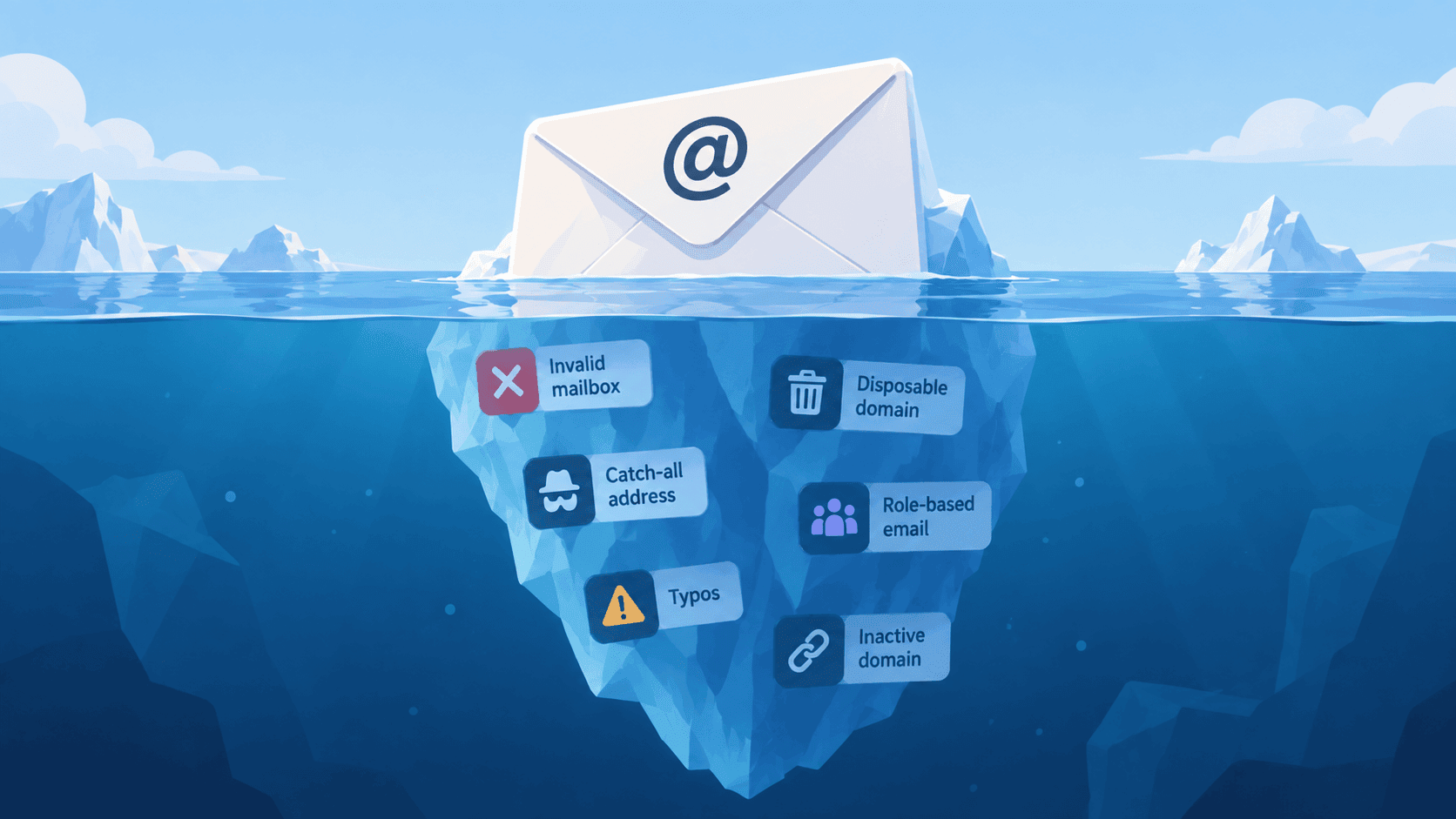
- Risk detection: Can it identify catch-all, disposable, role-based, and other risky addresses?
- Result classification: Does it separate uncertain addresses instead of simply marking them Invalid?
- Bulk verification: Can you clean large existing lists at once?
- Real-time verification: Is there an API for checking addresses as you collect them?
- Integrations: Can verification sync with your CRM and other tools?
- Data privacy: How does the provider process, store, and protect your data?
Quite a few things to compare, right?
Fortunately, you don’t have to test every tool yourself. At Snov.io, we’ve put together a comprehensive comparison of popular email verifiers, covering their verification methods, bulk and API options, extra features, and more.
Key takeaways: Your checklist of email verification best practices
It seems like we’ve covered quite a lot, so let me just recap the practical steps that will help you verify your email list consistently and effectively:
- Verify emails as they enter your database.
- Reverify your list regularly and before major campaigns.
- Use multiple verification checks, not syntax alone.
- Treat Valid, Invalid, and uncertain results differently.
- Automate verification wherever possible.
- Monitor bounces, spam complaints, and inbox placement after sending.
- Keep verification flows secure and easy to complete.
Don’t gatekeep verification for one moment. Your addresses need checking throughout their lifecycle: on entry, before sending, and after delivery. And use Snov.io to help you along the way.