
This guide explains how to keep unused credits on your balance, and how the roll-over works when you renew or switch plans.
What rolls over (and what doesn't)
Rollover during renewals
Rollover when you change plans
How to keep your credits
What unused limits roll over
- Credits: Roll over from month to month and between renewals as long as your paid plan stays active without interruption.
- Recipients: Never roll over. Your recipient allowance resets every 30 days or whenever you switch plans.
- Enrichment tokens: Follow separate expiration rules. See our tokens guide for details.
Rollover during renewals
Whether your unused credits carry over or expire depends on your billing period and whether your plan renews on time.
| Monthly | The plan renews (automatically or manually) | Roll over to the next month |
| Monthly | The plan isn't renewed | Expire at the end of the billing period |
| 3-month, 6-month, or Annual | During an active term | Roll over every 30 days |
| 3-month, 6-month, or Annual | The plan renews (automatically or manually) | Roll over to the next term |
| 3-month, 6-month, or Annual | The term ends without renewal | Expire at the end of the term |
| Any paid plan | A renewal payment fails | Expire, and your account moves to the Trial plan |

Rollover when you change plans
Your unused credits roll over on almost every upgrade, downgrade, or billing period change, with one exception:
- All other plan switches (keep your credits): Moving between Monthly plans, upgrading from Monthly to a 3-month, 6-month, or Annual plan, changing tiers on a multi-month or Annual plan, or shortening an Annual plan to 3 or 6 months all preserve your unused credits.
- Switching from a 3-month, 6-month, or Annual plan to Monthly (credits expire): Dropping from a multi-month or Annual term down to a Monthly plan cancels your current term immediately and forfeits all unused credits.

To learn how to switch plans and see which upgrades qualify for a prorated discount, see this guide.
How to keep your credits
Keep auto-renewal on
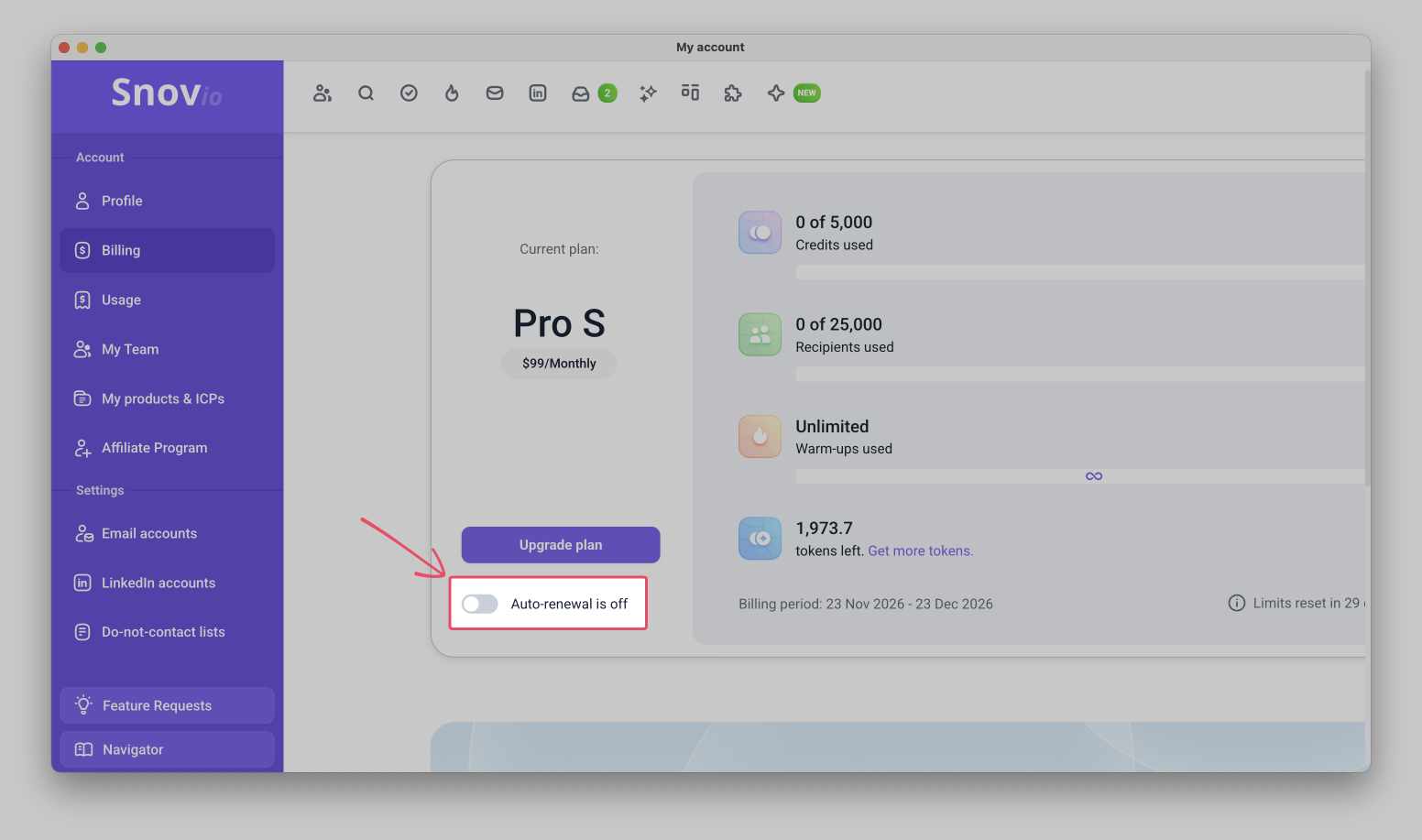
Open Billing in your account settings and make sure Auto-renewal is switched on. Your subscription will renew automatically before it expires, so your unused credits roll over without interruption. For step-by-step instructions, see how to manage automatic renewal.
Renew manually before your plan ends
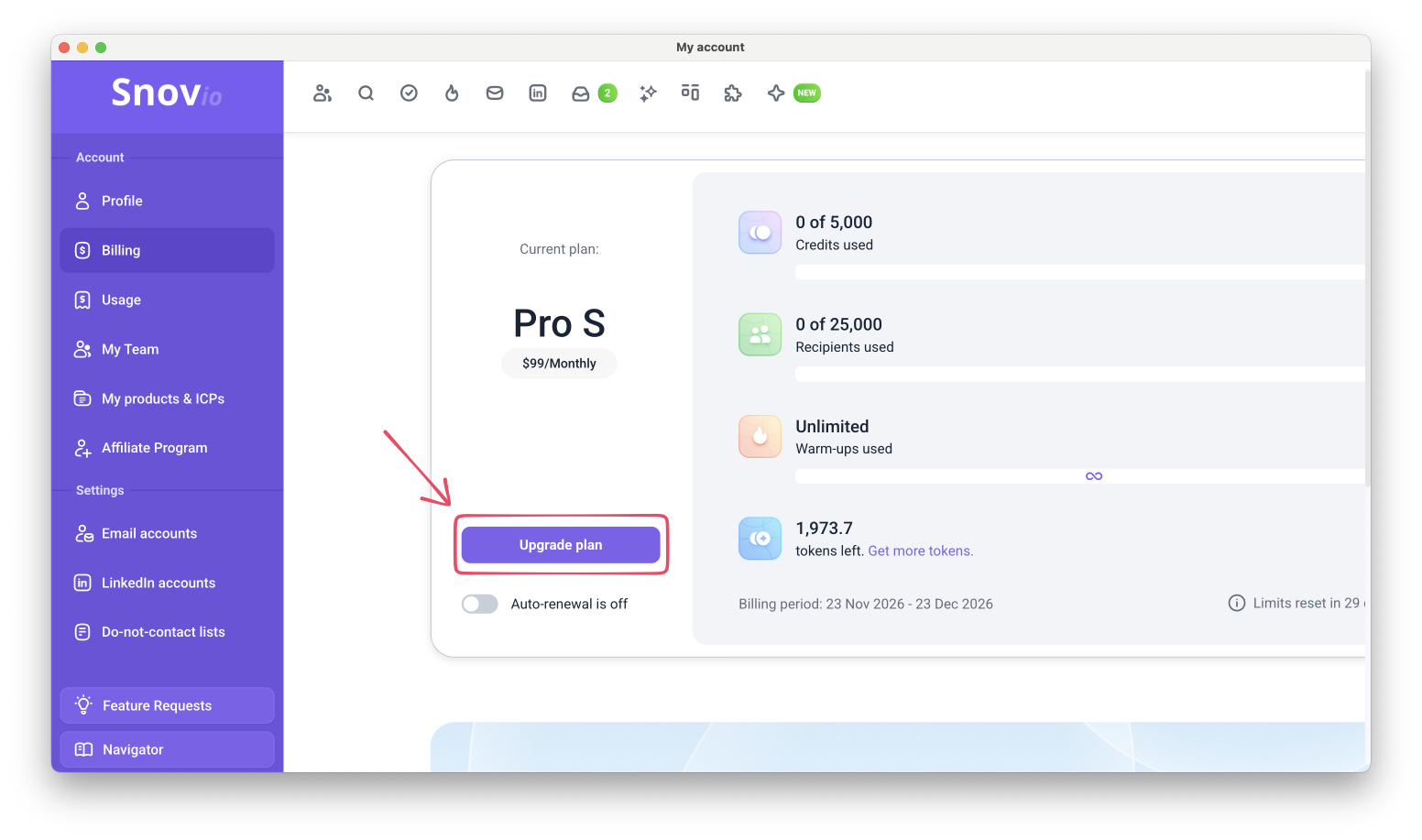
If you prefer not to use auto-renewal, purchase any paid plan (the same tier or a different one) before your current billing period ends so your balance doesn't expire.
Check your renewal and limit reset dates
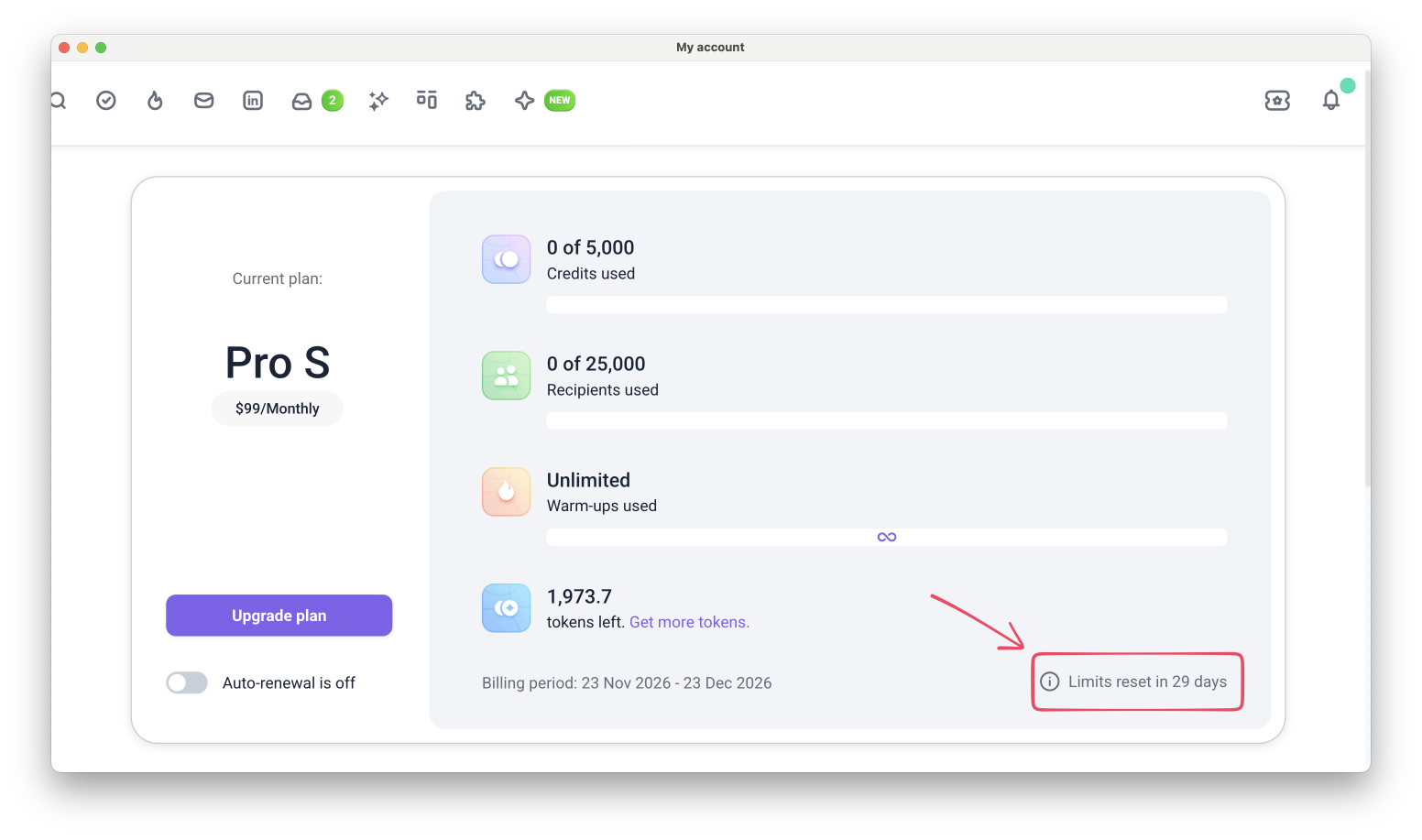
Open Billing settings to see when your current plan ends. If you're on a 3-month, 6-month, or Annual plan, the Limit resets timer shows how many days remain until your next monthly batch of credits, recipients, and tokens arrives.
Keep your payment method up to date
If a renewal payment fails, your account downgrades to the Trial plan and any unused credits expire immediately. Keep your card details current in the FastSpring customer portal. See this guide for instructions.



Sorry about that 😢
How can we improve it?