
Did you know that 60% of companies increased their spending on marketing tools over the past 12 months? One of the key challenges is handling daily mass outreach. These days, businesses are looking for cold email tools that would do the heavy lifting for them.
I’ve done some research on the best cold email software, compared their key features, pricing, as well as integrations with a single aim – to help you find the best fit for your goals.
So, let’s dive in!
Outline
TL;DR:Top 5 cold email outreach tools compared
Below, you can find a precise comparison of the top 5 tools. Click on each cold email software to navigate to it directly:
*Pricing may change from time to time, so always visit a product’s website for actual information.
How did I pick the best cold email software?
Here are the criteria I used:
- Cold email functionality
My focus was on key features that are essential in supporting outreach. I considered elements such as email campaign building, email verification, warm-up features, inbox rotation, as well as basic deliverability functionality.
- Automation efficiency
Automating certain tasks is key when it comes to scaled outreach. I’ve prioritized tools with features like automated follow-ups, campaign scheduling, and optimized sending times. I also considered software with AI capabilities that can significantly enhance outreach.
- Ease of use
I’ve also paid close attention to how intuitive software is. It was essential for me to select solutions that require minimal to no technical expertise to be used effectively.
- Integration with other tools
Where possible, I checked how well each software integrates with common CRMs or other sales platforms to support a connected workflow.
- Customer support and user experience
Users’ feedback was among the key considerations when choosing the best cold email software. I analyzed user reviews on G2, plus evaluated the platform’s responsiveness, onboarding assistance, and how well it meets everyday needs by myself. The level of customer support was another factor I considered.
20 best cold email software tools to automate your sales outreach
Now, let’s go through the 20 best cold email solutions on the market that are renowned for their automation features and user experience:
- Snov.io
- Instantly.ai
- Hunter.io
- Saleshandy
- Lemlist
- Mailshake
- Reply.io
- Apollo.io
- Woodpecker
- Salesloft
- Yesware
- QuickMail
- Outreach
- Close CRM
- Clay
- Klenty
- GMass
- SmartReach.io
- Outplay
- Mixmax
Let’s take a closer look, shall we?
-
Snov.io
Best for: Sales teams seeking an all-in-one platform that combines email automation, LinkedIn outreach, and exceptional lead generation tools.
G2 rating: 4.5/5
Pricing: Free plan available. Paid plans start at $39 per month.
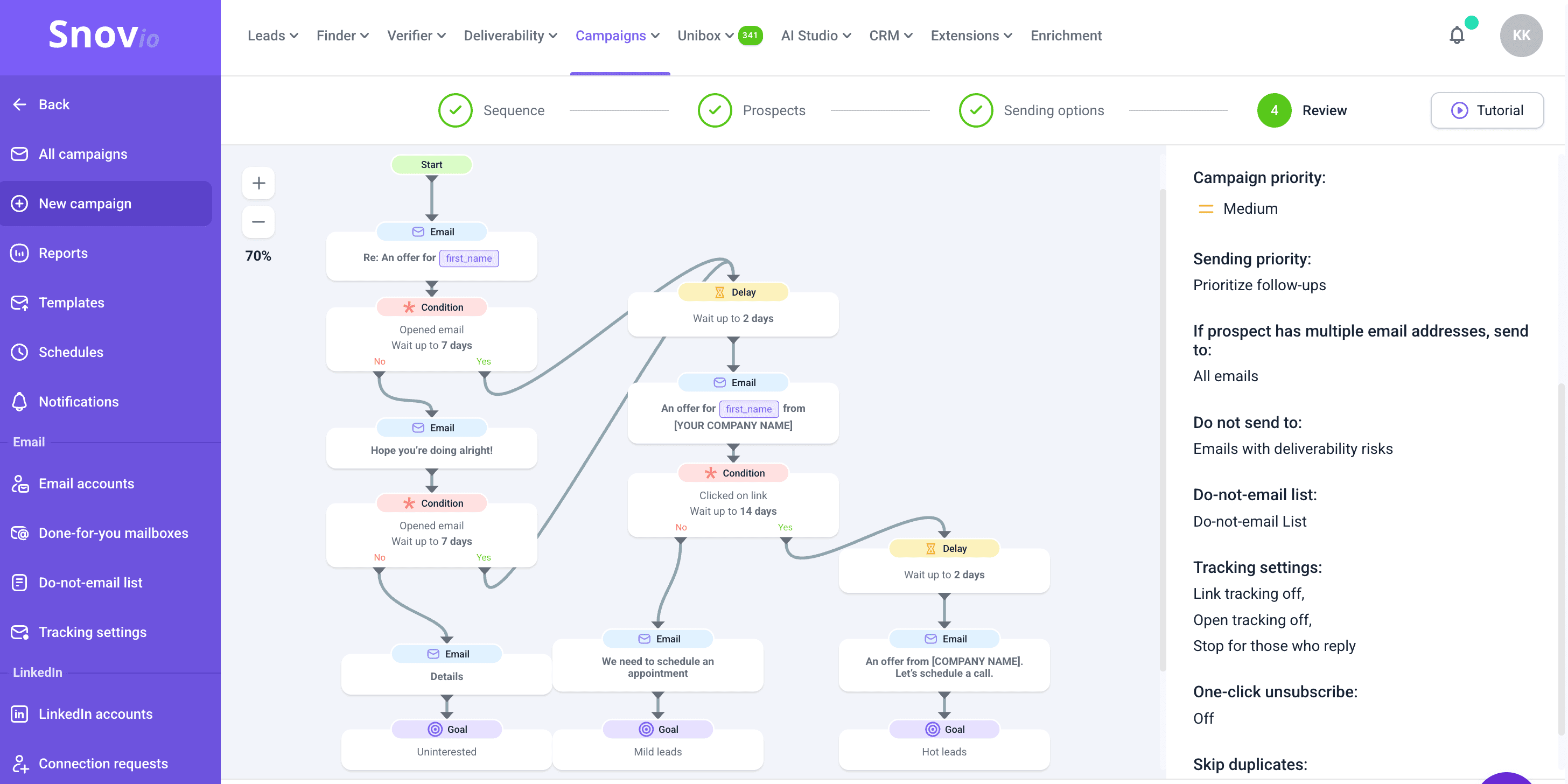
Snov.io is a lead generation and multichannel outreach automation platform that offers comprehensive tools for AI-powered multichannel outreach and exceptional lead generation features, all within a free sales CRM ecosystem.
From discovering new leads to moving them through the sales funnel, the tool facilitates the process at every step. With Snov.io, you can dedicate your time to building your sales strategy, while the tool takes care of your deliverability, automates your domain warm-up, and helps send email and LinkedIn campaigns.
This AI outreach tool integrates with over 5,000 leading CRMs and business applications, streamlining sales processes. The platform provides 24/7 customer support, ready to resolve any issues, no matter when you face them — even at night.
Key features of Snov.io:
- Email Finder and Verifier
Find prospects with their email addresses across the entire web. Then, verify them in bulk using a 7-step verification process.
- Multichannel outreach
Build automated email+LinkedIn sequences that feature personalized follow-ups, keeping your leads engaged on different platforms. Conduct an A/B test of your campaigns to determine the most effective scenarios, thereby improving your sequence performance.
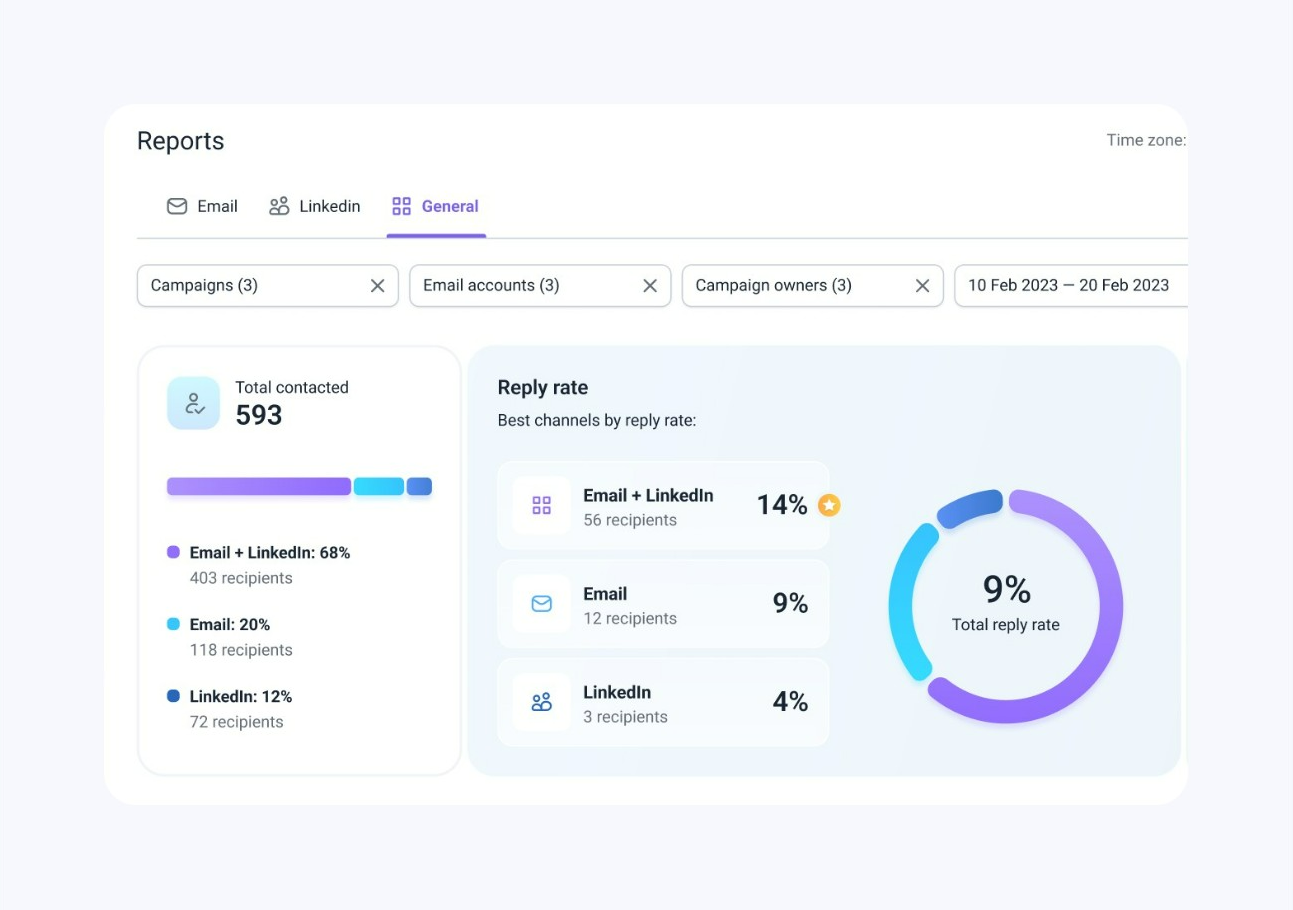
Review interactive dashboards to see your key metrics.
- Email Deliverability Check and Warmup
Monitor your inbox placement rate, get insights on how to improve it, and choose a powerful warm-up strategy for your account. Snov.io will do everything on autopilot, boosting your sender reputation and deliverability.
- AI Email Builder
With this Snov.io AI email generator, you can create personalized cold emails in just four steps. Choose your product, target audience, and add up to four selling points, and the AI generates ready-to-edit drafts in different styles.
It’s simple enough to get a complete email in one click or refine a template step by step up to your needs.
- Unibox
Snov.io enables you to consolidate all communications with prospects in one centralized location.
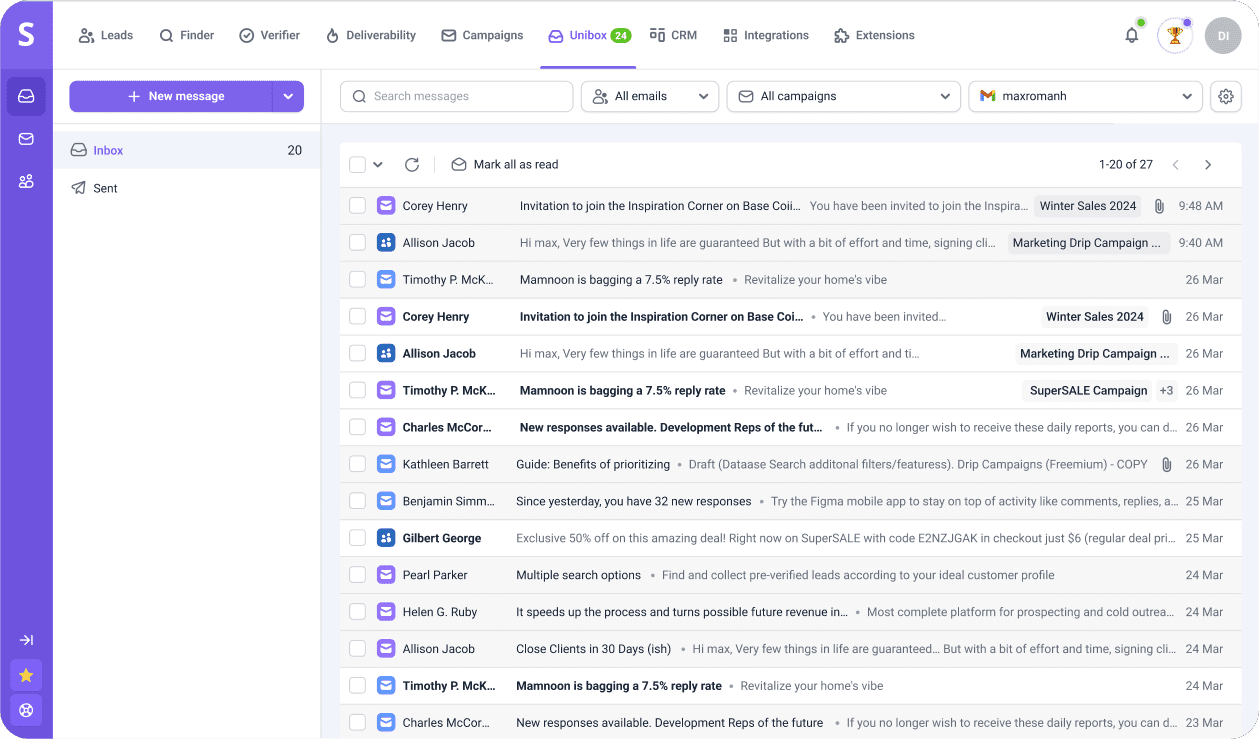
Every sales representative can track messages in real-time and join conversations without delay, ensuring prospects are well-nurtured throughout the funnel.
- Snov.io Academy
Apart from tech, Snov.io empowers users to master cold campaigns with expert guidance and hands-on training through its Academy. You can enroll in the free online course and learn the skills you need to send cold emails like a pro.
✅ Pros of Snov.io:
- User-friendly interface: Snov.io is very intuitive and quite easy to get the hang of, even for non-tech-savvy users.
- Top-rated support team: Users appreciate the team’s help with troubleshooting whenever issues arise.
- Powerful lead generation: The platform offers great capabilities for finding leads and verifying their contact data.
- Multichannel outreach: This cold email software is designed to expand your reach by letting you connect through email and LinkedIn.
- Email tracking for Gmail: Get notifications whenever your messages are opened or clicked. This extension is absolutely free.
- Free CRM: Manage how your leads move through the pipeline to never miss a single follow-up.
- Single, affordable price for all features: Snov.io’s lead generation tools, automated campaigns, outreach performance tracking, deliverability tools, email warm-up, integrations, AI functionality, etc., are available in one package.
❌ Cons of Snov.io:
- Learning curve for new users: It may take some users time to become acquainted with all Snov.io features, as this platform offers lots of functionality.
What users say about Snov.io:
Snov.io has all we need to grow fast: an easy-to-use toolset and the support ready to assist us in developing winning campaigns.
Commercial Director at Arquitetura de Vendas

Users love Snov.io for making their outreach simple and effective. They appreciate its straightforward interface and how it helps them find leads, verify emails, and manage campaigns all in one place. The responsive support team is often praised for its genuine helpfulness when issues arise.
📍My final opinion about Snov.io:
Honestly, Snov.io is one of the best cold email software I’ve used. You can run your email campaigns and LinkedIn outreach from the same place instead of paying for separate tools. The email finder works well, and the verification helps keep bounce rates down.
Plus, an AI email generator is really handy if you’re stuck with writer’s block or unsure how to make your product stand out.
-
Instantly.ai
Best for: Teams looking for rapid, scalable cold email automation with AI-driven features.
G2 rating: 4.8/5
Pricing: 14-day free trial available. Paid plans start at $37 per month.
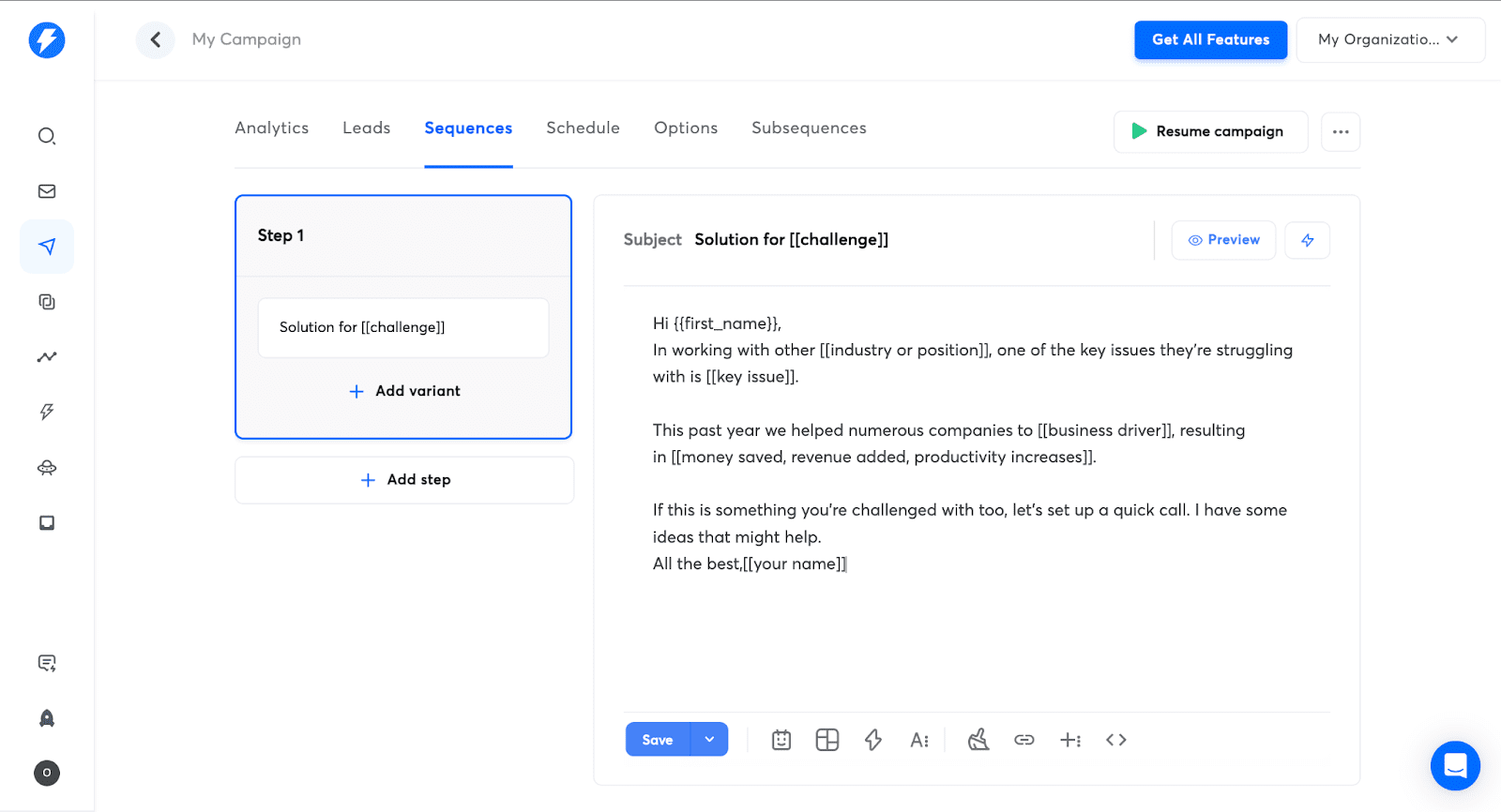
Instantly.ai is a cold emailing software that enables you to run multiple outreach campaigns simultaneously. It uses AI capabilities to optimize email content, helping you maintain strong deliverability while keeping prospects engaged.
Key features of Instantly.ai:
- AI-powered email sending: Optimize campaign send times and content with AI to ensure higher engagement.
- Lead finder: Use AI filters to find ideal prospects.
- Unlimited accounts: Run multiple cold email campaigns from as many accounts as you need.
- Automated follow-ups: Keep engaging with prospects in the pipeline without manual effort.
- Email Warm-up: Gradually prepare new accounts for mass sending.
✅ Pros of Instantly.ai
- Intuitive design: The software is easy to get started with, allowing you to quickly launch your first email campaign.
- Strong AI-driven features: The tool utilizes AI for campaign creation, reply tracking, as well as send-time optimization.
❌ Cons of Instantly.ai:
- No multichannel outreach: Instantly is primarily focused on engaging with prospects through email. LinkedIn or any other channels for an expanded reach aren’t available.
- Limited reporting: Some users claim the platform’s reporting features are not always accurate.
What users say about Instantly.ai:
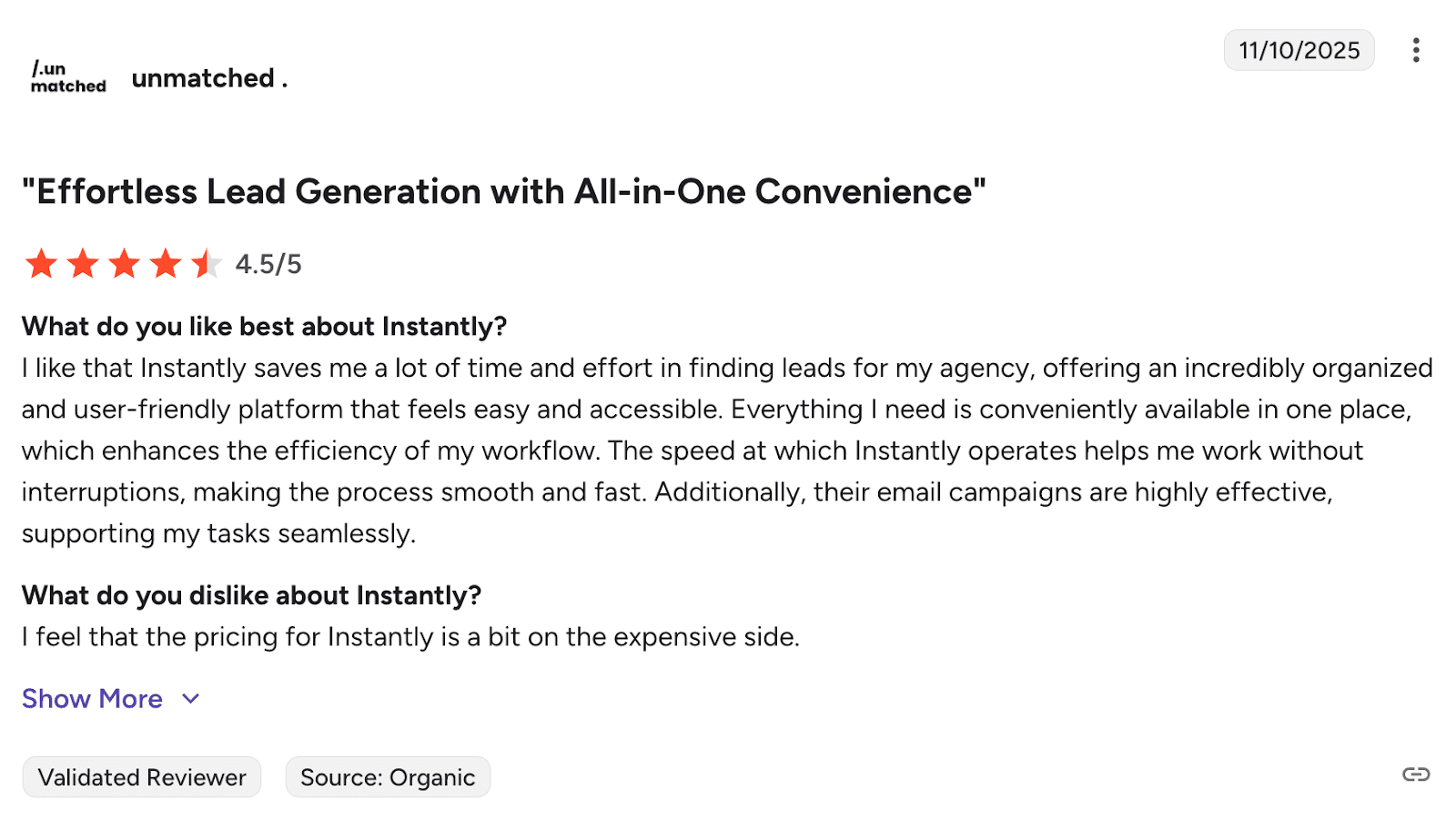
Users find Instantly.ai easy to navigate, with automation features that save time. The customer support team responds quickly when any help is needed. Yet, people also feel that the tool’s analytics are pretty basic. Plus, some users express their frustration with high pricing.
📍My final opinion about Instantly.ai:
Instantly gets you started quickly and is quite intuitive, which I really appreciate. The main catch is that you’re limited to email only, with no LinkedIn or other channels. If you foresee needing multi-channel outreach, it may not be the best fit.

AI For Sales: Complete Guide To Using AI In Sales
March 18 2026
How To Warm Up Email Account To Run Effective Email Campaigns
September 22 2025
-
Hunter.io
Best for: Teams focused on advanced email-finding capabilities paired with straightforward campaign building.
G2 rating: 4.4/5
Pricing: Free plan available. Paid plans start at $49 per month.
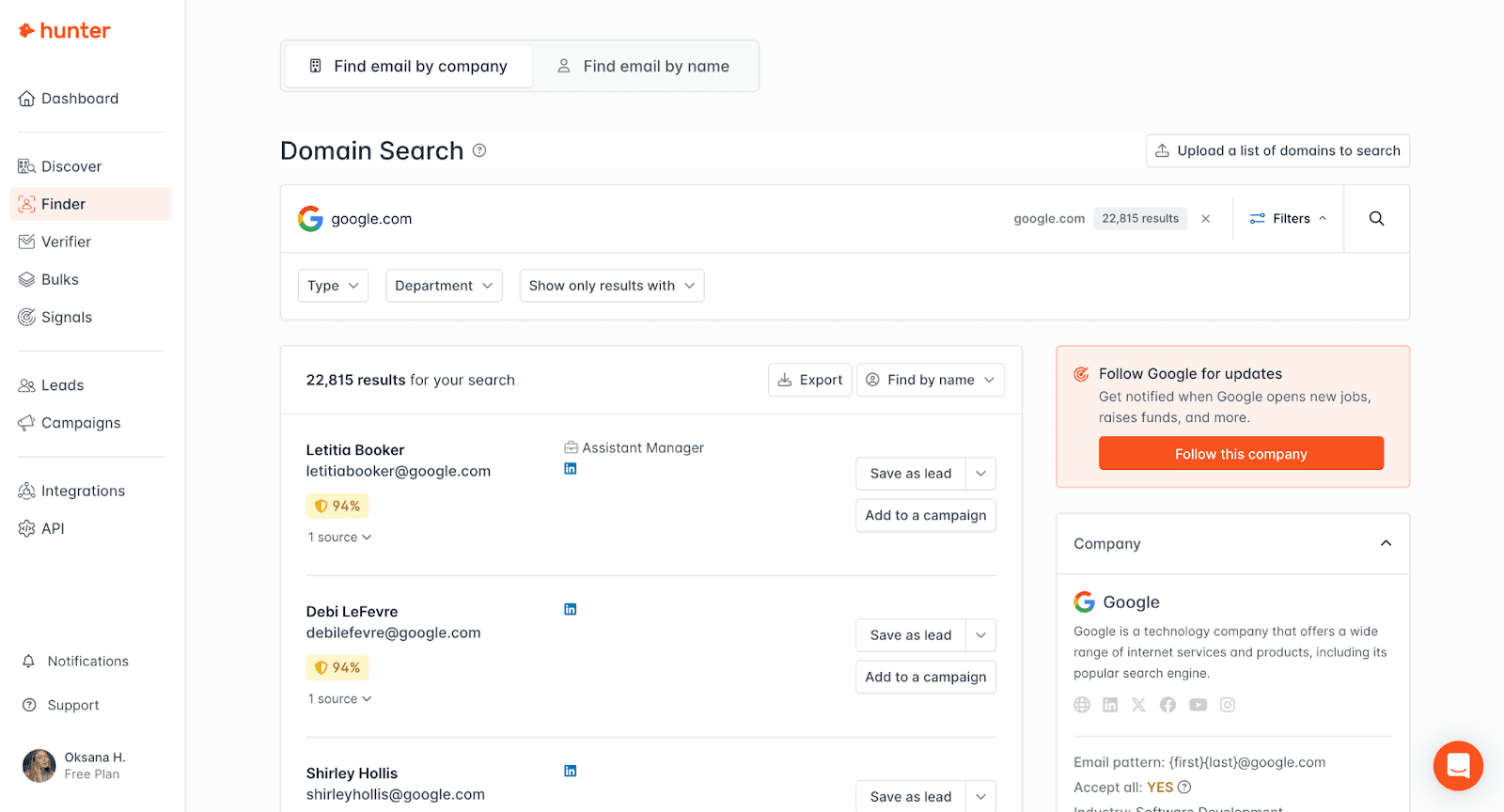
Hunter.io is primarily recognized for its email finder tools, which enable businesses to quickly identify the email addresses of their prospects. The software streamlines email discovery, verification, as well as sending. This enables teams to boost lead generation while maintaining high deliverability through its built-in verification system.
Key features of Hunter:
- Bulk email finder: Scale up your cold campaigns with bulk email search, making it easier to contact leads in larger volumes.
- Domain search: Find professional email addresses and company details associated with any domain to identify potential leads faster.
- Email verifier: Reduce bounce rates with the built-in verification tool to improve deliverability.
- Campaigns: Create cold email campaigns directly in Hunter.io to timely follow up on your leads.
✅ Pros of Hunter:
- Rich contact data: Hunter.io returns full names, job titles, social profiles, and source URLs.
- Confidence score included: The software helps you assess email deliverability before sending.
❌ Cons of Hunter:
- Limited outreach: The software doesn’t support multichannel workflows for deeper engagement.
- No deliverability tools: This tool doesn’t offer any solutions for checking your inbox placement.
What users say about Hunter.io:
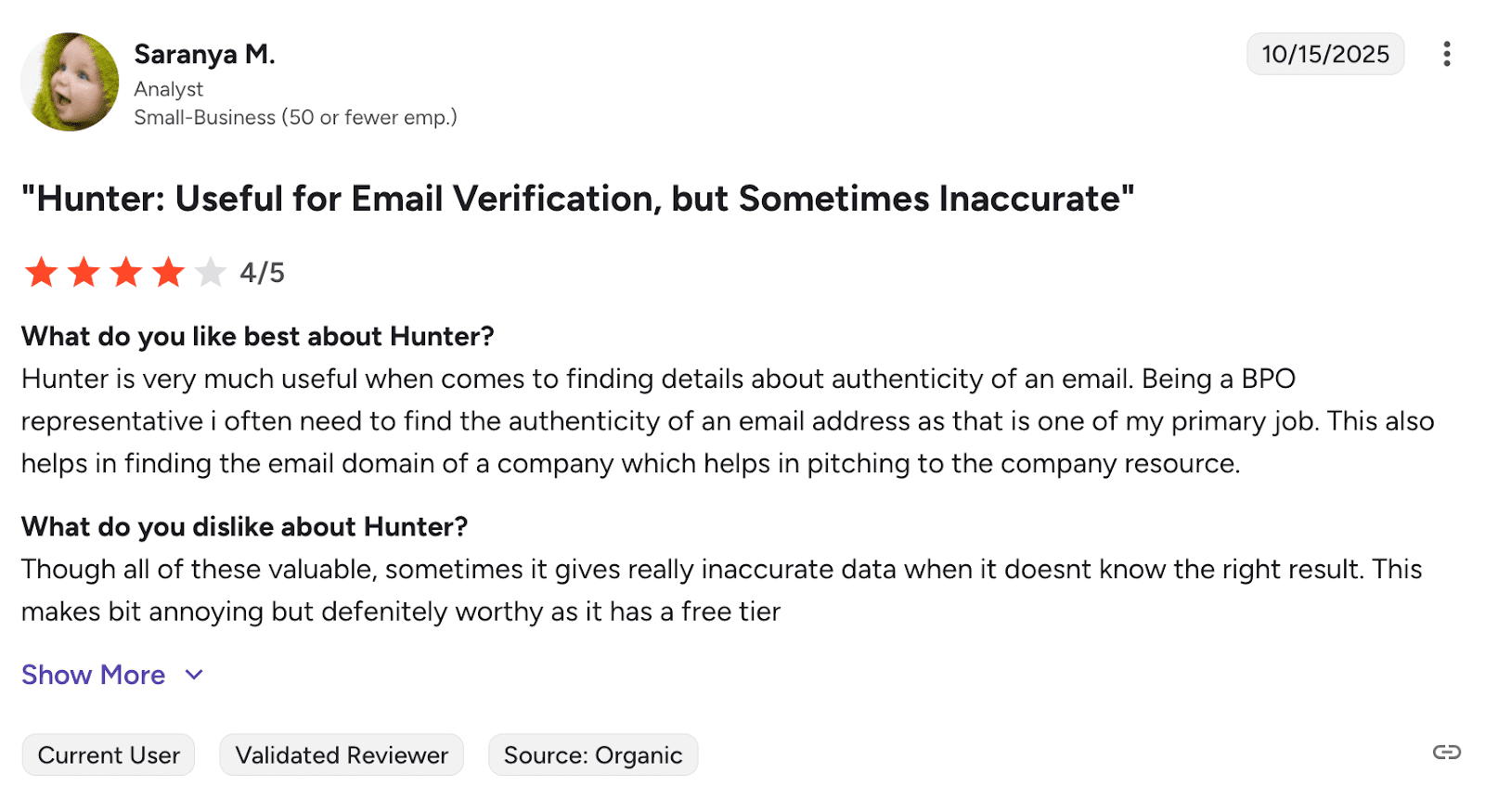
Hunter.io works well when you need to find and verify email addresses. The interface is clean, but the data quality isn’t always satisfactory. Also, some users feel that the lead database doesn’t always have the depth you might be looking for.
📍My final opinion about Hunter.io
Hunter finds emails efficiently, and that’s its main strength. Campaign features are there, but in my view, they are rather basic. I’d recommend using Hunter.io for building contact lists, first of all. As for cold email sequences, there are stronger options.
-
Saleshandy
Best for: Small to medium-sized businesses looking for a cold email tool with good tracking features.
G2 rating: 4.6/5
Pricing: 7-day free trial available. Paid plans start at $36 per month.
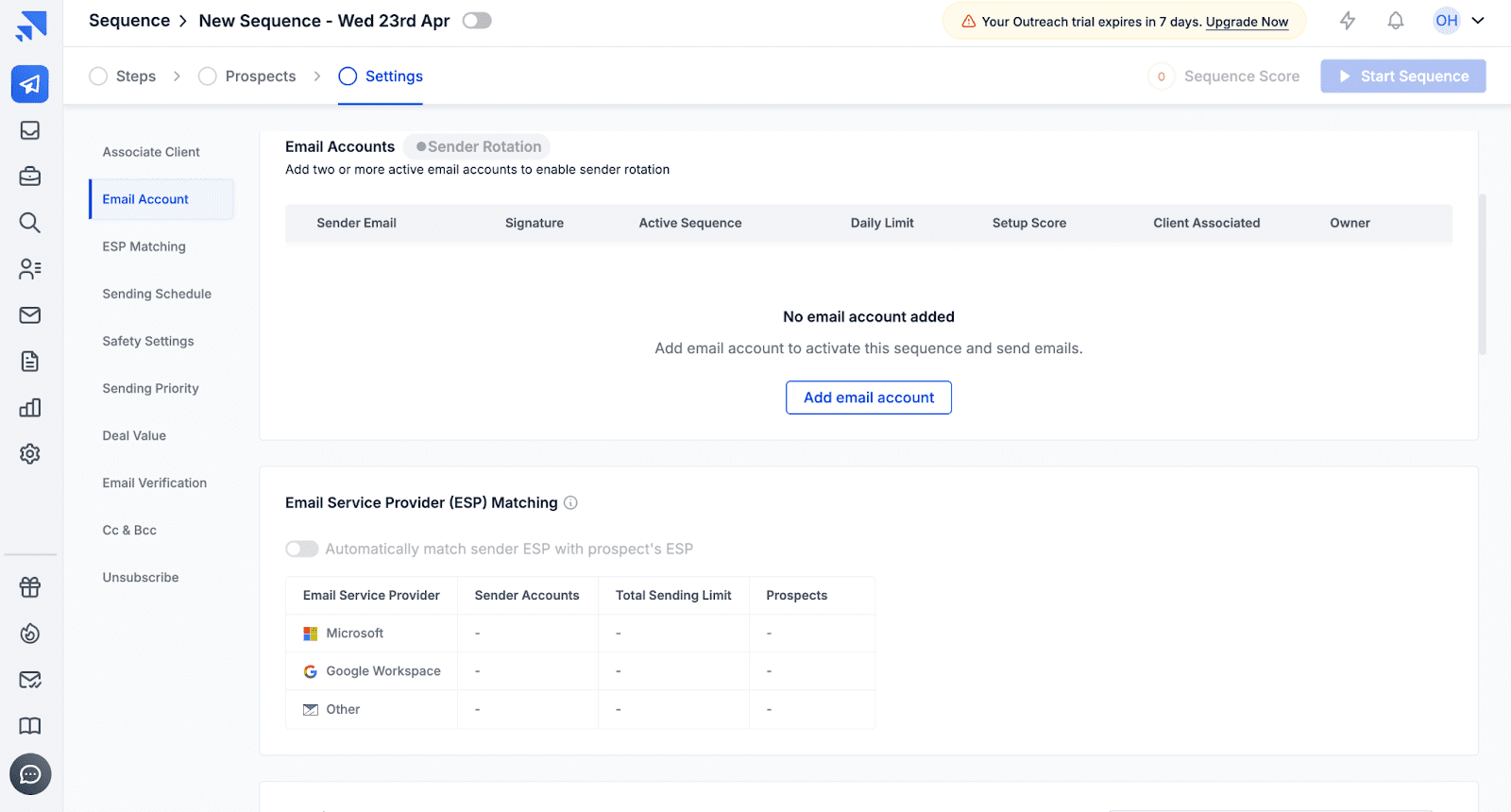
Saleshandy helps businesses automate their interactions with prospects and track their performance. It simplifies cold email campaigns with customizable templates and automated follow-ups, also integrating with major email providers, so you can manage cold campaigns directly from your inbox.
Key features of Saleshandy:
- Email tracking: Receive real-time notifications when cold emails are opened or clicked, allowing you to prioritize follow-ups.
- Automated follow-ups: Set up follow-up sequences to be sent automatically based on recipient behavior.
- Campaign analytics: Analyze the success of your campaigns with reporting on opens, replies, and click-through rates.
✅ Pros of Saleshandy:
- Beginner-friendly interface: Saleshandy offers an intuitive user interface, which makes it easy to set up campaigns and manage outreach.
- Stellar customer support: Users frequently praise the helpful support team, as well as the rich knowledge base.
❌ Cons of Saleshandy:
- Occasional tracking inaccuracies: Open/click tracking may sometimes be inconsistent or delayed.
- Browser extension issues (Gmail): Some users report glitches or limitations when using the Gmail add-on.
What users say about Saleshandy:
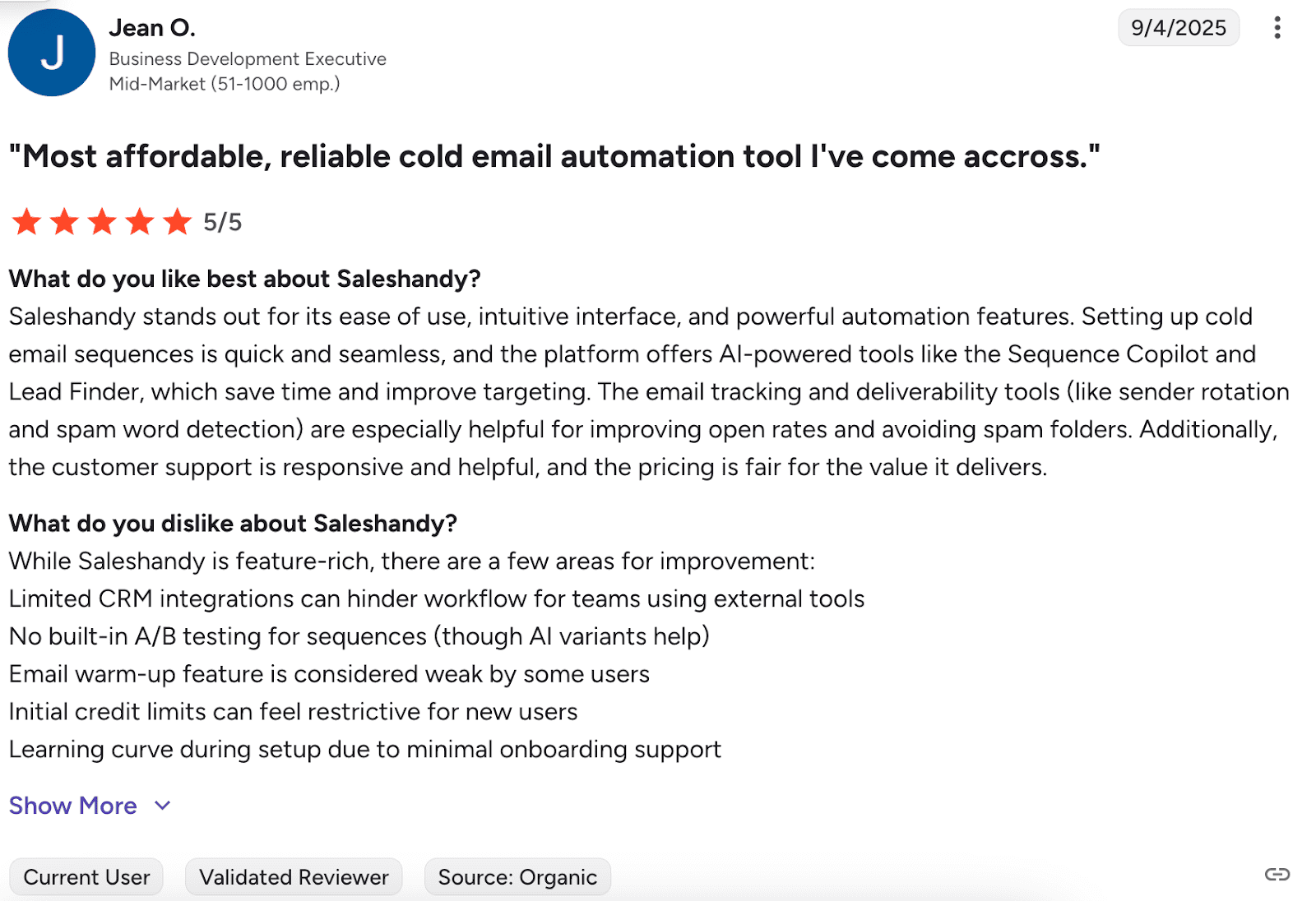
Users appreciate the warmup and tracking features, and consider the platform straightforward to navigate. On the flip side, the lack of some features is frustrating, while some people feel the pricing doesn’t match what you get in terms of credit limits.
📍My final opinion about Saleshandy:
Saleshandy is easy enough for beginners. But the warmup feature can be unreliable, and support isn’t always quick to respond when you need help. I think it’s fine when you’re starting out, but you might outgrow it as you scale.
-
Lemlist
Best for: Teams seeking versatile channels with strong personalization options for cold emails, LinkedIn, etc.
G2 rating: 4.5/5
Pricing: Free plan available. Paid plans start at $69 per month.
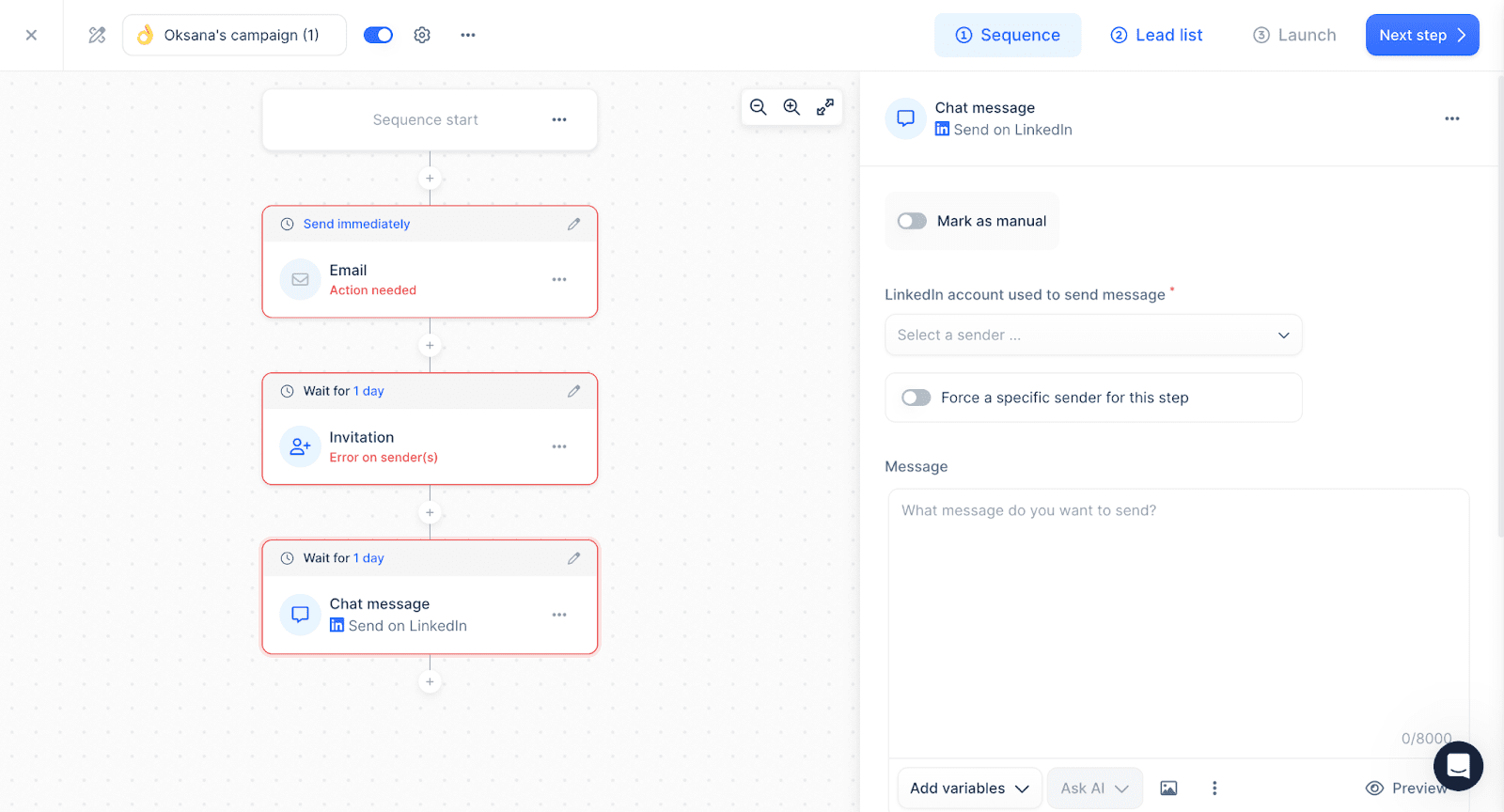
Lemlist is known for its multichannel campaigns. The tool allows users to reach prospects not only through cold email but also via LinkedIn and phone calls. The platform offers decent personalization options as well as a warm-up functionality.
Key features of Lemlist:
- Multichannel outreach: Automate cold email, phone, and LinkedIn efforts, ensuring you’re hitting prospects on the platforms they prefer.
- Personalization at scale: Customize text, images, and videos to boost engagement rates.
- Lemwarm warm-up: Prepare your campaigns for bulk sending.
- Website visitor identification: See which companies visited your site, converting them into leads with targeted outreach
- Email verifier: Lower your bounce rates, ensuring your messages reach the inbox.
✅ Pros of Lemlist:
- Multichannel outreach: The cold email tool provides an all-in-one solution for managing outreach across multiple channels, streamlining sales efforts.
- Customer support and learning: Users have access to valuable guidelines as well as customer service help.
❌ Cons of Lemlist:
- Clunky navigation: Certain features require additional steps to access.
- Not the cheapest option: The pricing is a bit high, particularly when you scale or unlock advanced features.
What users say about Lemlist:
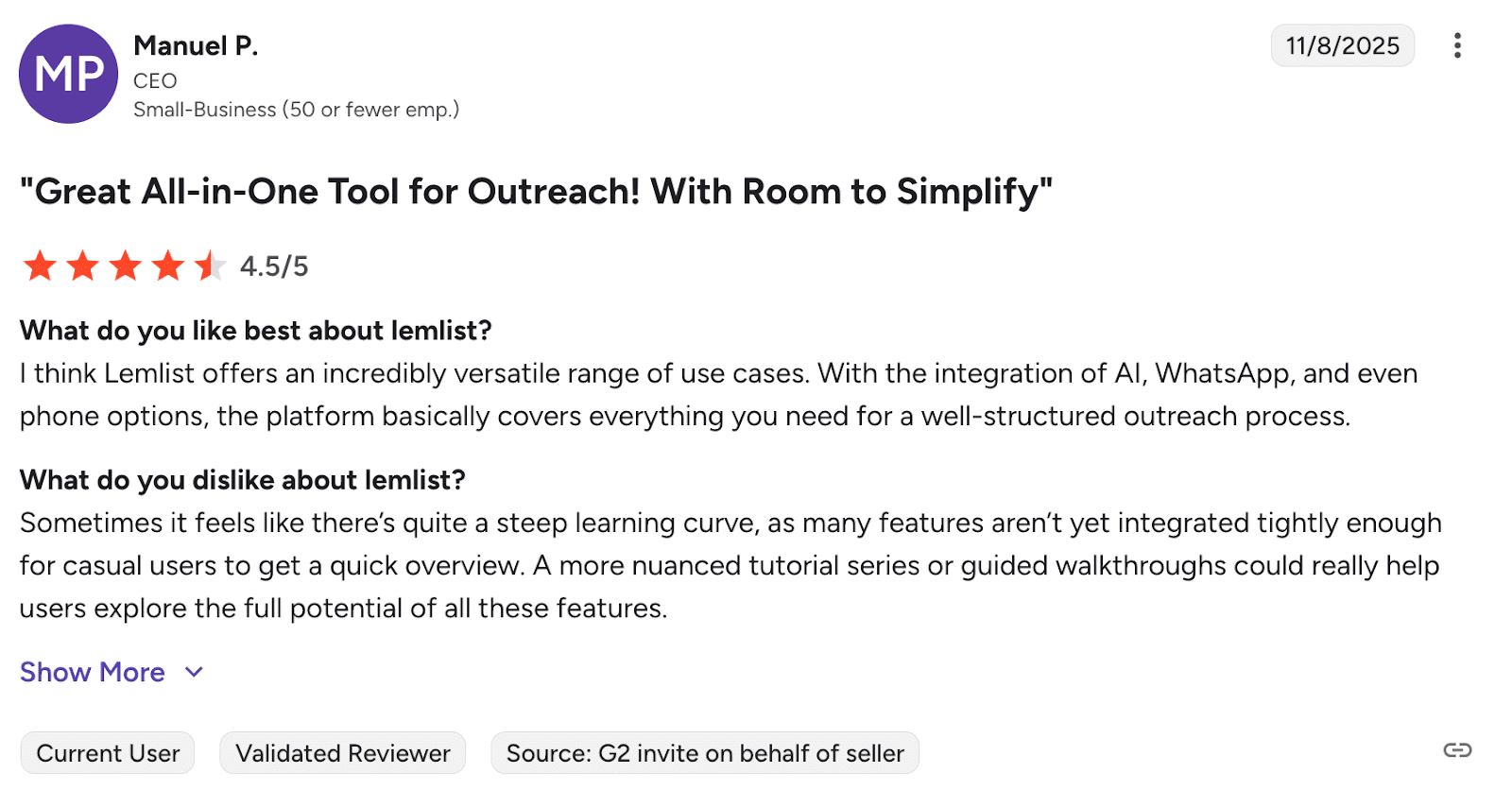
Lemlist stands out for personalized outreach, with smooth automation and deliverability tools that work well. But some users say advanced features take time to master, while the unified inbox feature could be more user-friendly.
📍My final opinion about Lemlist:
Lemlist lets you personalize images and videos, not just text, which I believe can be helpful for successful outreach. But some parts of the interface could be more intuitive for users, in my view. Overall, my impression of this platform is quite positive, though it’s not the cheapest solution on the market.

-
Mailshake
Best for: Sales teams and small businesses looking for an easy-to-use tool for cold email and social media campaigns.
G2 rating: 4.7/5
Pricing: No free trial available. Paid plans start at $29 per month.
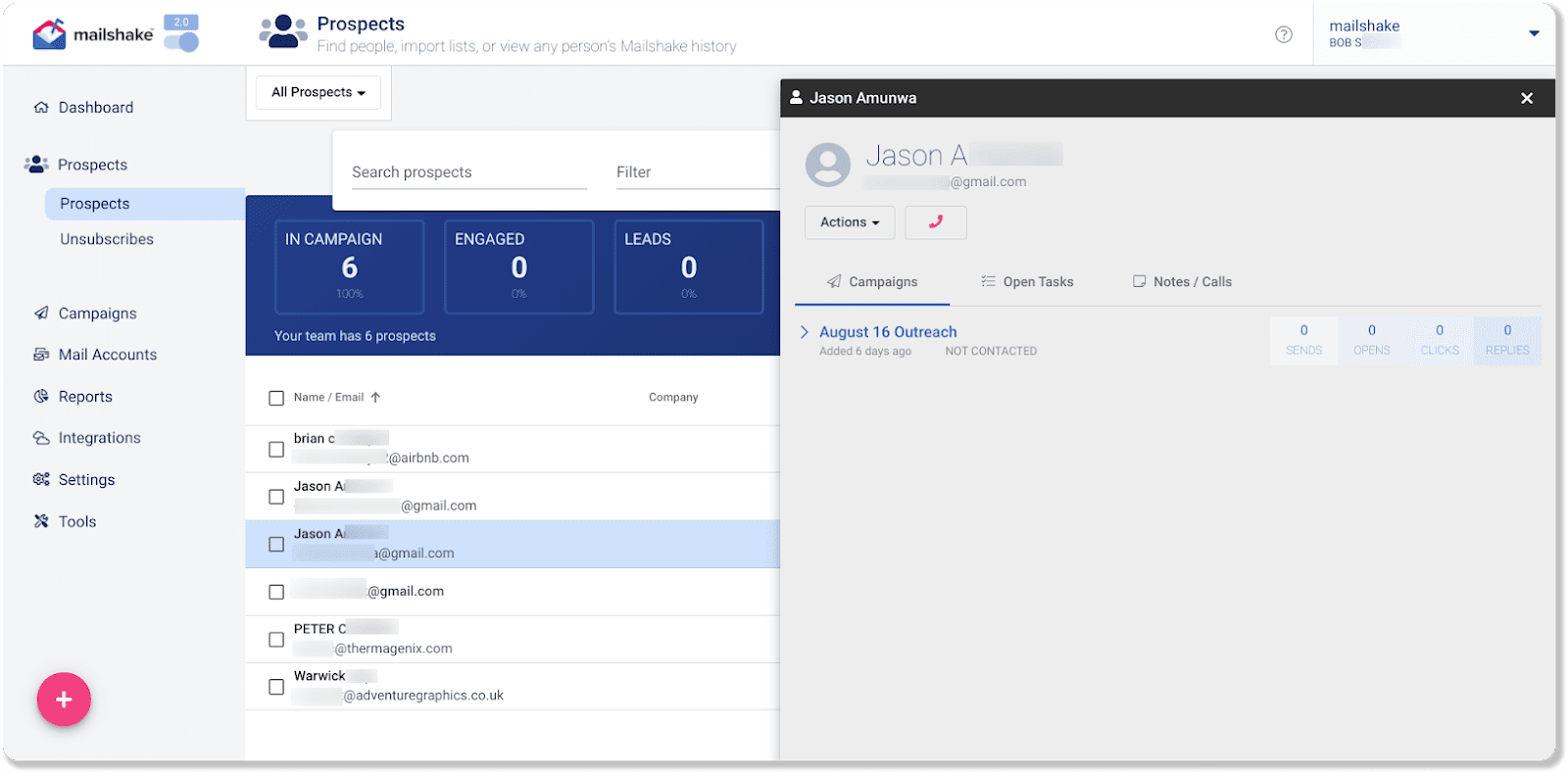
Mailshake is a cold email software known for its simplicity in setting up email sequences as well as programming follow-ups. The platform also streamlines LinkedIn outreach, allowing users to use it for multichannel sales engagement.
Key features of Mailshake:
- Email and LinkedIn automation: Automate multichannel outreach for better results.
- Mail merge: Send personalized cold emails in bulk using CSV uploads and dynamic fields.
- Phone dialer: Make sales calls directly from your browser as part of your multichannel outreach.
- Lead catcher: Automatically capture and organize leads based on their replies or other actions, making following up easier.
✅ Pros of Mailshake:
- Intuitive campaign automation: The tool offers easy-to-build sequences that can be sent on autopilot.
- Educational resources: The software provides access to the Cold Email Academy, which helps users optimize their outreach strategies.
❌ Cons of Mailshake:
- No free plan or trial: This makes it more challenging for new users to evaluate the product beforehand.
- Steep learning curve: Mailshake can feel a bit complex or overwhelming for beginners.
What users say about Mailshake:
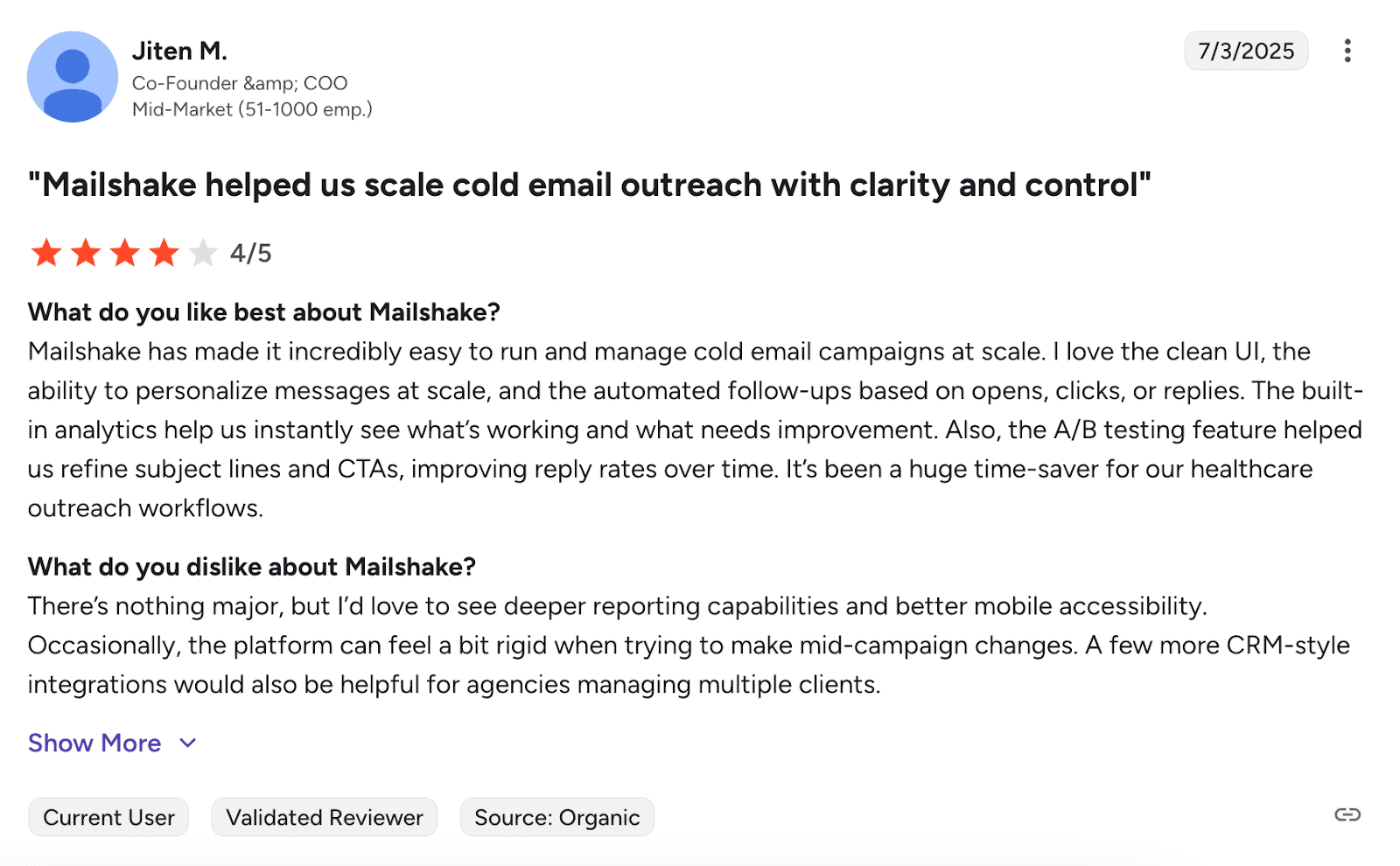
Users enjoy reliable cold email functionality with quick setup and solid automation. The customer support team is helpful. Talking about the downsides, CRM options are limited, and the tool isn’t as intuitive as people expect.
📍My final opinion about Mailshake:
Mailshake works reliably and includes helpful training through their Cold Email Academy. But the lack of a free trial makes it slightly inconvenient since you can’t test it first. Setup takes some time, but I find the tool runs smoothly once you’re past that initial phase.
-
Reply.io
Best for: Sales and marketing teams looking for multichannel outreach with AI-driven insights.
G2 rating: 4.6/5
Pricing: 14-day free trial available. Paid plans start at $59 per month.
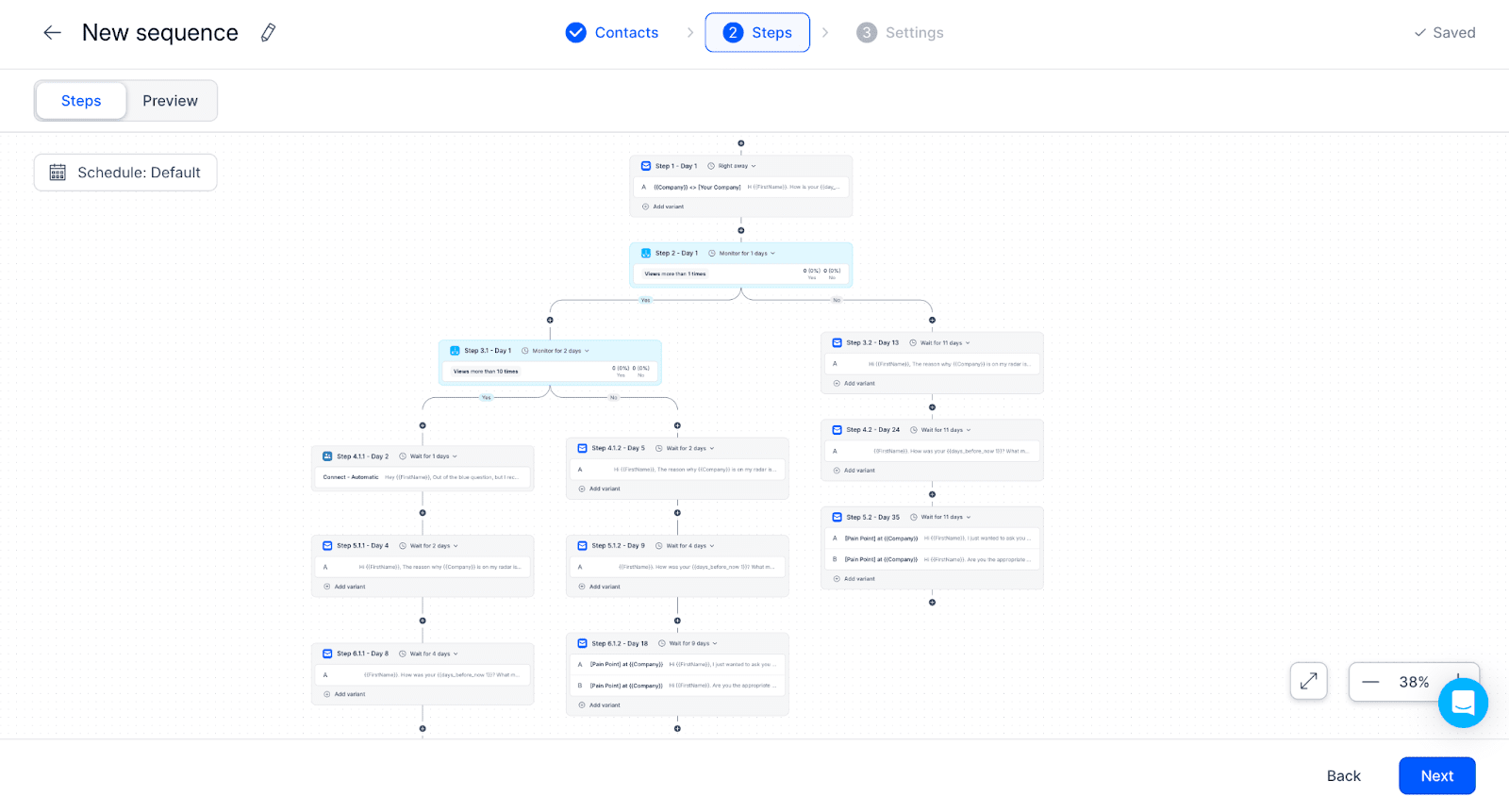
Reply.io is a sales automation platform that supports outreach across email, LinkedIn, as well as other channels. With built-in AI analytics and integrations with major CRMs, it helps optimize campaign performance.
Key features of Reply.io:
- Multichannel sequences: Automate sales across email, LinkedIn, phone, and social media engagement, ensuring no touchpoint is missed.
- Email deliverability suite: Improve inbox placement with built-in warm-up, spam monitoring, DNS optimization, and Gmail API-based sending.
- AI-powered writer: Craft and optimize your cold email content with the built-in AI, optimizing it for better response rates.
✅ Pros of Reply.io:
- Flexible reporting options: The platform provides users with insights on outreach performance, helping them refine their approach over time.
- Versatile use cases: Reply.io is suitable for a variety of goals, including sales, recruitment, public relations, etc.
- Helpful customer support: Fast support combined with rich guides makes troubleshooting easy.
❌ Cons of Reply.io:
- Onboarding for new users: The wide range of features can be overwhelming at first, particularly for users new to sales automation tools.
What users say about Reply.io:
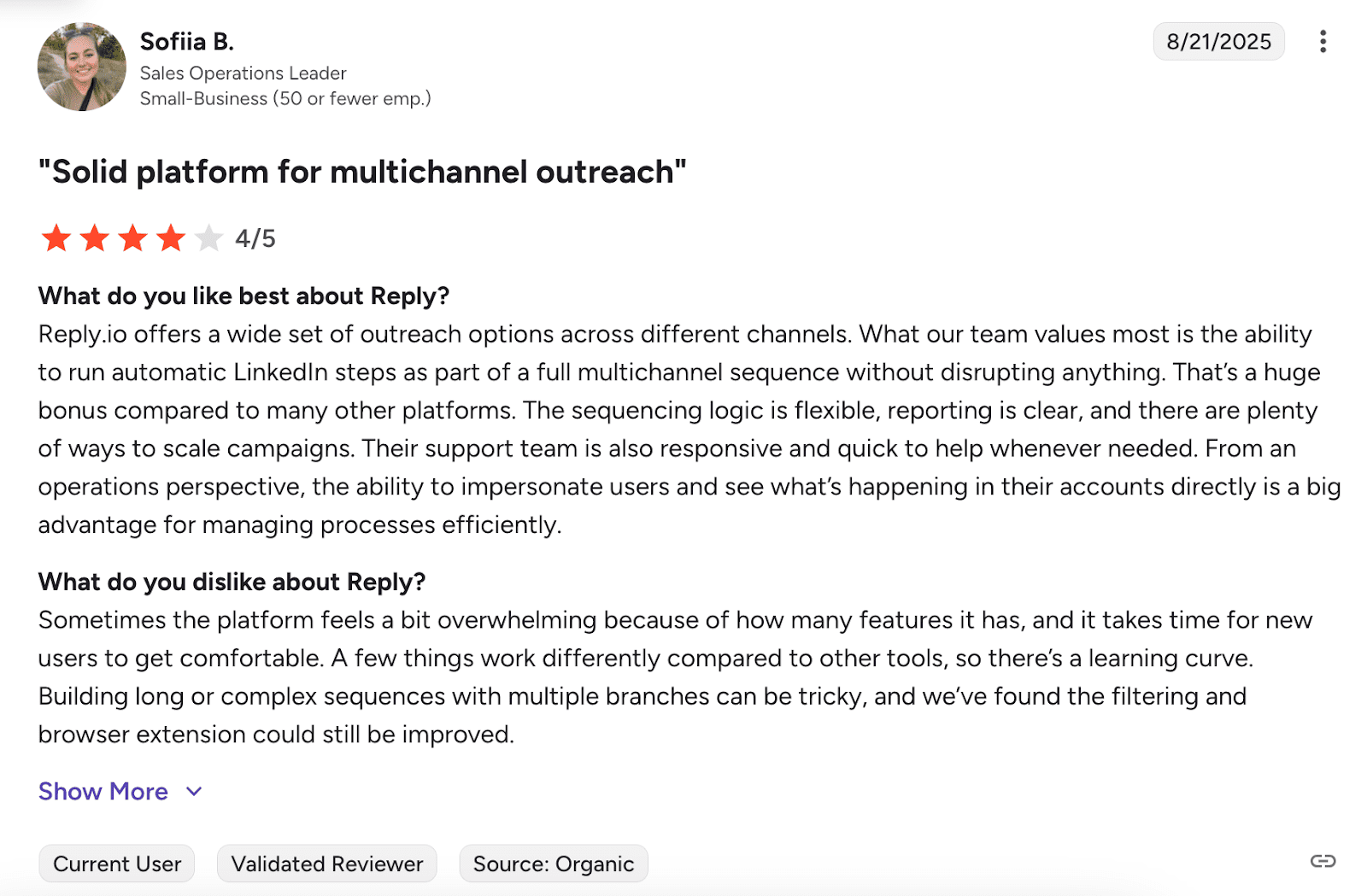
Reply.io provides comprehensive automation with strong CRM integration and is a feature-rich platform for sales outreach. On the flip side, new users face a steeper learning curve.
📍My final opinion about Reply.io:
Reply.io gives you a lot of features across email, LinkedIn, and phone outreach. Its AI writing tools are helpful, but there’s a lot to figure out at first. I think this tool is better suited for teams that already understand sales automation.
-
Apollo.io
Best for: Teams looking for an all-in-one platform that includes cold emailing, lead generation solutions, or CRM.
G2 rating: 4.7/5
Pricing: Free plan available. Paid plans start at $59 per month.
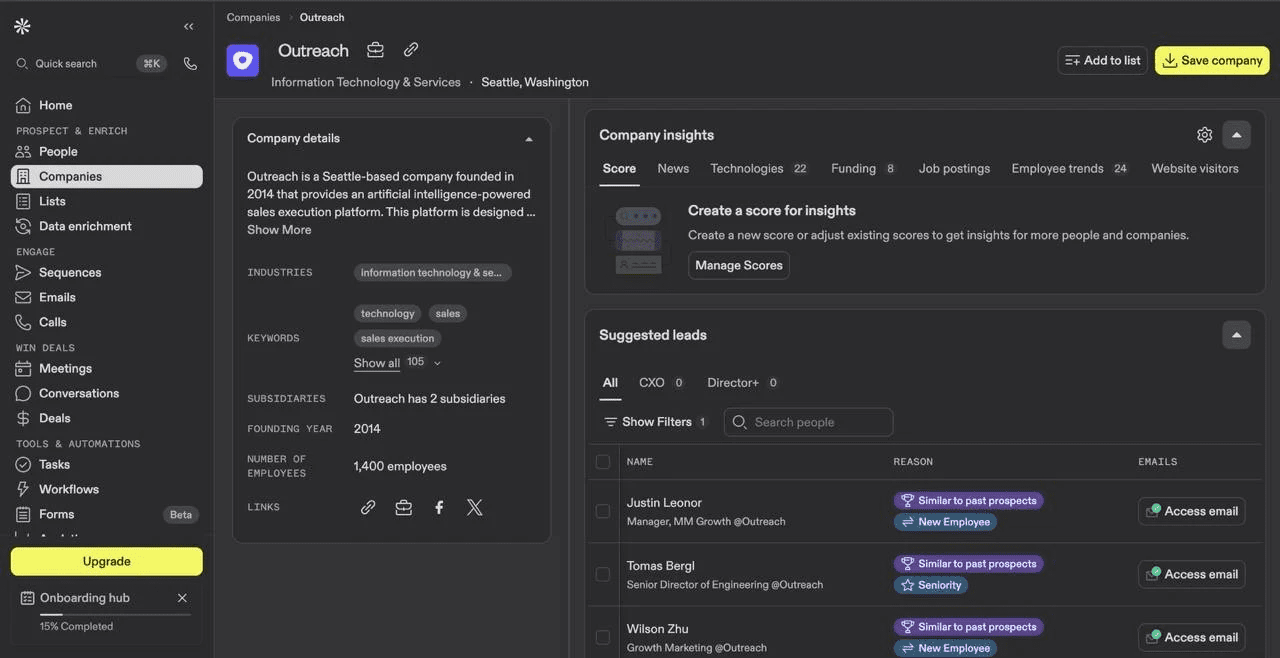
Apollo.io blends cold email software with built-in lead generation and CRM capabilities. Its database helps businesses find new prospects, engaging with them through automated outreach campaigns. The platform also includes analytics tools to help teams track their performance results.
Key features of Apollo.io:
- Lead generation database: Access a vast repository of prospects to ensure you’re reaching the right people.
- Automated campaigns: Streamline multi-step cold email sequences to engage prospects over time, ensuring consistent follow-ups.
- LinkedIn integration: Combine cold email outreach with LinkedIn campaigns to reach prospects across both channels, enhancing engagement.
- CRM integration: Seamlessly integrate Apollo with CRM systems to manage leads and cold campaigns in one unified platform.
✅ Pros of Apollo.io:
- Flexible search filters: The platform helps to find the right contacts more efficiently by narrowing down the prospect lookup.
- Extensive database access: Users can explore a vast network of business contacts for outreach and prospecting purposes.
- Insightful performance tracking: Analytic tools provide useful feedback to improve future sales activities.
❌ Cons of Apollo.io:
- Data accuracy issues: Some contact details within Apollo.io’s database may not always be fully up-to-date.
- Cluttered interface: The tool’s robust feature set can lead to a slightly overwhelming or non-intuitive user experience, especially for new users.
What users say about Apollo.io:
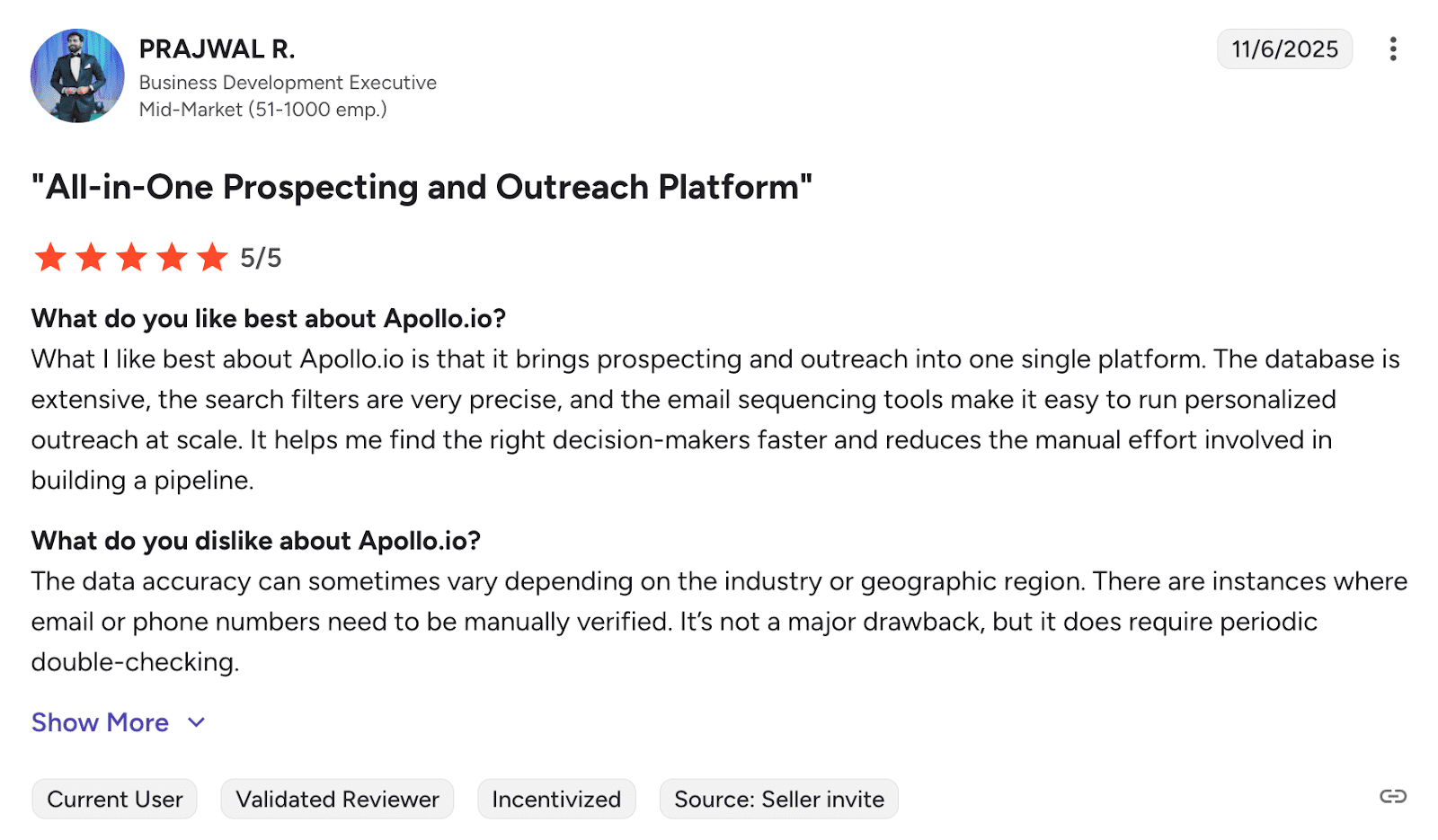
Apollo.io makes lead generation simple with an easy-to-use interface and strong search features. Users like it for combining prospecting and outreach in one place. Yet, newcomers often find the learning curve steeper than expected, and some contacts also turn out to be outdated.
📍My final opinion about Apollo.io:
Apollo is handy if you want everything together – lead finding, CRM, cold email, etc. But since the contact data isn’t always accurate, you’ve got some risks spoiling your sender reputation. In this part, I would question the total reliability of this cold email software.

-
Woodpecker
Best for: Sales teams and agencies automating cold outreach with a focus on deliverability.
G2 rating: 4.3/5
Pricing: 7-day free trial available. Paid plans start at $35 per month.
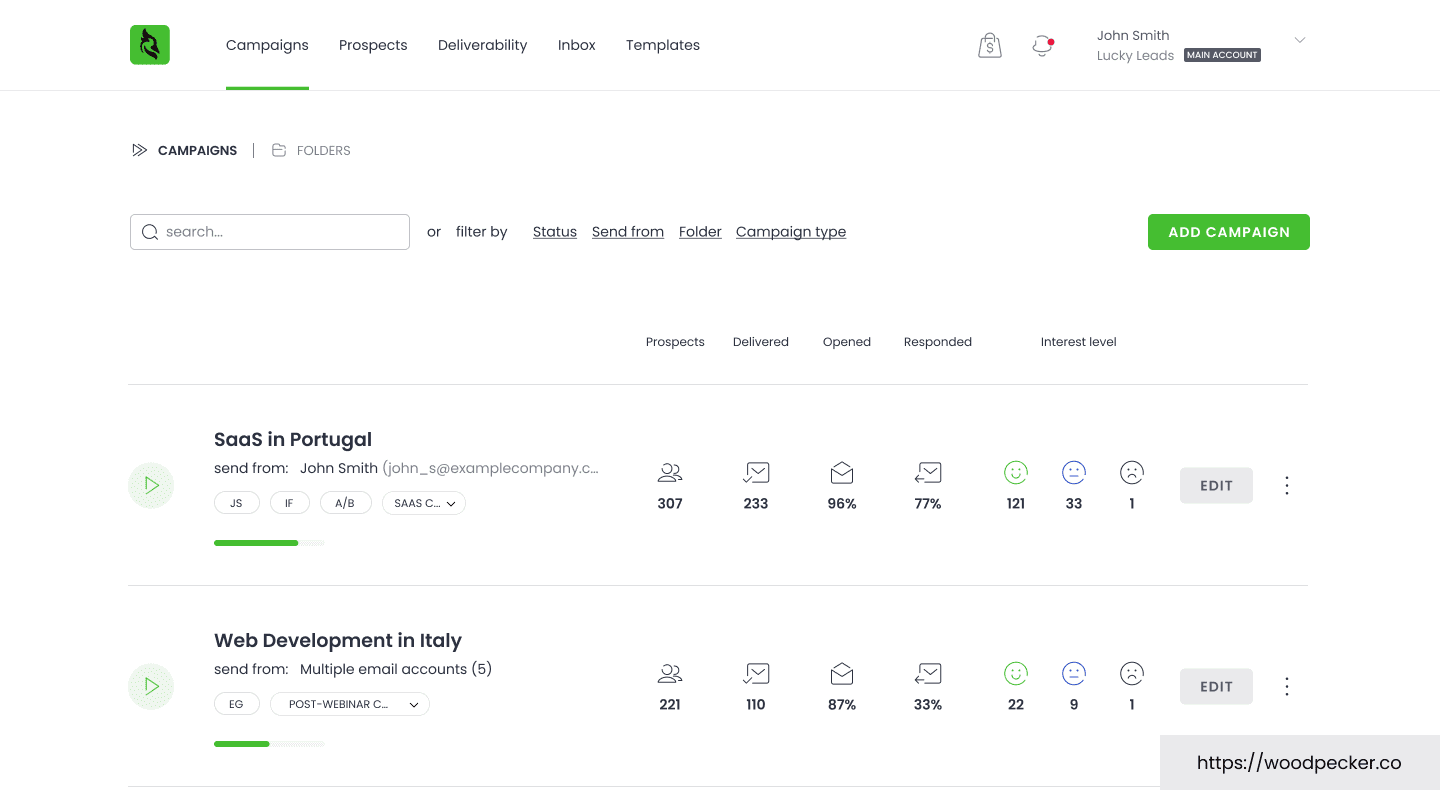
Woodpecker is built to automate cold email outreach while maximizing deliverability and minimizing spam issues. With features like automatic follow-ups, A/B testing, as well as flexible sending options, it enables businesses to engage prospects at the most effective moments.
Key features of Woodpecker:
- Mailbox warm-up: Automatically warm up your email accounts to enhance deliverability by reducing the likelihood of landing in spam folders.
- Inbox rotation: Send cold emails from multiple accounts within a campaign to keep up with sending limits.
- Adaptive sending: Automatically regulate your sending volume to reduce the risk of account blocks.
✅ Pros of Woodpecker:
- User-friendly interface: This cold email software is easy to navigate for both beginners and experienced professionals.
- Strong deliverability tools: Features like email warm-up, bounce protection, and verification help improve inbox placement.
❌ Cons of Woodpecker:
- Lead finder limitations: Some users report slow performance or limited data in specific regions.
- Complex pricing: The pricing plan structure may be unclear to new users, making onboarding a bit challenging.
- Minor UX issues: Some users state that the tool can occasionally be less responsive or visually cluttered.
What users say about Woodpecker:
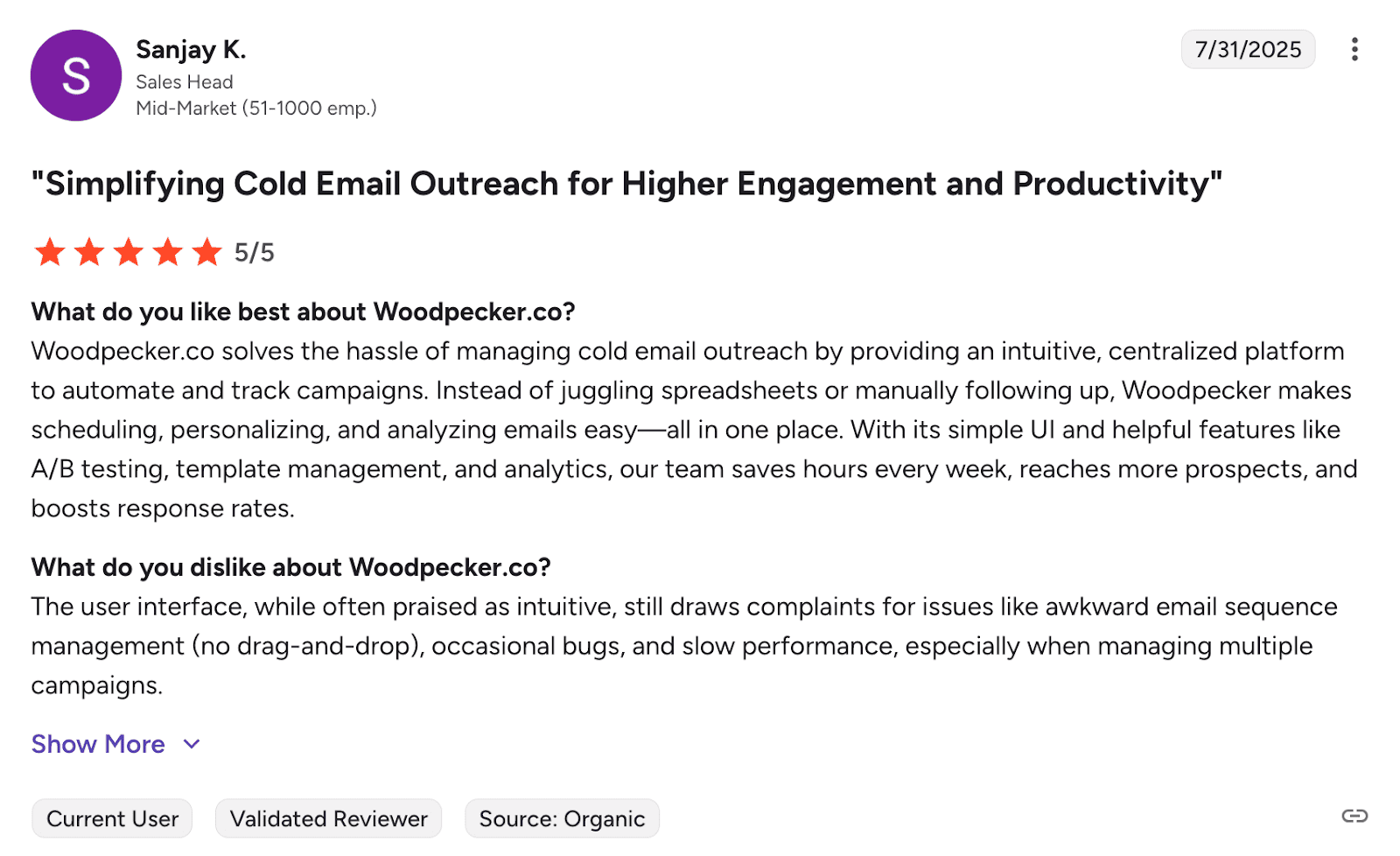
Users love Woodpecker for its reliable cold email outreach and clean, user-friendly interface. The sequencing is easy to set up, and once your leads are in, the platform handles the rest smoothly. The downsides? Users sometimes experience slow performance.
📍My final opinion about Woodpecker:
Woodpecker offers a couple of very useful features for getting your emails into inboxes. The warmup and rotation features work well for that. But support quality isn’t always on a high level, based frommy experience, while figuring out the pricing can be confusing at first.
🎁 Check out our free email deliverability guide to learn how to keep your sender reputation strong and outreach effective.
-
Salesloft
Best for: Businesses of any size looking for a sales enablement tool with built-in cold outreach management.
G2 rating: 4.5/5
Pricing: Not revealed publicly. 7-day free trial available.
Salesloft is a multichannel cold outreach solution known for its powerful automation and engagement tools. With sequence management functionality, built-in analytics, and numerous integrations, you can run, track, and optimize the entire outreach workflow from a single dashboard.
Key features of Salesloft:
- Automation: Put personalized email sequences on autopilot, so reps can focus on active deals while ensuring consistent engagement with prospects.
- Lead generation extension: Easily capture leads from platforms like Gmail and LinkedIn, adding them directly into workflows.
- Analytics: Evaluate outreach effectiveness with access to real-time performance metrics.
✅ Pros of Salesloft:
- Robust sales solution: Salesloft is more than just a cold email software, offering a wide range of tools for sales teams.
- Strong CRM integrations: Salesloft syncs with major CRMs like Salesforce, HubSpot, etc., keeping touchpoints with leads up-to-date across all tools.
- Excellent support: Users often praise Salesloft’s support team and knowledge base for being particularly helpful during the onboarding process.
❌ Cons of Salesloft:
- Unclear pricing model: Salesloft doesn’t provide explicit information about its pricing, which makes it not very convenient to evaluate this tool against other solutions.
- Cost: Users state that the software can be too expensive for startups or small businesses. According to the revealed data, Salesloft may cost you around $1,000 per person per year with 3 seats available.
- Long learning curve: Mastering all Salesloft’s features can take time.
What users say about Salesloft:
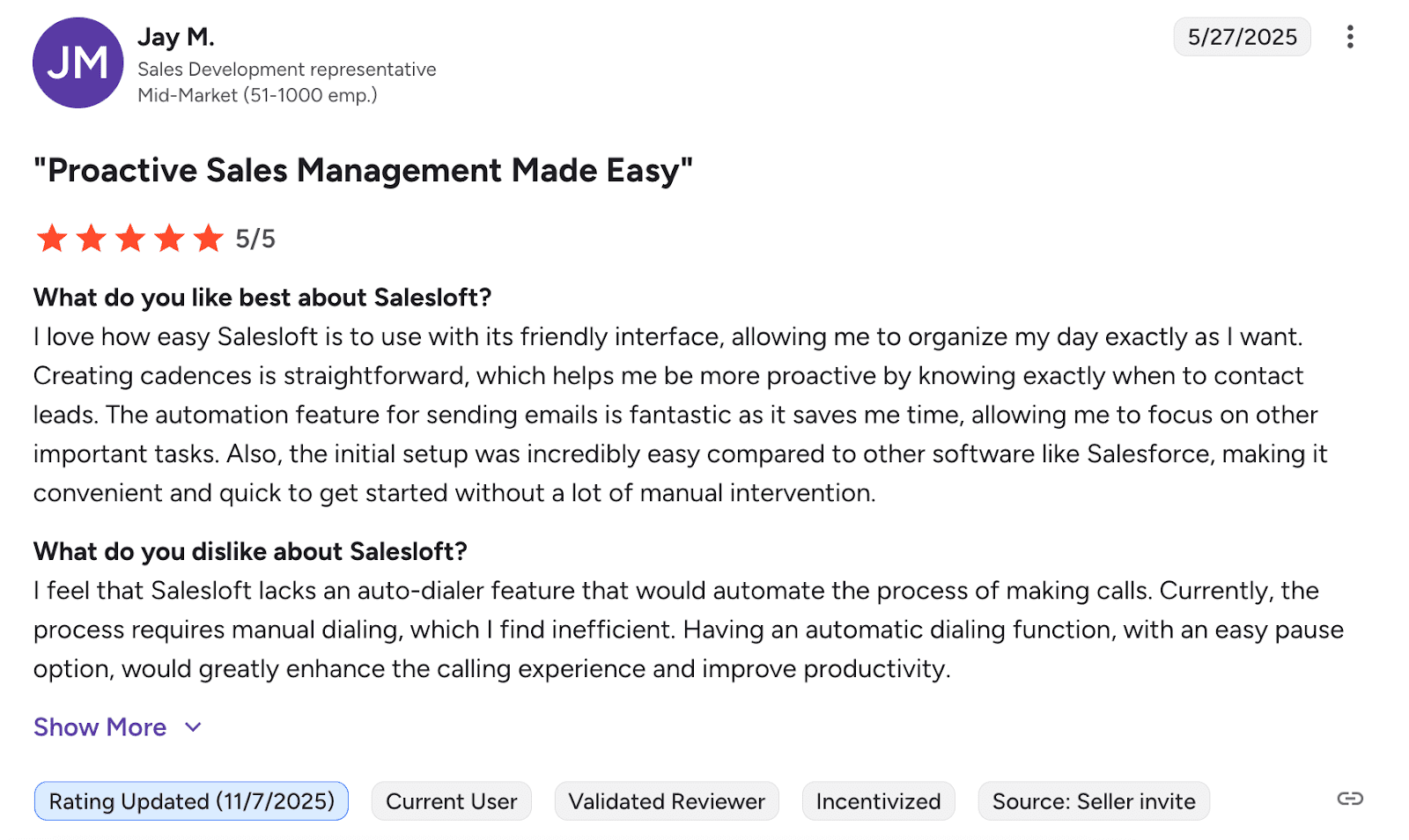
Users say Salesloft helps them stay organized, thanks to its smart automation and AI tools. However, some users mention a lack of automation features.
📍My final opinion about Salesloft:
Salesloft has tons of features and works well for bigger sales teams with complex needs. As for small teams, I wouldn’t recommend this tool as it looks rather expensive.
-
Yesware
Best for: Sales teams looking for cold email software combined with advanced analytics.
G2 rating: 4.4/5
Pricing: Free plan available. Paid plans start at $19 per month.
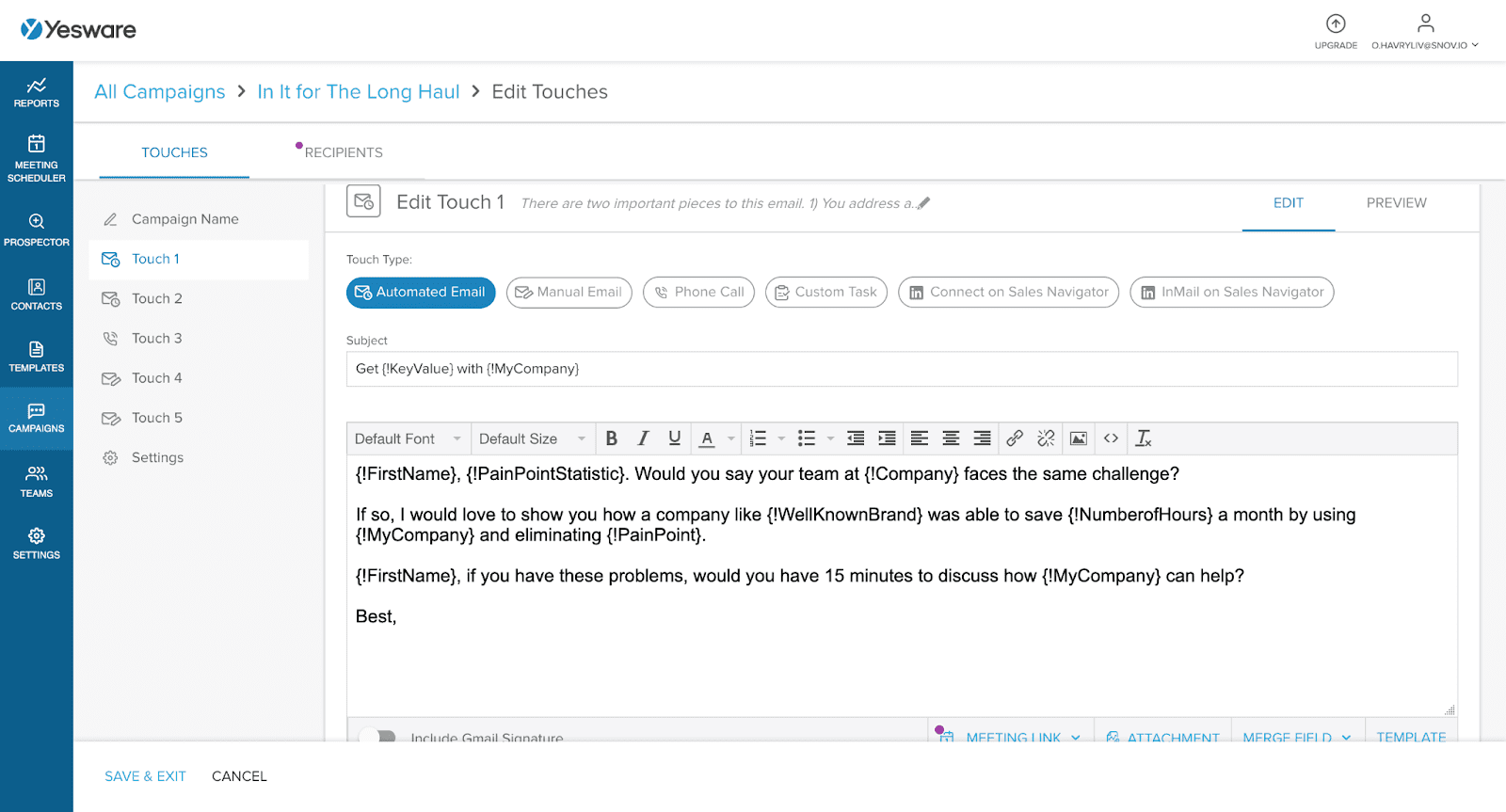
Yesware is a convenient choice if you want to boost cold outreach performance without having to switch between platforms. It integrates with Gmail and Outlook, so you can launch campaigns directly from your inbox. With this software, you can create email templates, automate follow-ups, plus monitor the effectiveness of your communication efforts on autopilot.
Key features of Yesware:
- Campaigns: Automate email sequences to smooth your interactions with prospects without manual effort.
- Email tracking tools: Receive real-time notifications when your messages are opened, clicked, or replied to. Use these actionable insights to follow up without any delays.
- Template library: Use customizable cold email samples, ensuring consistency plus saving time across bulk campaigns.
✅ Pros of Yesware:
- Cost-effectiveness: The cold email software offers competitive pricing along with a solid set of built-in tools.
❌ Cons of Yesware:
- Limited feature depth: The solution may lack advanced functionality required for large-scale outreach.
- Slow customer support: Some users report delayed or unresponsive support when issues arise.
What users say about Yesware:
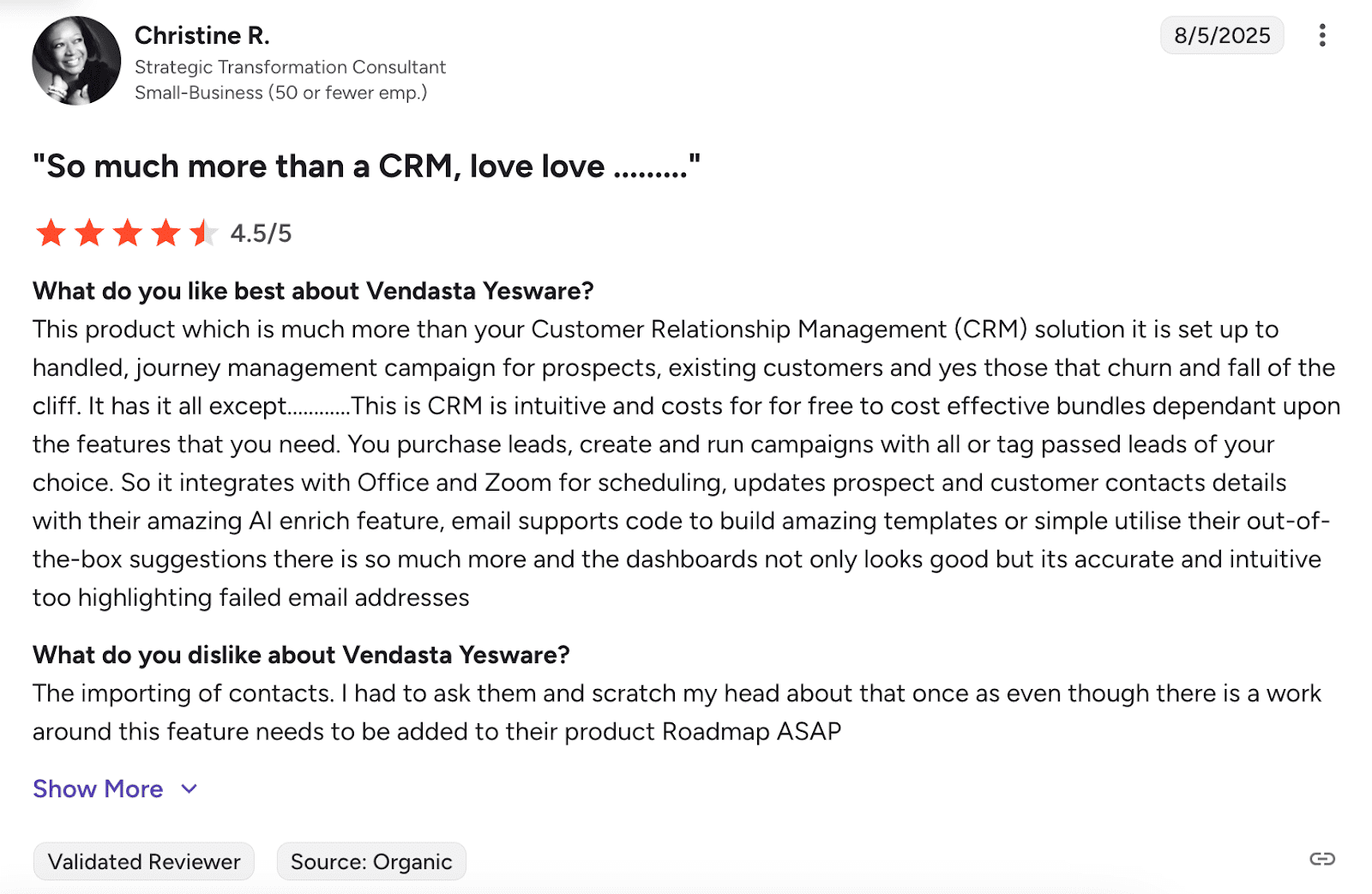
Yesware offers straightforward email tracking with simple setup and real-time insights into opens and clicks. It’s intuitive enough that you can get up and running quickly. But users aren’t happy with customer support due to slow response times. Also, contact management is clunky, and users report frequent issues with data reliability.
📍My final opinion about Yesware:
I think Yesware is a decent starting point if you need basic email tracking without spending much. But honestly, the lack of more advanced features makes me hesitant to recommend it for more sophisticated cold outreach.
-
QuickMail
Best for: Small businesses looking for simple, scalable cold email software with decent automation.
G2 rating: 4.7/5
Pricing: 14-day free trial available. Paid plans start at $9 per month.
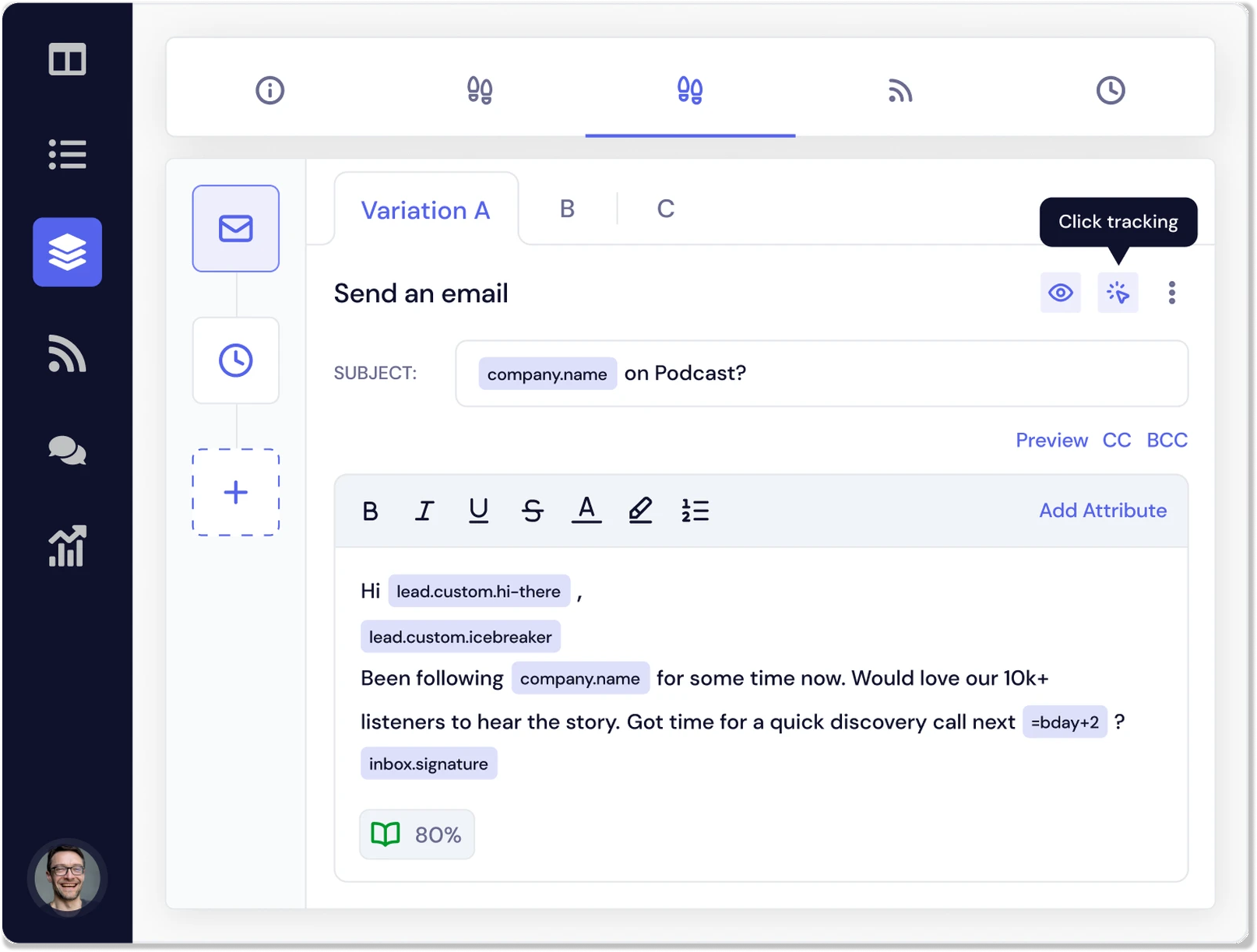
QuickMail suits teams wanting to quickly grow their cold outreach strategy. What makes it one of the best cold email software is that it lets you set up email sequences, automate follow-ups, and monitor campaign performance without any complicated workflows.
Key features of QuickMail:
- Automation: Easily set up cold email sequences and follow-ups to engage prospects over time.
- Team collaboration: Share email templates and campaign insights across your team to ensure transparency.
- Deliverability AI tools: Monitor inbox placement and improve sender reputation, ensuring your cold emails land in inboxes, not spam folders.
✅ Pros of QuickMail:
- High deliverability: The platform includes smart features like AI-powered inbox selection to help ensure emails land in the inbox, not spam.
- Reliable performance: Cold emails are consistently sent on time, avoiding batching issues common in other platforms.
❌ Cons of QuickMail:
- Learning curve: You need time to master advanced features, especially around automation and campaign setup.
- Limited design flexibility: While effective, the UI may appear slightly outdated to some users.
What users say about QuickMail:
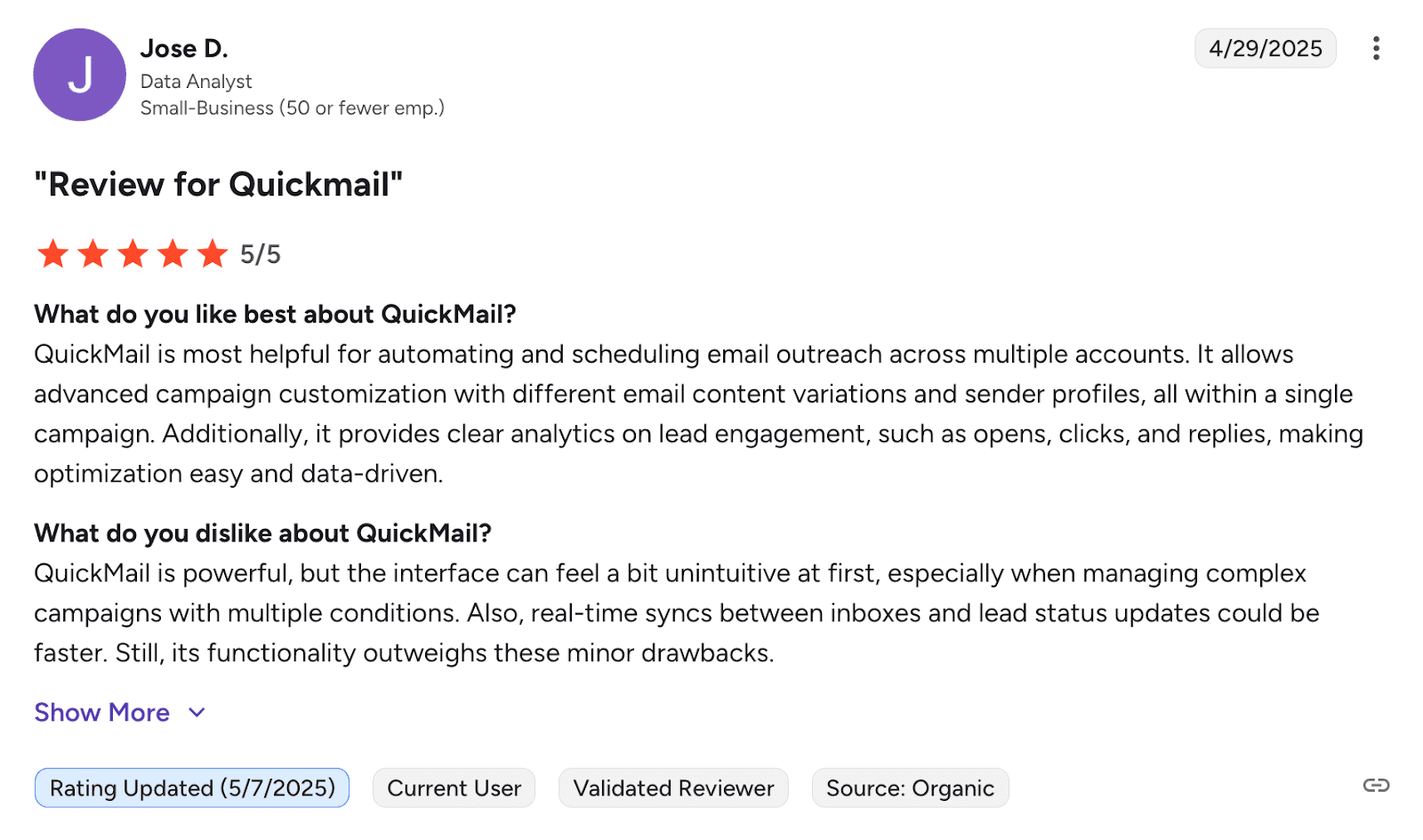
Users feel that QuickMail has an excellent customer support team that genuinely helps solve problems. The automation features are solid, making campaign management much easier. On the downside, many users note a learning curve that can slow initial adoption.
📍My final opinion about QuickMail:
QuickMail impresses me with its deliverability focus and reliable email sending, all at an affordable price for startup needs. Yet, I can agree with users that the tool’s interface looks a bit outdated, while you need to prepare for a rather tedious onboarding.
-
Outreach
Best for: Big corporations looking for a comprehensive, enterprise-level solution.
G2 rating: 4.3/5
Pricing: Custom-based on team size and feature requirements.
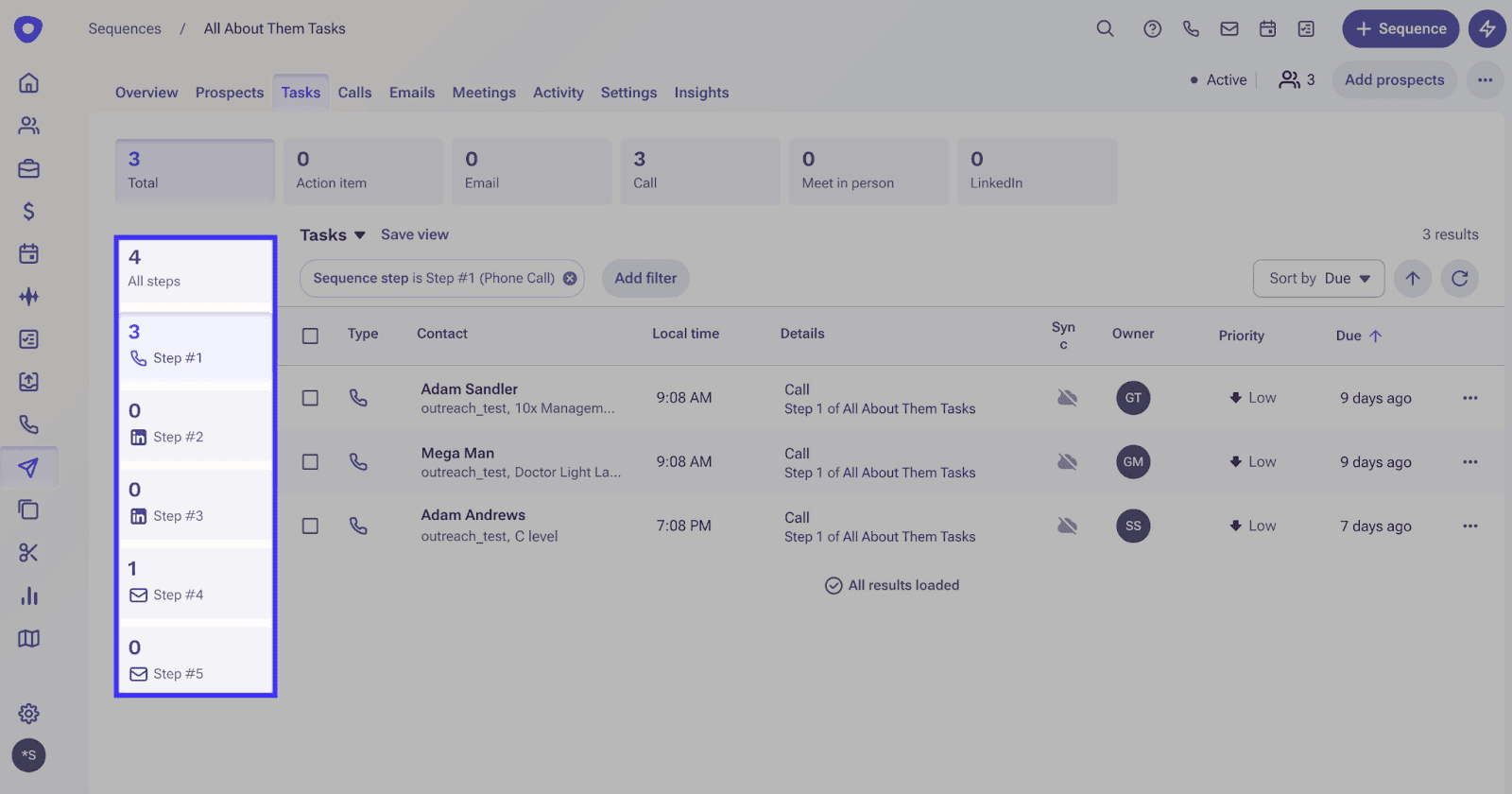
Outreach is a cold email platform designed for large teams aiming to scale communication across various channels. Its in-depth analytics help businesses refine campaign performance and boost engagement.
Key features of Outreach:
- Multichannel campaigns: Combine cold emails with LinkedIn and phone for a cohesive multi-touch strategy.
- Personalization tools: Tailor messages to every lead on your list to receive more email opens and responses.
- Automation workflows: Boost engagement efficiency with autopiloted follow-ups and task reminders.
- Analytics: Study detailed campaign reports to increase response rates as well as other important metrics.
✅ Pros of Outreach:
- Broad functionality: The cold email software encompasses multiple aspects of outreach and sales operations within a single, unified platform.
- Collaborative features: The tool helps sales teams stay aligned throughout campaigns.
❌ Cons of Outreach:
- Steep learning curve: Many users report that onboarding is time-consuming due to the complexity of features.
- No free trial or pricing transparency: Pricing requests result in Outreach representatives offering you a demo. Without these steps, you can’t know how much each plan costs.
What users say about Outreach:
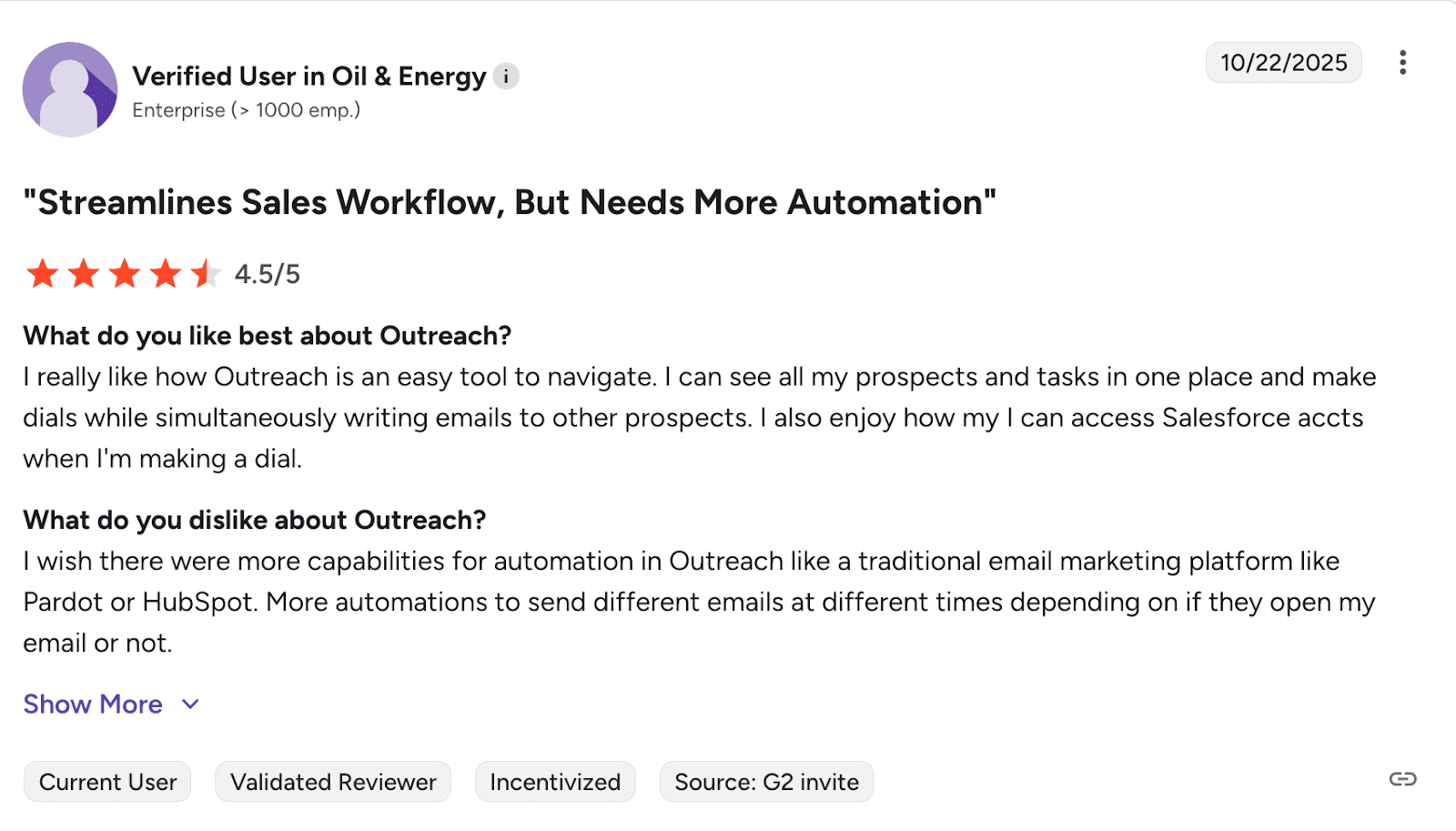
Users love Outreach automation features, which help their teams stay organized and track campaigns efficiently. But the platform comes with a challenging onboarding, frustrating sync issues, and slow loading times that can hurt productivity.
📍My final opinion about Outreach:
If you’re a large corporation with complex needs, it makes sense to try Outreach. Otherwise, I’d look elsewhere. You can’t test its features, pricing is kept secret until you go through a demo session, and the learning curve is rather steep.
-
Close CRM
Best for: Growing teams that wish to combine CRM and cold email software under one roof.
G2 rating: 4.7/5
Pricing: 14-day free trial available. Paid plans start at $49 per month.
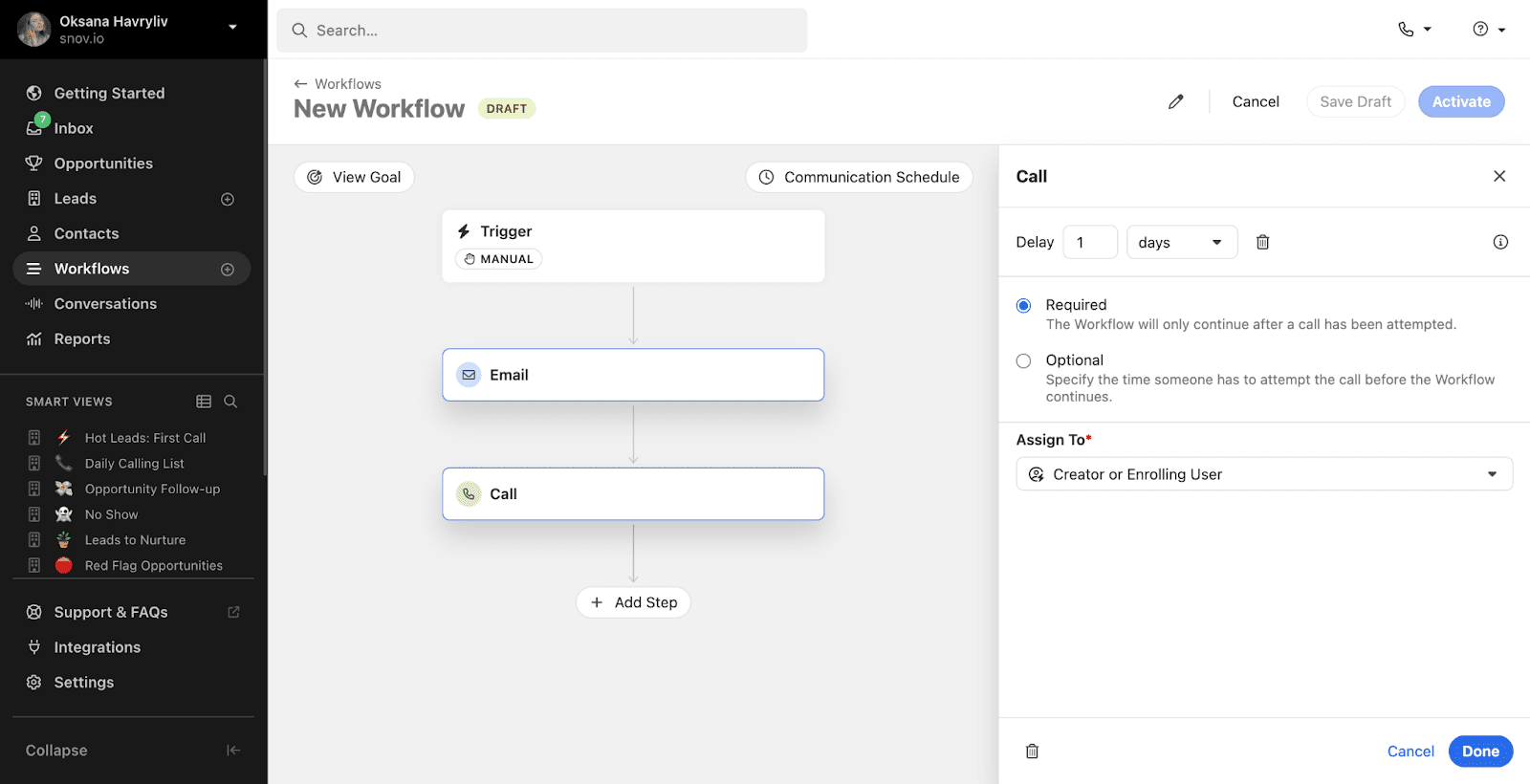
Close is a sales CRM that helps sales teams manage leads, automate follow-ups, and track the performance of their cold campaigns. You can create sequences that include cold emails, phone calls, and SMS, ensuring a comprehensive approach to engaging prospects.
Key features of Close:
- CRM with embedded cold email automation: Manage leads and automate cold email sequences from a single platform, saving time and improving efficiency.
- Multichannel sequences: Combine cold emails with LinkedIn outreach, phone calls, or SMS to create a well-rounded communication strategy.
- Sales funnel reports: Analyze the performance of your cold email campaigns to refine your approach.
- Customizable email templates: Utilize pre-built or customizable email templates to efficiently personalize your bulk cold campaigns.
✅ Pros of Close:
- All-in-one tool: The platform combines calls, emails, and SMS, eliminating the need for multiple tools.
- Organized interface: The cold email software stores all lead and customer information in one centralized place.
- Good support: Users appreciate how helpful their support team is, especially during onboarding.
❌ Cons of Close:
- Steep onboarding: While basic usage is easy, learning how to customize pipelines or team access can take some time.
- Limited marketing features: The tool is sales-focused and may not fully support complex marketing automation needs.
What users say about Close CRM:
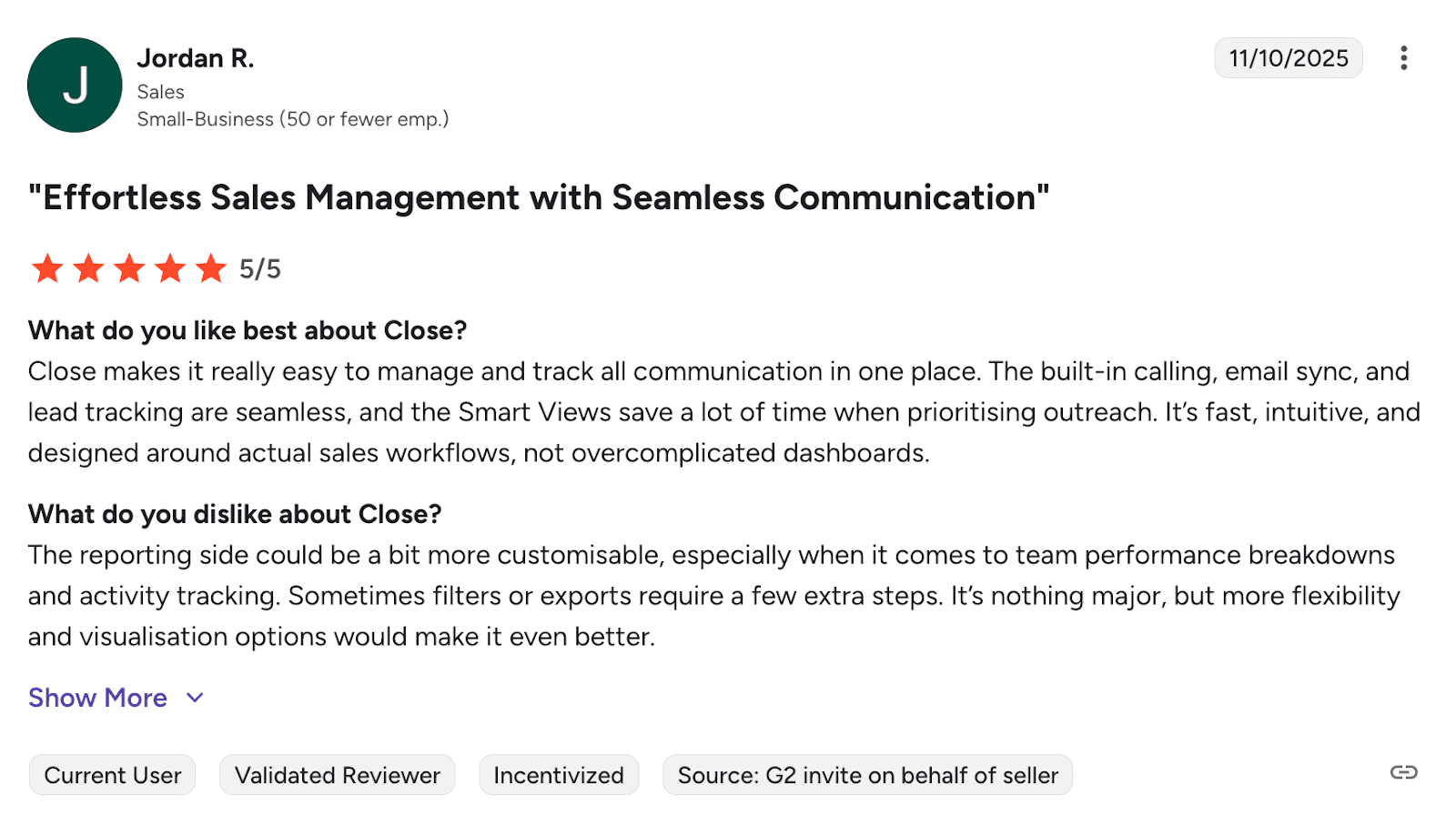
Close CRM wins users over with its intuitive interface. The all-in-one communication tools for calls, texts, and emails make daily tasks refreshingly simple. On the downside, users are not happy with such features as reporting.
📍My final opinion about Close:
I feel comfortable using Close CRM alongside its cold email software in a single interface. The main concern, however, may be its steep learning curve and occasional call quality issues mentioned by some users.
-
Clay
Best for: Sales teams looking for a data-driven tool to automate and personalize their cold outreach.
G2 rating: 4.8/5
Pricing: Free plan available. Paid plans start at $149 per month.
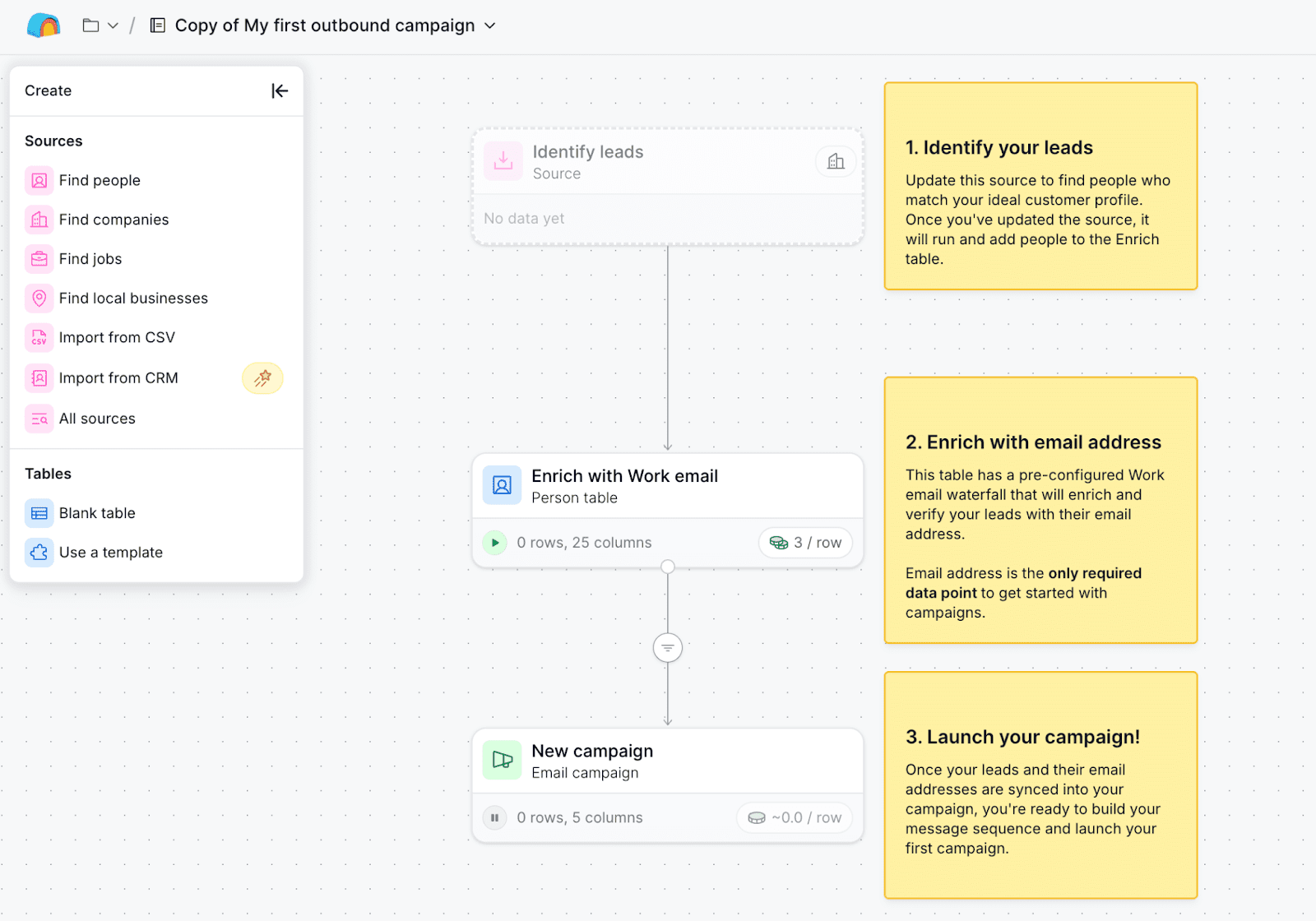
Clay blends automation with powerful data enrichment to craft personalized cold email campaigns. By pulling data from various sources, the tool enables you to customize emails using detailed prospect information. This helps increase engagement and improve response rates.
Key features of Clay:
- Data enrichment: Automatically gather and add detailed prospect data from various sources to create emails that resonate with your audience.
- AI research agent: Research companies and people to enrich your data with details like hiring status, competitors, or recent funding.
- Lead scoring: Automatically evaluate leads using data from 100+ providers and AI-powered research to help you prioritize high-potential accounts.
- Campaigns: Build and send your multi-step message sequence, personalizing it with AI assistance.
✅ Pros of Clay:
- Powerful data enrichment: Users consistently highlight Clay’s ability to combine multiple data sources for detailed prospecting and lead research.
- Smart AI assistance: The AI tools, including formula generation and copywriting, are appreciated for boosting efficiency and personalization.
❌ Cons of Clay:
- Steep learning curve: New users find the platform complex to set up and understand, especially around API usage and workflows.
What users say about Clay:
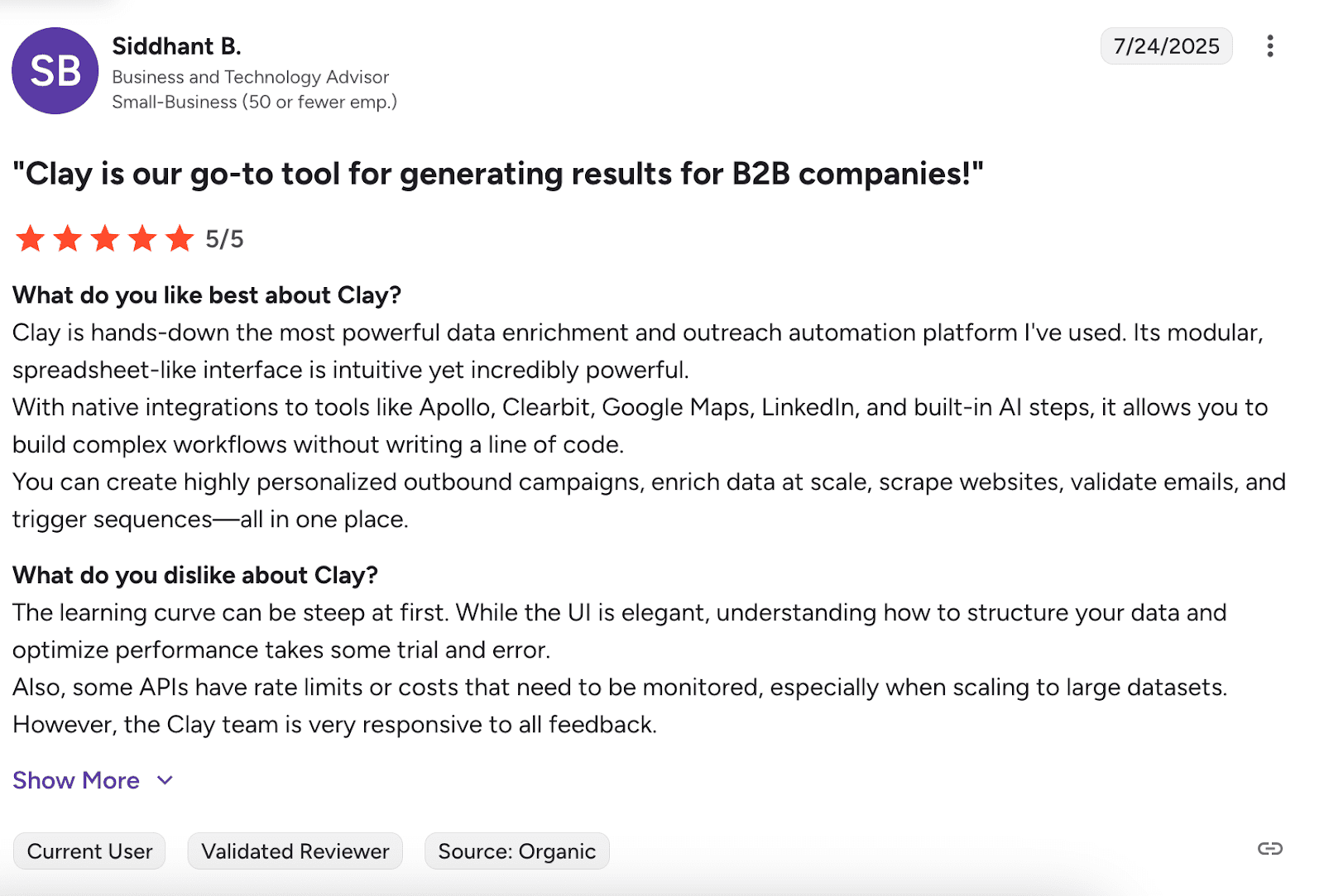
Users praise Clay for its powerful automation and extensive integrations that make data enrichment effortless. The table-based interface makes it easy to see results in real-time. But Clay comes with a hefty price tag, while the learning curve seems rather steep for newcomers.
📍My final opinion about Clay:
Clay’s data enrichment capabilities are really great if you need deep personalization at scale. The AI tools also save a lot of research time. But if you ask me, I would recommend it for larger teams that can afford more expensive cold email software solutions and are ready for a rather challenging onboarding process.
If you want to save costs, you can connect Clay to Snov.io. This integration allows you to enrich your prospects, find and verify email addresses from domains, LinkedIn URLs, and job titles with a more affordable provider. So you’ll be able to reduce Clay credit usage while still getting everything your business needs for a successful outreach.
-
Klenty
Best for: Teams looking for cold email software with advanced sales engagement and multichannel campaigns.
G2 rating: 4.6/5
Pricing: 14-day free trial. Paid plans start at $60 per month, paid in minimum increments of one quarter.
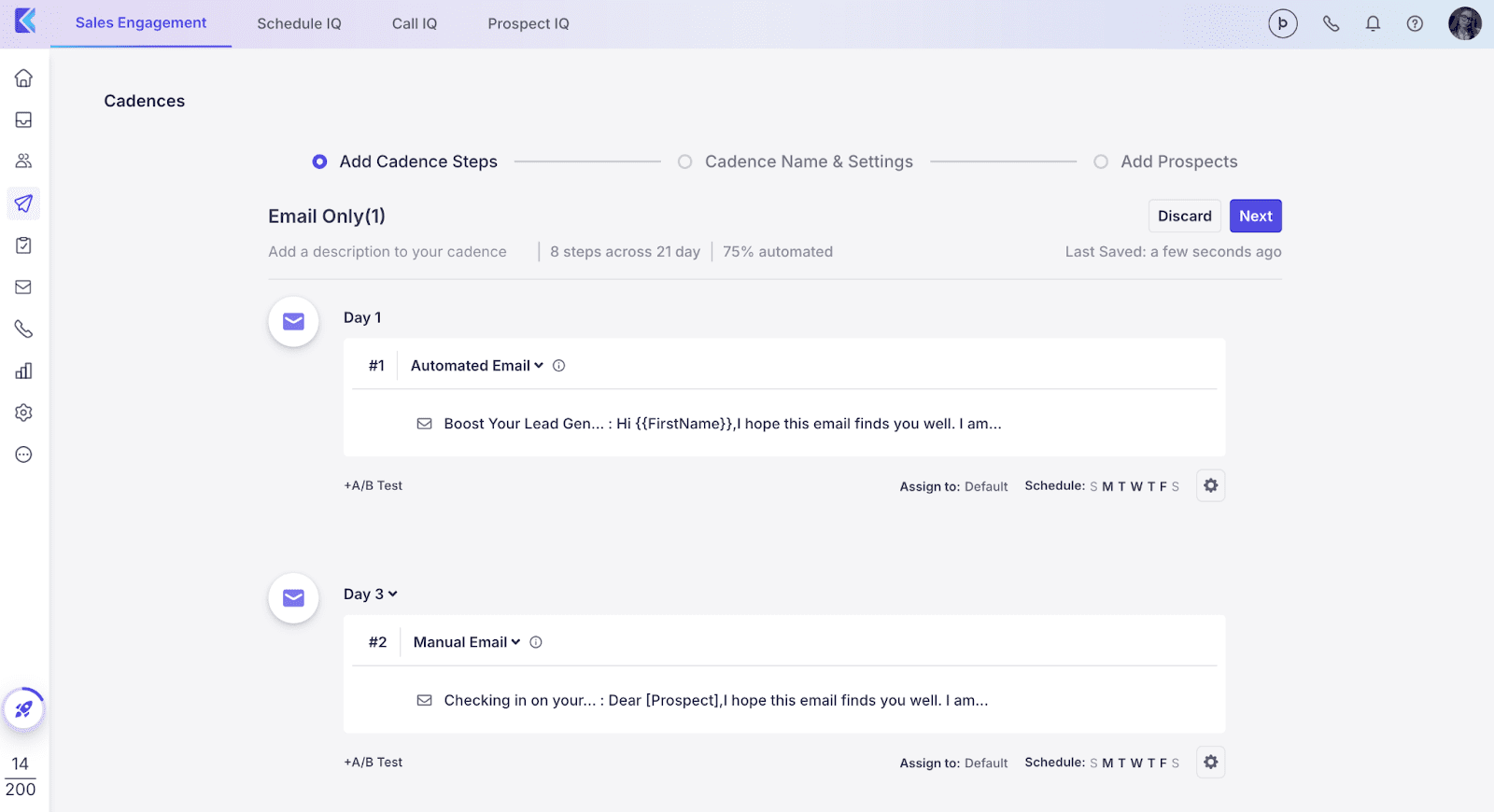
Klenty is among other tools for sales engagement that enable you to combine email outreach with LinkedIn and phone interactions. What makes it one of the best cold email software is automated sequence building, engagement tracking, and scheduling follow-ups in the multichannel sales environment.
Plus, this platform integrates with popular CRM systems, allowing you to manage sales leads and all touchpoints efficiently.
Key features of Klenty:
- Multichannel outreach: Combine cold email outreach with LinkedIn and cold calling to create a more comprehensive engagement strategy.
- Email deliverability tools: Validate emails, stagger sending, and monitor spam factors to improve inbox placement and reduce bounce rates.
- Email tracking and analytics: Track key metrics like opens, clicks, and replies, and analyze the performance of your cold email campaigns to optimize results.
- AI account research: Automate deep account research across 150+ data sources to craft tailored pitches for every lead, faster than human reps.
✅ Pros of Klenty:
- Strong automation capabilities: The cold email software automates various outreach steps (follow-ups, replies), helping teams save time and boost productivity.
- User-friendly design: Klenty is easy to navigate, making it a convenient solution for sales teams and SDRs who are seeking simplicity.
❌ Cons of Klenty:
- Limited LinkedIn automation: Multiple users noted the lack of in-depth LinkedIn integration or automation features.
- Basic analytics: Reporting features in the cold email platform are less advanced, offering fewer insights compared to other tools.
What users say about Klenty:
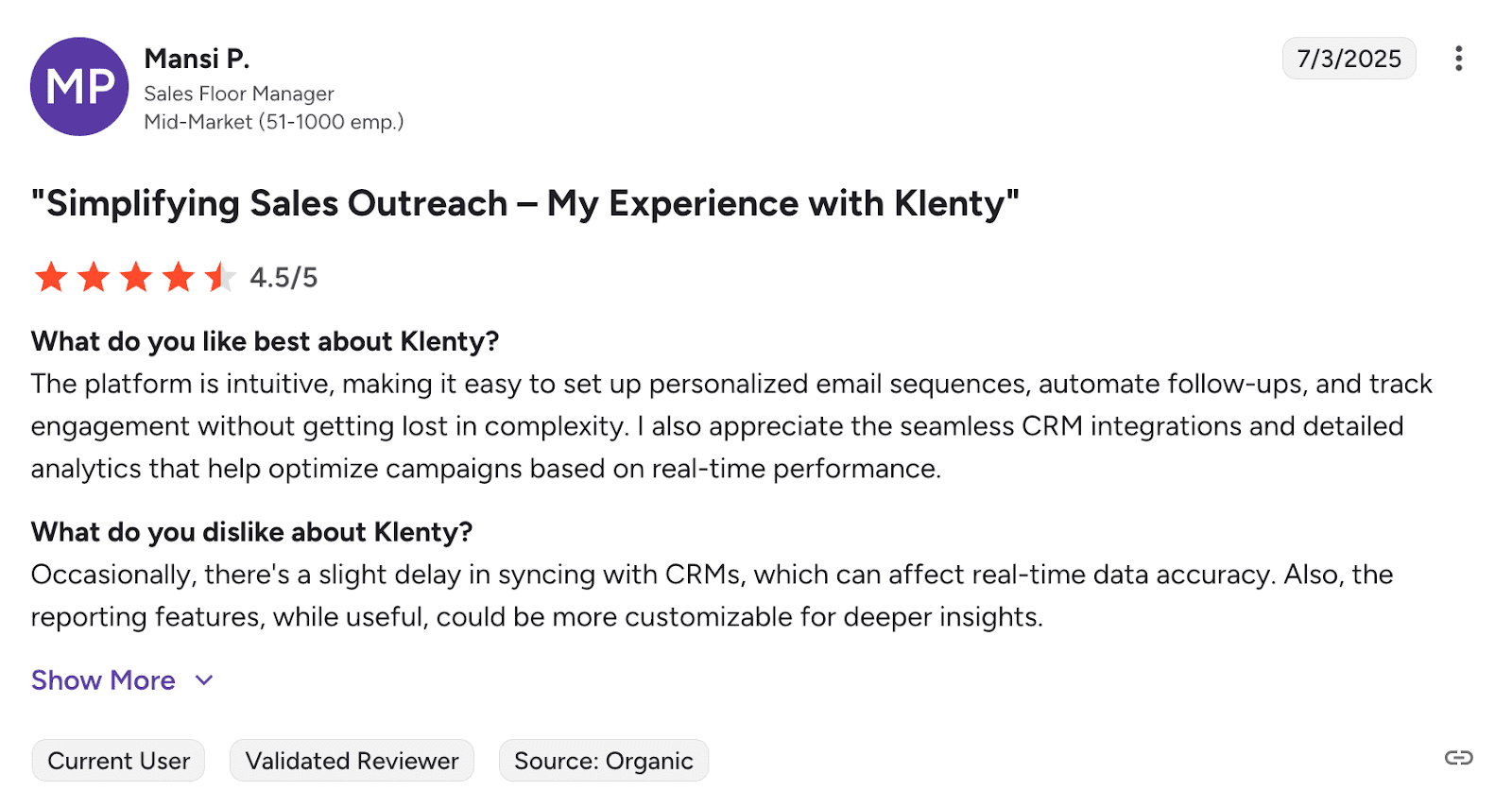
Klenty stands out for its intuitive automation and incredibly responsive customer support. However, some users note integration challenges with some CRMs, while some state the interface isn’t always intuitive when navigating campaigns.
📍My final opinion about Klenty:
Klenty offers solid automation across email, LinkedIn, and phone, which I appreciate. The interface is user-friendly, and support is incredibly responsive. What bothers me is the limited LinkedIn automation toolset and the basic analytics.
-
GMass
Best for: Users looking for a simple and affordable cold email solution integrated directly into Gmail.
G2 rating: 4.8/5
Pricing: Free Chrome extension. Paid plans start at $25 per month.
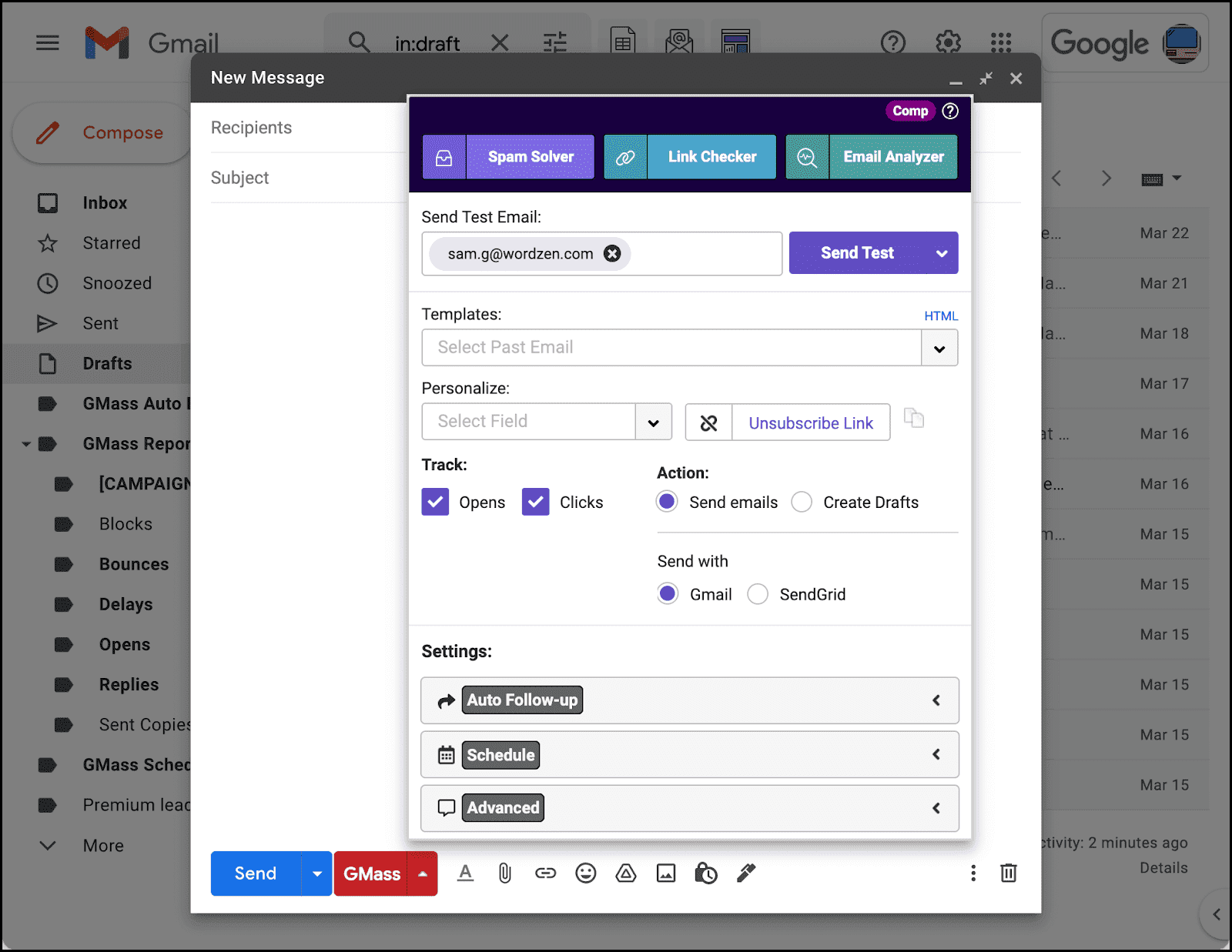
GMass is cold email software that lets you send personalized bulk emails, schedule follow-ups, and track campaign performance directly in your Gmail inbox. Its simple functionality makes it a suitable option for startups that cannot commit to more complex or costly tools.
Key features of GMass:
- Gmail integration: Send personalized cold email campaigns directly from your Gmail account.
- Auto follow-ups: Schedule automated follow-ups based on recipient behavior to ensure your outreach stays on track.
- Analytics: Track opens, clicks, and replies to monitor the success of your campaigns and improve their elements for better performance.
✅ Pros of GMass:
- Efficient mass emailing: The tool enables users to send hundreds of emails per campaign, owing to mail merge and scheduling.
- Responsive support: Customer service is very helpful.
❌ Cons of GMass:
- Cluttered interface: The platform’s interface may feel overwhelming for beginners or non-technical users.
- Inconsistent deliverability: Some users report that emails are not consistently landing in their inboxes.
What users say about GMass:
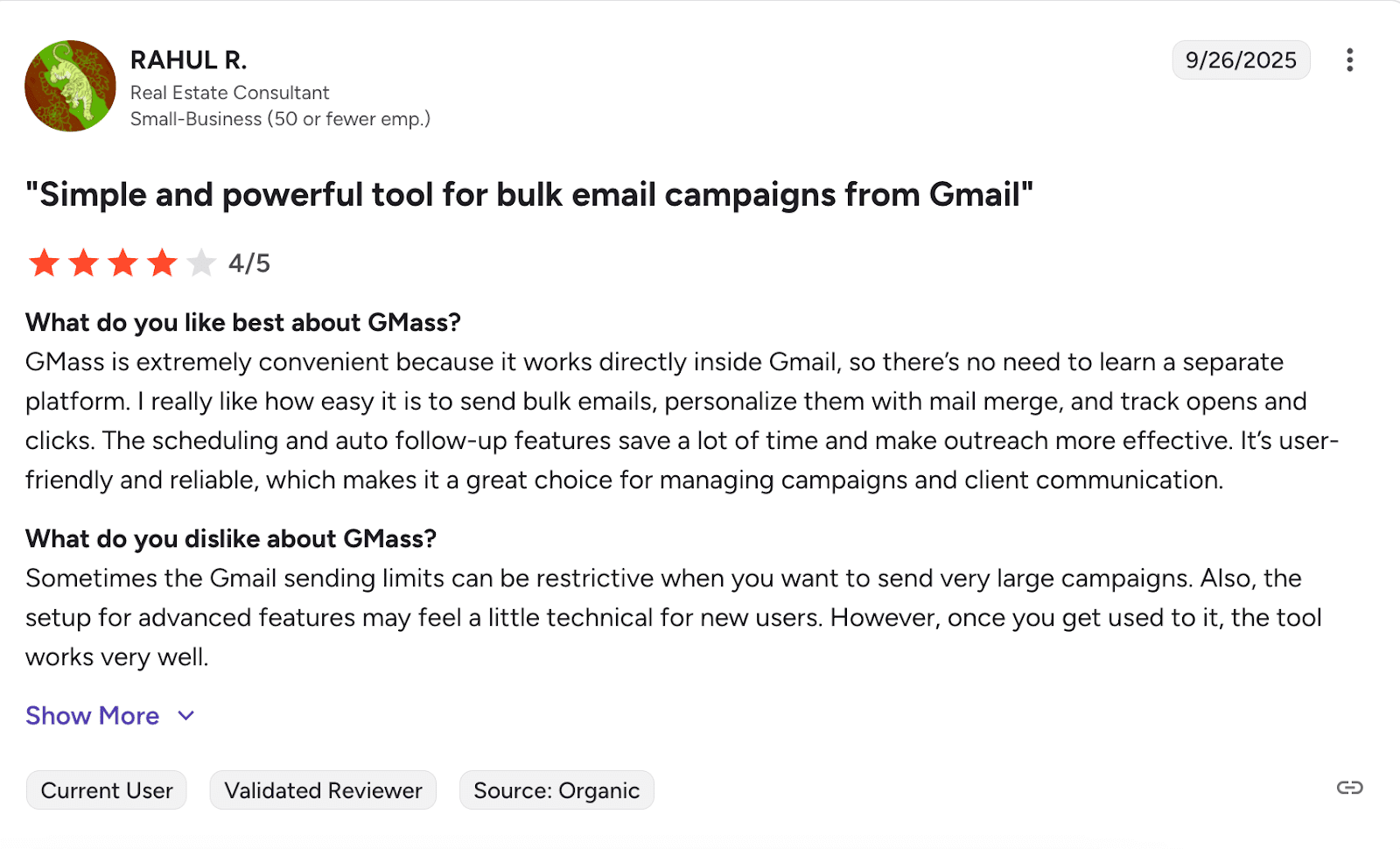
Users love GMass for its seamless Gmail integration and easy mass email sending. The tool’s automation features save hours of manual work at a reasonable price point. That said, there’s a learning curve at the beginning, and some users worry about emails landing in spam folders.
📍My final opinion about GMass:
I think GMass can be great if you want something simple that works right in Gmail. But there are enough complaints about deliverability issues that I’d test this tool carefully before committing.

-
SmartReach.io
Best for: Teams and individuals looking for affordable cold email software with strong automation and LinkedIn integration.
G2 rating: 4.6/5
Pricing: 14-day free trial available. Paid plans start at $39 per month.
SmartReach.io is known for its multichannel engagement, with features like email sequencing, automatic follow-ups, and personalized templates. This cold email software helps improve the effectiveness of your campaigns and suits teams that dislike the complexity of larger platforms.
Key features of SmartReach.io:
- Cold email automation: Set up automated sequences with personalized follow-ups to keep your cold outreach efforts consistent.
- LinkedIn integration: Combine email and LinkedIn outreach to engage prospects across multiple platforms.
- Personalized templates: Use customizable templates to create tailored outreach that resonates with your prospects.
✅ Pros of SmartReach.io:
- Excellent customer support: The cold email tool is often praised for its responsive support team, especially during onboarding and setup.
- Smart automation features: The software includes inbox rotation, automated follow-ups, and campaign scheduling, helping users save time and improve email deliverability.
❌ Cons of SmartReach.io:
- UI needs improvement: Some users report that key features are either buried or not visible upfront.
- Limited click tracking accuracy: A few reviews mention that analytics, such as click data, are not fully reliable.
What users say about SmartReach.io:
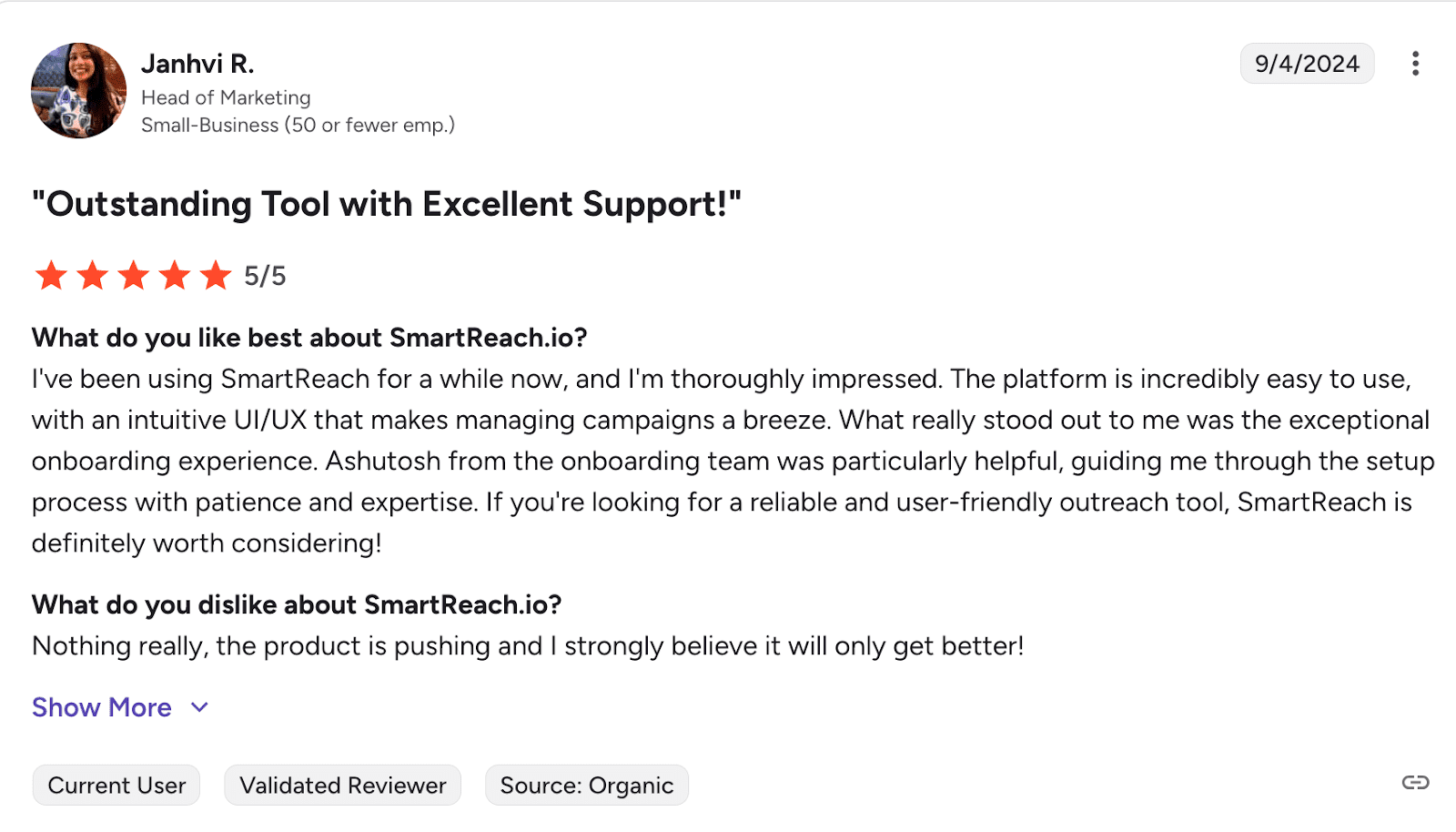
SmartReach.io wins users over with its intuitive interface and powerful automation that makes campaign setup straightforward. The customer support is responsive, making it a solid choice for new agency owners on a budget. However, users claim the learning curve is a bit steep for newcomers.
📍My final opinion about SmartReach.io:
I like SmartReach.io for its automation features and helpful support. What I wish they would improve is UI – some features may be difficult to find.
-
Outplay
Best for: Team of any size that relies on cold outreach and wants to enhance its sales process.
G2 rating: 4.5/5
Pricing: 7-day free trial available. Paid plans start at $49 per month.
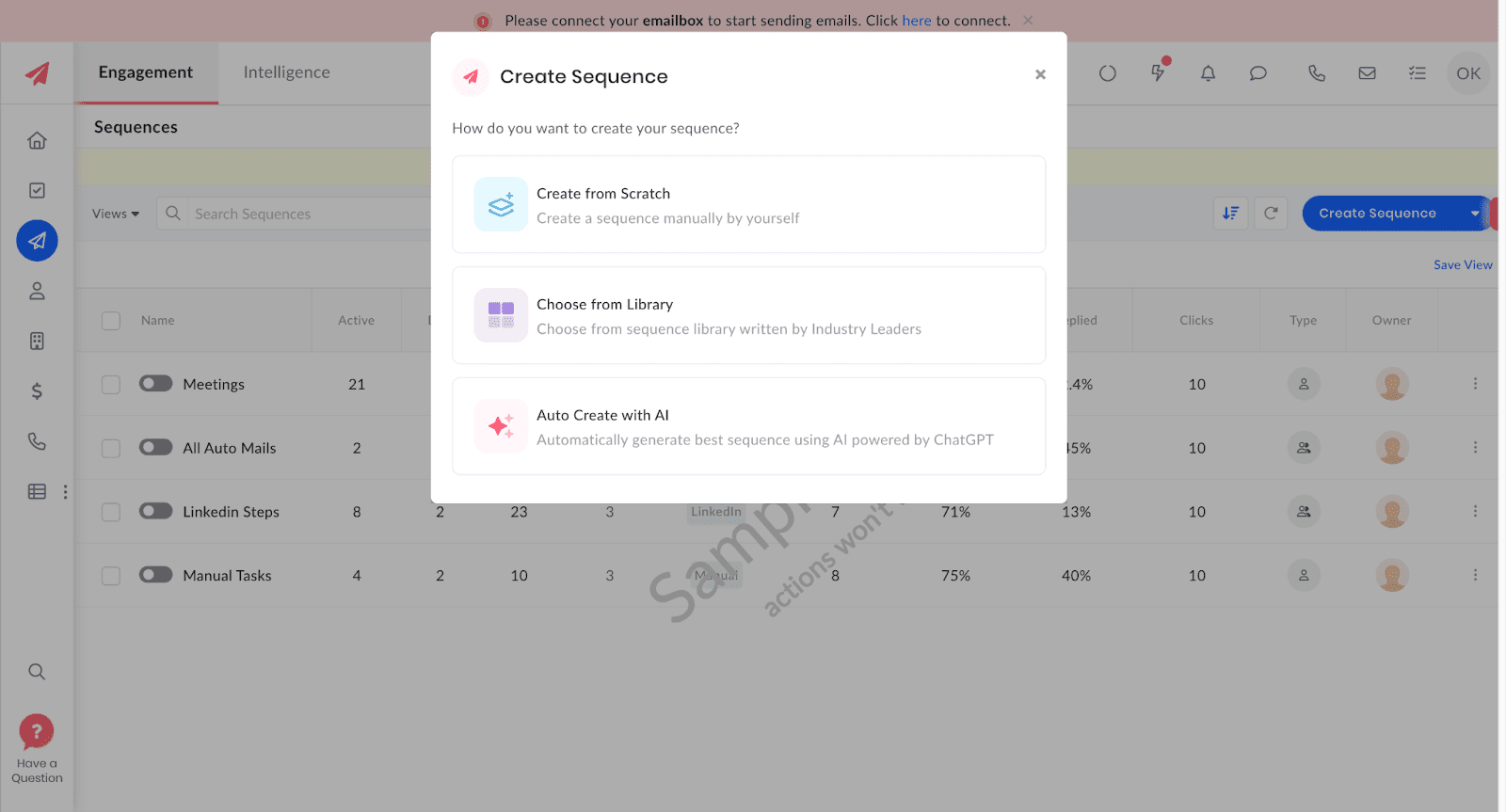
Outplay combines multichannel outreach with automation features. With CRM and inbox integrations, email, and reporting capabilities, teams can manage, adjust, and optimize their campaigns from a single dashboard.
Key features of Outplay:
- Outreach automation: Put your cold email sequences as well as follow-ups to focus on high-priority leads while maintaining consistent engagement.
- Multichannel campaigns: Combine your email outreach with calls, LinkedIn, SMS, and WhatsApp for more effective targeting.
- Analytics: Gain insights into campaign performance with detailed reporting and optimize campaigns in real-time.
- CRM integrations: Sync with CRMs and inboxes in both directions to smoothly track leads and manage your performance from one place.
✅ Pros of Outplay:
- User-friendly design: The cold email platform is praised for its intuitive interface and fast onboarding, making it accessible for new users.
- Effective CRM integrations: The tool integrates smoothly with CRMs like Pipedrive and Salesforce, offering reliable two-way data sync.
- Responsive support: Users consistently highlight the platform’s quick and helpful customer service, especially when resolving setup questions.
❌ Cons of Outplay:
- Steep learning curve: Some users find the setup and configuration of automation triggers confusing.
- Zoho integration issues: A few customers experience occasional syncing problems, particularly with tools like Zoho.
What users say about Outplay:
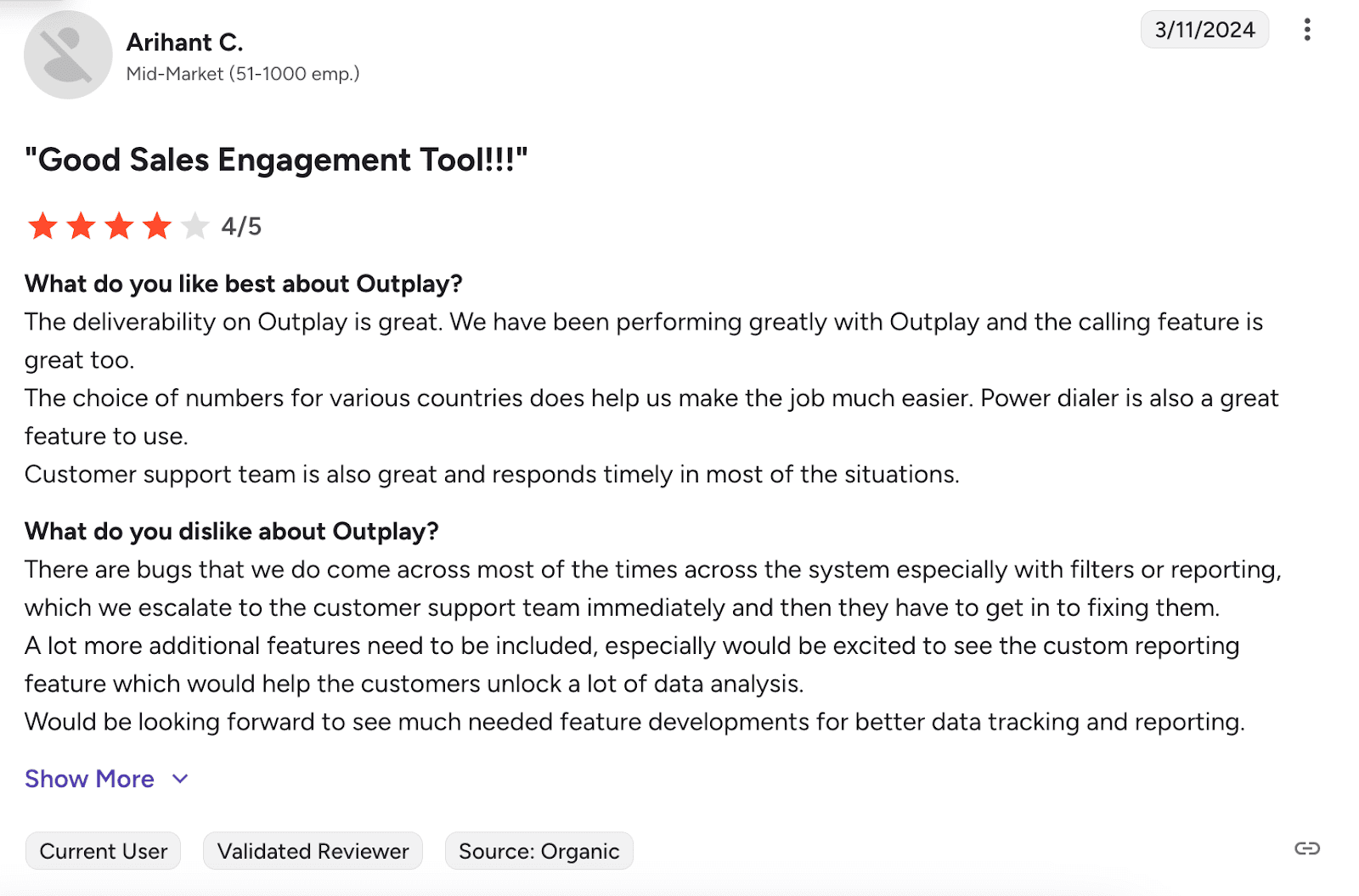
Users love Outplay for its helpful customer support and seamless CRM integrations that many competitors don’t offer. The platform makes bulk email campaigns and multi-channel outreach easy to manage in one place. On the downside, some users state they would love to have more reporting features.
📍My final opinion about Outplay:
I think Outplay strikes a good balance with multichannel outreach and solid CRM integrations. Overall, I liked how this platform performs, so I’ve added it to my list of the best cold email software.
-
Mixmax
Best for: Sales teams looking to scale cold outreach across multiple channels.
G2 rating: 4.6/5
Pricing: Free plan available. Paid plans start at $34 per month.
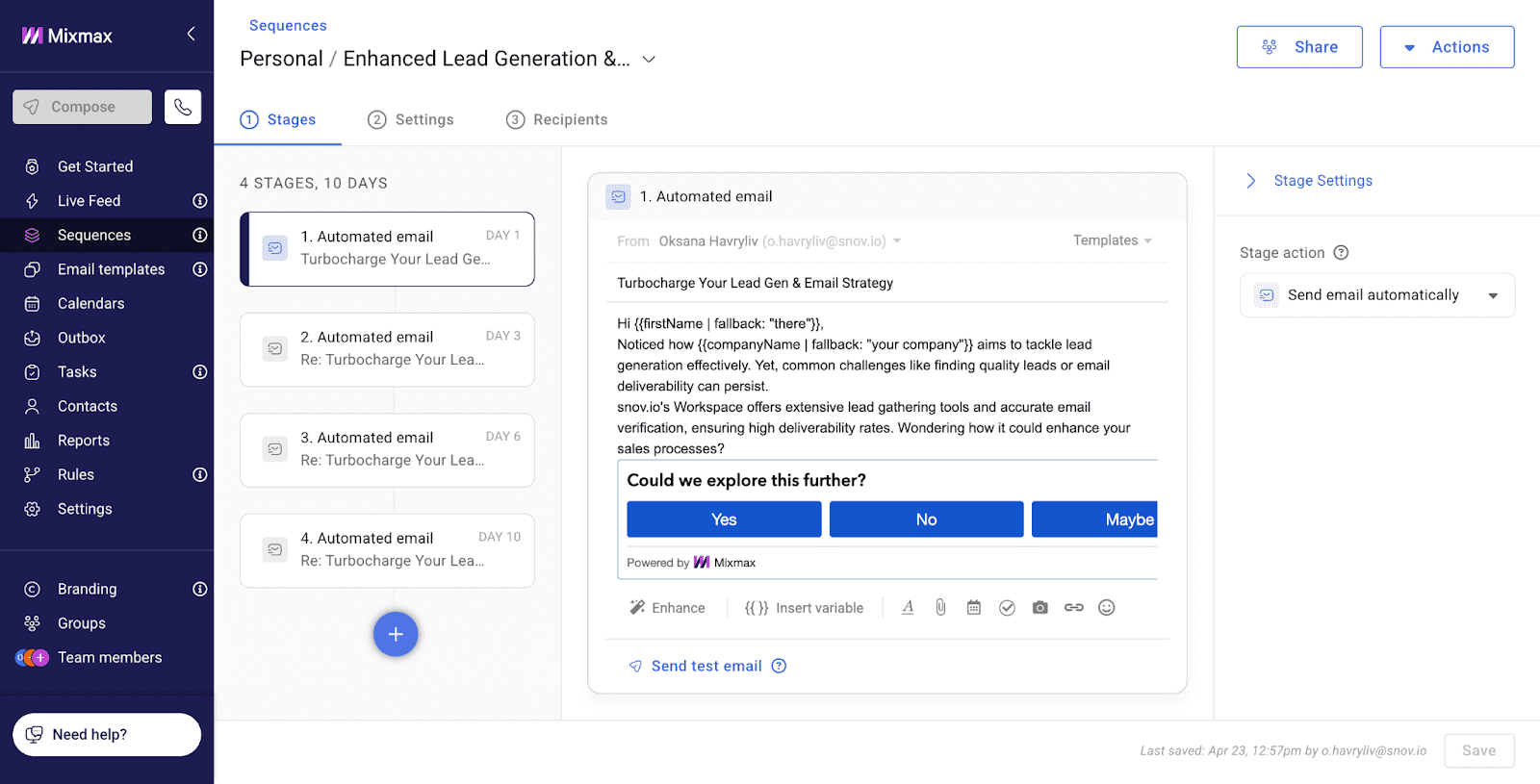
Mixmax is an AI-powered cold email solution that helps you reach more prospects, ensuring higher engagement as well as conversion rates. The tool enables sales teams to launch impactful, multitouch campaigns across other channels as well. Meanwhile, its integrations with your favorite CRMs ensure your sales deals move forward smoothly.
Key features of Mixmax:
- Multichannel sequences: Build multichannel campaigns using AI to personalize emails, calls, SMS, LinkedIn interactions, and tasks.
- AI smart send: Use AI technology to deliver emails at the optimal time, when prospects are most likely to engage.
- Templates and AI compose: Access a library of expert email templates that can be personalized with AI for faster operation.
- Engaging content: Boost your cold email reply rates with interactive features like polls, surveys, CTA buttons, and embedded calendars.
✅ Pros of Mixmax:
- Productivity features: The cold email software includes built-in reminders, polls, surveys, and meeting links that boost engagement and streamline communication.
- Helpful support: Many users underline the professionalism of customer service, especially during onboarding.
❌ Cons of Mixmax:
- Overwhelming UI: The tool can feel cluttered in areas like the sequence builder, making navigation harder.
- Occasional sync issues: Users report that Gmail syncing may lag, especially with large inbox volumes.
What users say about Mixmax:
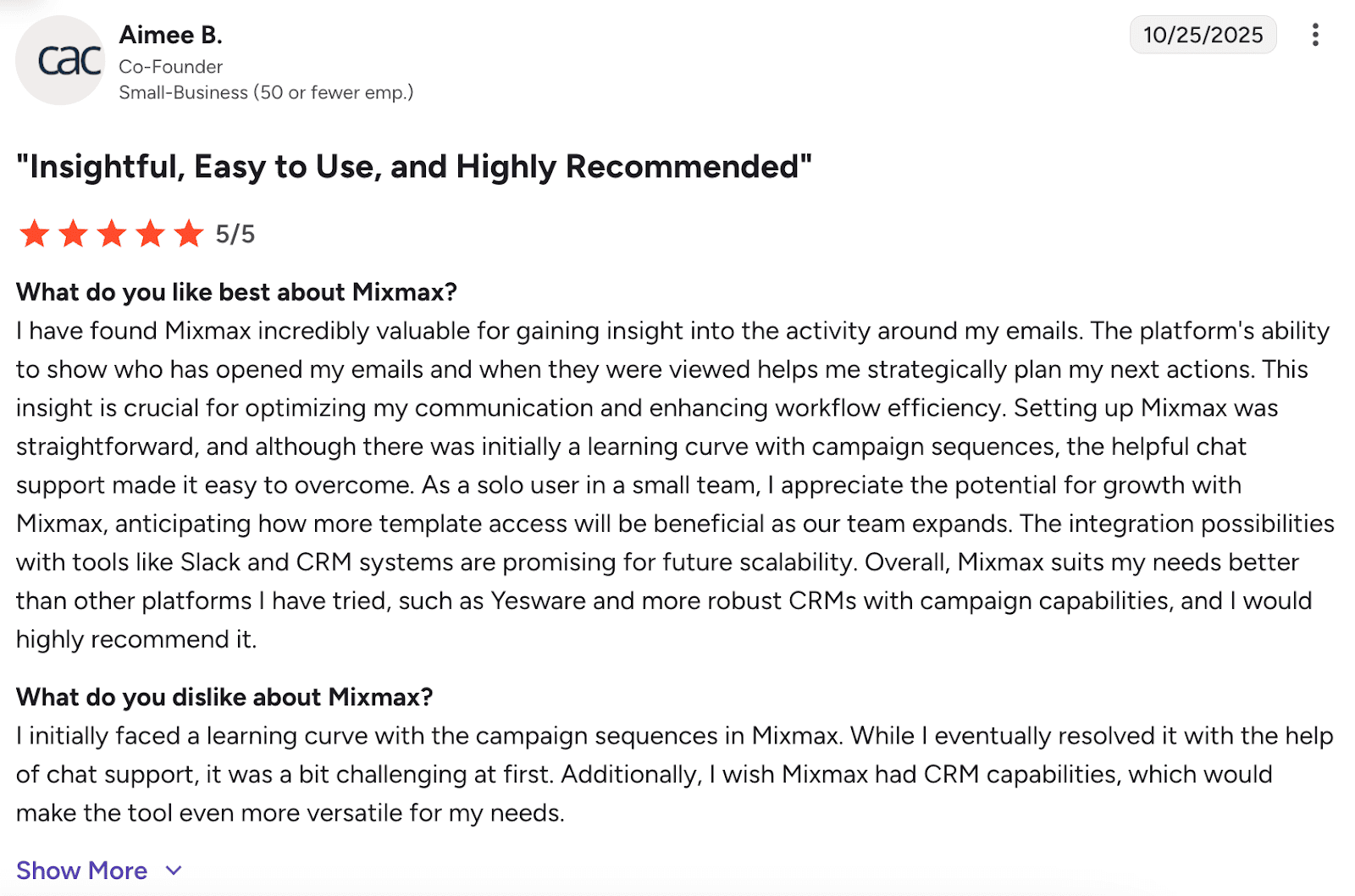
Mixmax stands out for its powerful email tracking and time-saving templates. Users love the user-friendly interface that requires minimal training and the responsive customer support. However, the platform has some missing features and occasional integration issues with CRMs.
📍My final opinion about Mixmax:
I think Mixmax is a strong choice for teams that want AI-powered personalization, multichannel sequences, as well as specific engagement features like polls or calendar embeds. Yet, its cluttered interface and minor sync issues that slow processes down may be a bit annoying.
How to choose the best cold email software
Picking the best cold outreach tools for your company depends on your team size and goals. Still, I recommend focusing on key factors that both large teams and small businesses should consider to boost cold email performance:
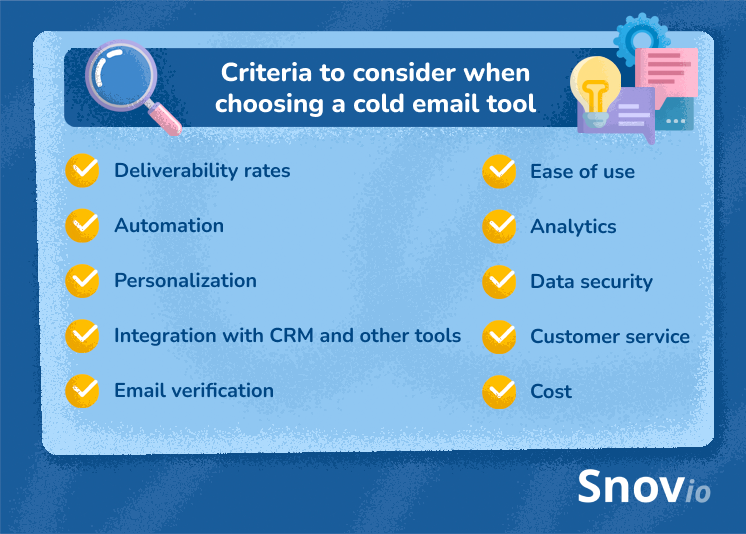
Deliverability check
Your software may look impeccable, but all your efforts are wasted if emails don’t land in the inbox. The reality is, you’re simply killing your campaign before it even gets the chance to start.
Questions to ask yourself:
- Do my emails reach the inbox consistently?
- Does the tool help me avoid spam triggers?
✅ Good to choose: Software that includes warm-up features, domain setup, spam checks
❌ Not the best choice: Platforms with no warm-up or deliverability features
Automation features
Quality tools allow you to focus on high-priority work instead of sending emails one by one. This saves time, helps you scale, and spares you the headache of managing campaigns manually.
Questions to ask yourself when making the choice:
- Can I build sequences and automate replies?
- Does it support triggers based on user behavior?
✅ Good to choose: Software that offers auto-follow-ups, triggers, easy scheduling
❌ Not the best choice: Solutions with no sequence automation options
Personalization capabilities
Personalization isn’t optional; it’s essential for hitting your sales goals. Good software doesn’t make you choose between customizing emails and scaling your outreach.
Questions to ask yourself when making the choice:
- Can I personalize at scale?
- Does it help me avoid sounding generic?
✅ Good to choose: software that offers AI personalization, dynamic content features
❌ Not the best choice: Cold email software that doesn’t provide custom fields
Integration with CRM and other tools
If possible, select a cold email solution that includes all necessary sales automation features under one roof. It is both convenient and cost-effective. Already use a CRM? Find the platform that would integrate with your platform and other tools you’re accustomed to.
Questions to ask yourself when making the choice:
- Does it support my CRM?
- Will it improve my workflow or create extra steps?
✅ Good to choose: Software that has its own CRM or syncs with CRMs like HubSpot, Salesforce, etc.
❌ Not the best choice: Cold email software that requires manual data entry.
Email verification and list management
With invalid email data, you’re simply putting yourself at risk of wasted efforts and blacklisting. To avoid these scenarios, pick the solution with email verification and list management features.
Questions to ask yourself when making the choice:
- Does the tool check emails before sending?
- Can I easily manage and clean my lists?
✅ Good to choose: Software that offers real-time verification, list segmentation
❌ Not the best choice: Platforms without email cleaning functionality
Ease of use
For small businesses without a dedicated IT-savvy person on board, complex onboarding can become a real pain. But let’s be honest: even huge sales teams appreciate tools that don’t require a lot of training. So, the easier it is to get started with your software, the better.
Questions to ask yourself when making the choice:
- Can my team use this tool without complicated training?
- Does it feel intuitive?
✅ Good to choose: Software that provides simple UX, fast onboarding, drag-and-drop builde
❌ Not the best choice: Software that offers a confusing UI, poor documentation, long setup time
Analytics and reporting
You can’t improve what you don’t measure. The best cold email tools will provide you with detailed reports on various metrics. If you’re a small team, you can use this to fine-tune your campaigns. Bigger teams, however, would need more sophisticated reports to track many different campaigns simultaneously.
Questions to ask yourself when making the choice:
- Does this tool show me which campaigns perform best?
- Can I A/B test and analyze results?
✅Good to choose: Software that provides analytics on email clicks, opens, replies, bounce rate, heatmaps
❌Not the best choice: Cold email software that doesn’t provide any reports or tracking options
Compliance and security
Nowadays, email security is a must! Therefore, it is advisable to seek a service that protects your business and customer data.
Questions to ask yourself when making the choice:
- Is the tool compliant with data laws?
- How does it protect user data?
✅ Good to choose: Software that is GDPR-compliant, offers data encryption, and clear permission settings
❌ Not the best choice: Platforms with no legal safeguards where data storage is risky
Support and customer service
It may seem like a nuance, but quick support saves time and nerves. So, consider a tool with a qualified customer service.
Questions to ask yourself when making the choice:
- How fast can I get help?
- Are support reviews positive?
✅ Good to choose: Software that offers 24/7 live chat, fast email response, a knowledge base
❌ Not the best choice: Solution that offers unclear help docs, has no live support, so you face long wait times
Cost and scalability
Finally, keep an eye on the pricing policy, especially if your budget is tight at the moment. Meanwhile, take into account that your software should grow in functionality as your business scales, offering more advanced features.
Questions to ask yourself when making the choice:
- Does the value I get from this tool match the price?
- Will this solution still fit when my team grows?
✅ Good to choose: Software that offers free trials and plans, plus regular feature upgrades
❌ Not the best choice: Solutions that offer no flexibility or limited scaling, where pricing spikes fast
Key takeaways
Every business that does email outreach needs reliable software to stay competitive. High-grade cold emailing tools can completely transform how you reach prospects, nurture leads, and close deals.
Here’s a breakdown of the best cold email software tools I reviewed:
- Snov.io – Full-featured cold outreach platform combining email automation, LinkedIn actions, a free CRM, lead generation, personalization, strong deliverability, and warm-up features. Ideal for teams that want everything under one roof.
- Instantly.ai – Fast, AI-powered cold email tool for running scalable campaigns with unlimited accounts and automated warm-up.
- Hunter.io – Strong in lead generation and bulk email discovery, with reliable verification and domain search features.
- Saleshandy – Effective for automating follow-ups, email tracking, and launching campaigns directly from your inbox.
- Lemlist – Good for multichannel outreach with personalization options like custom images and videos for higher engagement.
- Woodpecker – Built for deliverability, featuring inbox rotation, adaptive sending, and mailbox warm-up.
- Mailshake – Combines cold email and LinkedIn outreach with additional tools like a phone dialer and lead catcher.
- Reply.io – Combines multichannel sales engagement with built-in AI for email writing and performance optimization.
- Apollo.io – Offers lead generation, cold email automation, and CRM capabilities in a unified interface.
- Salesloft – Provides multichannel outreach features and CRM integrations under one roof.
- Yesware – Integrated with Gmail and Outlook for email tracking, automation, and performance insights.
- QuickMail – Easy-to-use cold email tool with smart deliverability tools and team collaboration features.
- Outreach – Enterprise-grade solution with advanced automation and analytics across multiple outreach channels.
- Close CRM – Combines CRM with cold email and multichannel outreach; great for growing sales teams.
- Clay – Data-enriched cold outreach tool using AI to personalize emails based on real-time prospect research.
- Klenty – Designed for sales engagement with email, LinkedIn, and phone integration, plus deliverability tools.
- GMass – Gmail-based cold email extension for quick setup, personalization, and campaign tracking.
- SmartReach.io – Affordable automation-friendly tool with multichannel outreach and strong support.
- Outplay – Multichannel outreach tool with Chrome and CRM integrations, suitable for sales teams of any size.
- Mixmax – Email automation solution with interactive elements, including polls and calendar links, that support multichannel sequences.
If you are still on the fence, try the Snov.io free plan. This tool will charm you with its versatile cold email functionality and user-friendly sales CRM. Get on board and change the way you reach out to sales leads!