February may be a shorter month, but the Snov.io team has been hard at work as always. 💪
We’ve dropped some juicy updates to help you keep your email deliverability in check, improve your multichannel campaign performance, and ultimately, drive better results.
Let’s dive in!
Our latest updates:
LinkedIn rotation
Boost your LinkedIn outreach while keeping your account safe!
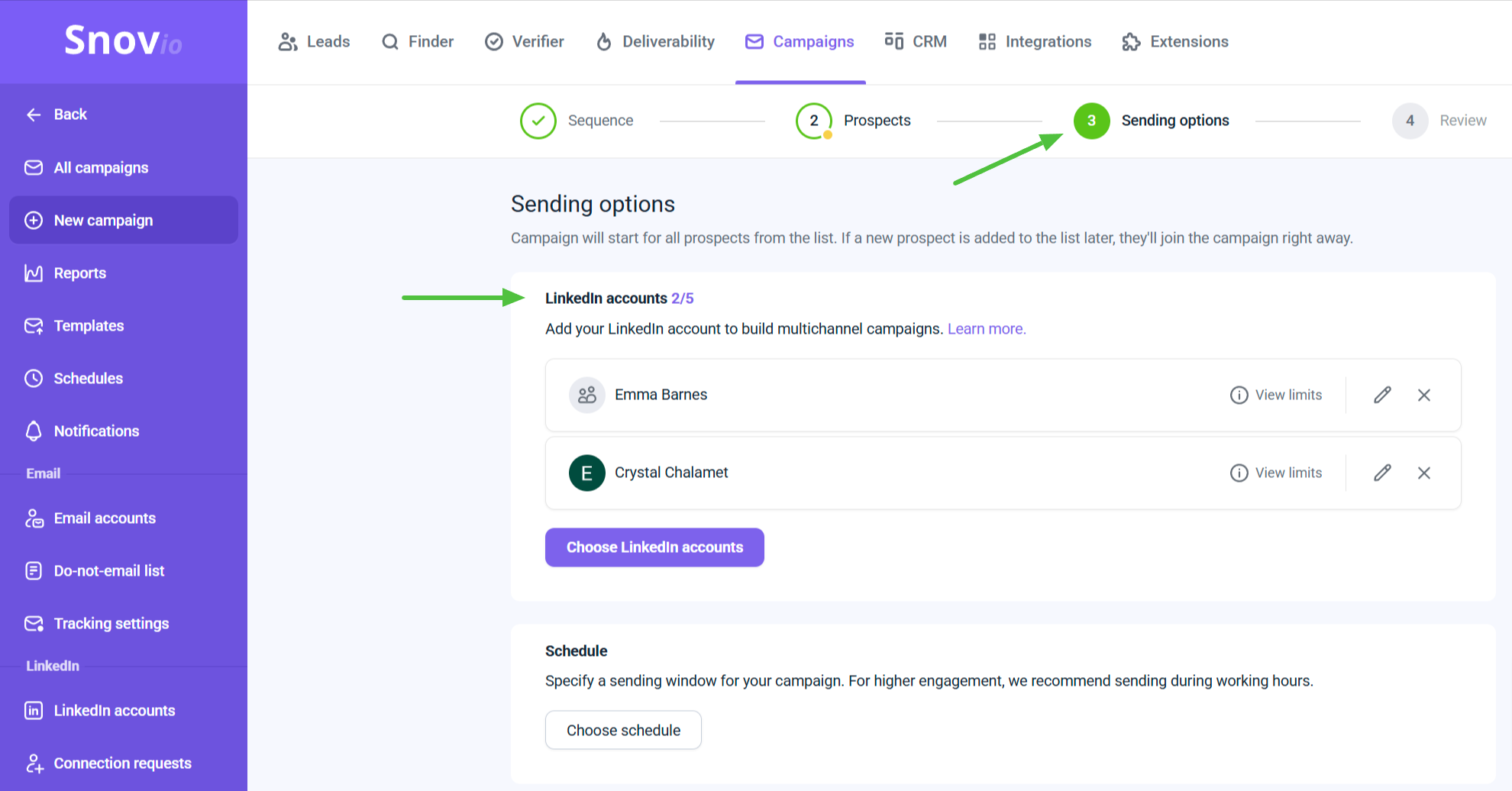
Our LinkedIn Automation add-on now features account rotation in campaigns, allowing you to add multiple LinkedIn accounts and automatically distribute prospects among them.
This means you can engage with more leads daily while ensuring that all interactions with each prospect come from the same LinkedIn account throughout the sequence.
To try out this feature, add at least two LinkedIn accounts in the campaign settings. For each account, you’ll also need a LinkedIn slot.
Advanced email warm-up
We take email deliverability seriously. Last month, we upgraded our Email Warm-Up tool and added a new set of features to help your emails always land in the inbox!
- Warm-up for selected providers
Improve your sender reputation with a specific email service provider through a targeted warm-up.
- Premium sender pool
By default, your email account interacts with recipients who use free domains. But if you turn on this option, your account will be added to the premium warm-up pool, where you will exchange emails only with email accounts on business domains.
This will help you make your warm-up even more efficient, as positive engagement with business domains makes a bigger impact on your sender’s reputation.

New Domain Search API
Snov.io’s API received a strong update through the new Domain Search API method. This new feature brings the capabilities of the Domain Search tool from the Snov.io app directly into the API, allowing for seamless custom integrations and workflow automation.
Here are a few examples of how the new Domain Search API can streamline prospecting for you:
- Find email addresses and prospects based on company domains
- Request the search for the prospect’s emails to get more relevant contact information
- Search domain contacts by their type: prospects, domain emails, or generic contacts.
Check out the API documentation for more details or read our Help Center article to learn how you can start using this feature today.
Detailed activity chart in Reports
We know how crucial it is to track and analyze campaign performance. That’s why we continuously improve our Reports, delivering even deeper insights and more actionable data to optimize your outreach.
In addition to displaying overall trends and activity volume in your campaigns, the chart now features data points with detailed statistics for deeper analysis.
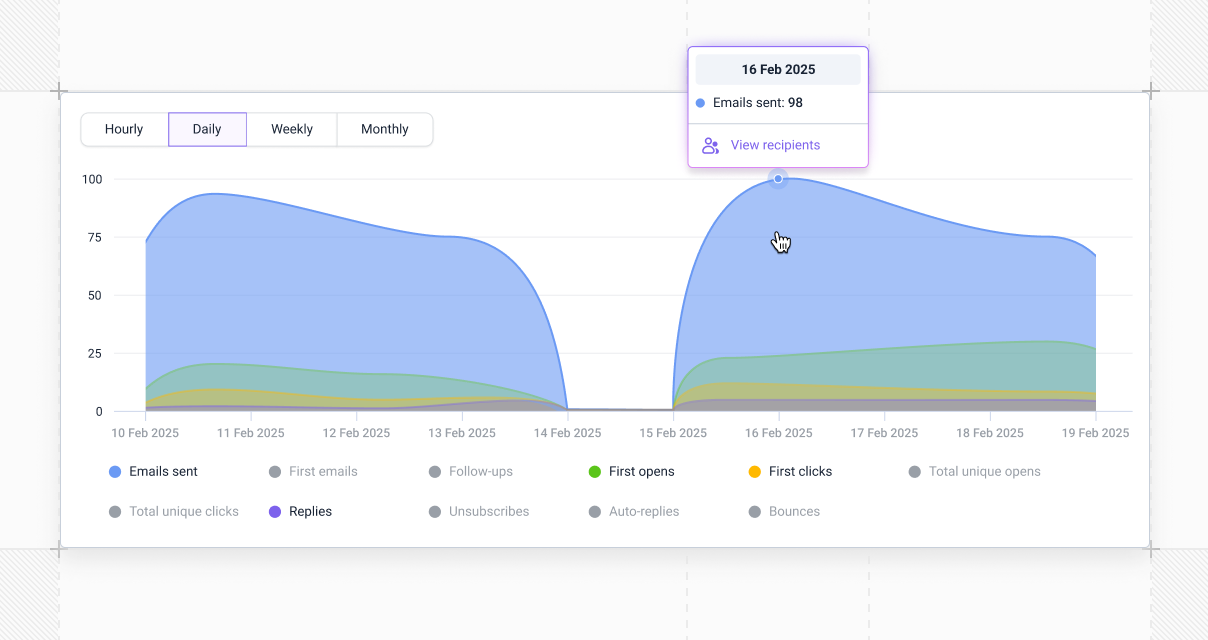
Hover over the graph to see when and how many actions or events occurred. This data is also downloadable—you can view and export the list of recipients linked to each data point.
To access this information, go to the Reports dashboard and scroll down to the chart section. It’s available both for LinkedIn outreach and email campaigns.
Push notifications for LinkedIn outreach
Stay on top of every LinkedIn interaction with your prospects by setting notifications for connection requests and LinkedIn replies.
Simply activate these conditions in your account settings to receive Chrome notifications whenever a prospect accepts your request or responds to your message.
And this is it for now.
Thanks for being a part of the Snov.io community. Our team is hard at work preparing something new and exciting for you, so stay tuned for more updates!