TL;DR
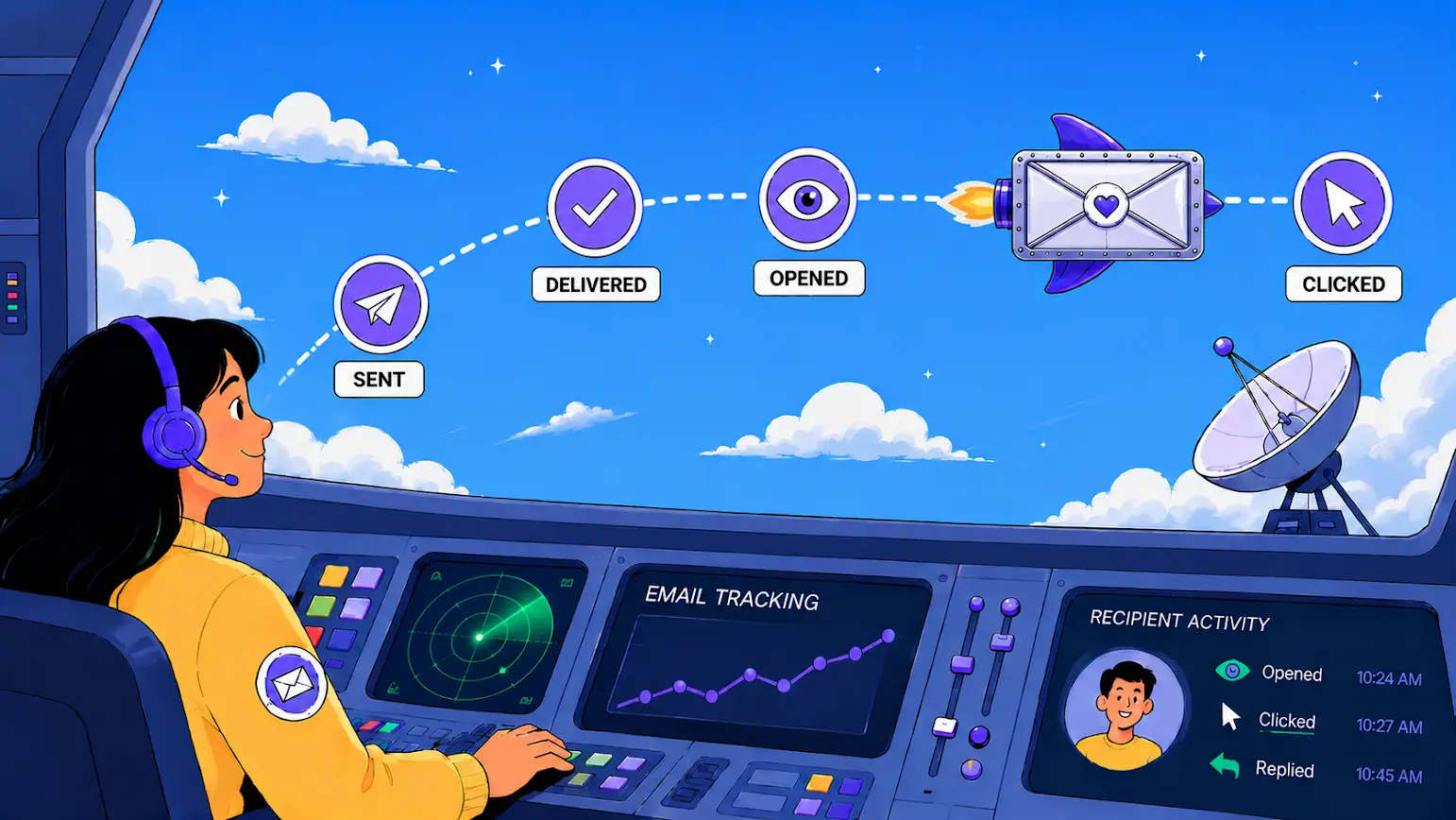
Email tracking is the process of monitoring recipient engagement with your outgoing emails.
If you’re interested in how to track email opens in Gmail, Snov.io Email Tracker makes it easy to do so directly from your inbox. With it, you can:
- Track email opens and link clicks
- See email statuses directly in Gmail
- Get real-time browser notifications
- Schedule emails to send later
- Receive daily and weekly email performance reports
- Track emails for free without signatures or logos added to your messages
Email tracking is useful for sales, recruiting, customer communication, and cold outreach. But it should be used transparently, especially when you track your email marketing process performance.
In this guide, I’ll show you how to track emails in Gmail with Snov.io Email Tracker, which metrics matter, and how to track email marketing performance effectively.
Key points you’ll learn:
What is email tracking?
Email tracking is the process of monitoring what happens after you send an email.
For anyone wondering how to track email opens in Gmail, modern email tracking tools provide the visibility you need. They can reveal a range of interactions, including:
- Link clicks
- Replies
- Multiple opens
- Exact time and date of interaction
- Unopened emails
- Scheduled email sends
- Follow-up reminders
Used across sales, recruiting, and marketing, email tracking gives you a better understanding of recipient engagement. It helps you get clear on what’s working, when to follow up, and which contacts are most likely to respond.
For instance, repeated email opens or a click on your pricing page can indicate genuine interest. In contrast, a lead who never opened the email may not be a priority for follow-up.
Email tracking vs. read receipts
Email tracking is different from read receipts. A read receipt is a built-in email feature that asks the recipient’s email system to confirm a message was opened. In Gmail, read receipts are available only for eligible work or school accounts, not personal accounts.
Tracked emails, on the other hand, rely on a tracking pixel and link tracking. This means they work in regular Gmail using a Chrome extension, such as the Snov.io email tracker.

How does email tracking work?
Most email tracking tools work through 2 main methods: open tracking and click tracking.
Behind the scenes, open tracking relies on a tiny, invisible image called a tracking pixel that is embedded in the email. When the recipient opens the message and the picture loads, the pixel is triggered and records the open.
Click tracking works differently. To be more specific, links in your email are routed through a tracking server before reaching the recipient. When they click, the system records the interaction and then redirects them to the original URL.
Keep in mind that open tracking has become less reliable in recent years, mainly due to privacy features such as Apple’s Mail Privacy Protection (MPP). MPP can preload tracking pixels through Apple’s servers before a user actually opens an email. This means:
- Open rates can sometimes look higher than they really are
- Open timestamps may be inaccurate
- IP-based location tracking becomes less dependable
- Engagement data may be partially obscured
For this reason, my recommendation is to treat opens as one piece of the puzzle. Don’t rely on them as the sole measure of recipient engagement.
Snov.io Email Tracker extension features
Snov.io Email Tracker is a free Gmail extension that lets you track outgoing emails without opening separate dashboards. It works directly inside Gmail alongside your existing Gmail Add-ons setup.
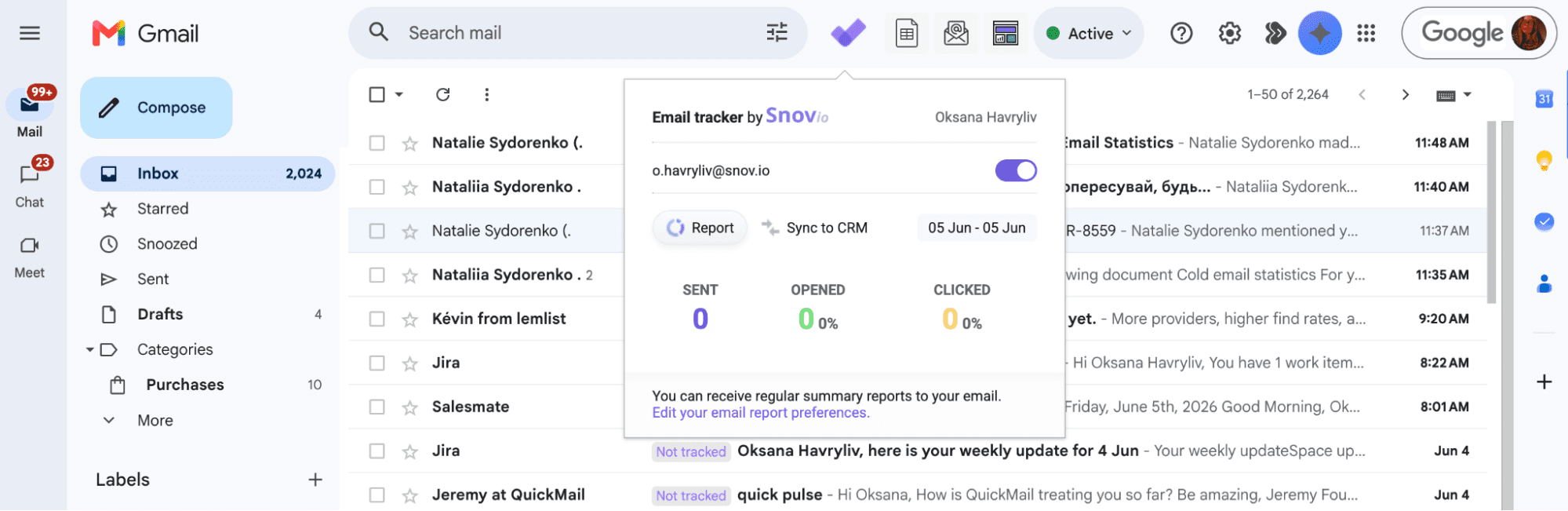
The tool detects opens and clicks on links, showing each email’s status directly in Gmail, along with open and click counts displayed next to the subject line.
With Snov.io Email Tracker, you get:
- Unlimited email tracking
- Full Gmail integration
- Support for multiple Gmail accounts
- Easy tracking preferences switch
- Email opens and link click tracking
- Real time notifications
- Send later feature
- Email tracking reminders
- Daily and weekly performance reports
- Email stats available directly in Gmail
Most email tracking software places branding on your messages or locks key features behind a paywall. Snov.io Email Tracker is completely free and adds nothing to your emails, keeping your outreach clean and professional.
How to track an email address with Snov.io
The process is very straightforward and involves 4 easy steps.
Step 1. Create a Snov.io account
To activate the extension, you’ll need to sign in to your Snov.io account (or sign up for free if you haven’t registered yet).
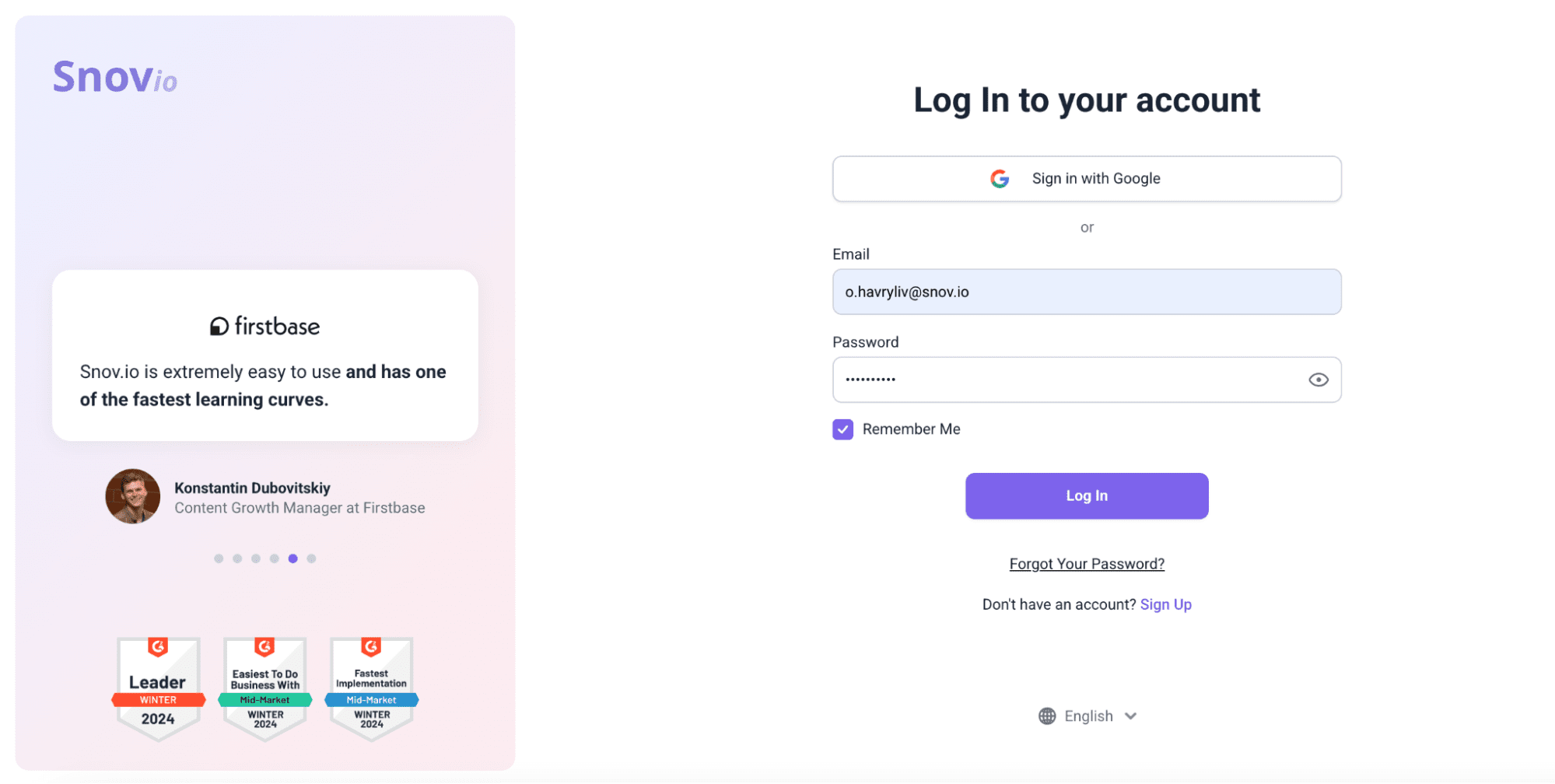
You can sign up with Google to save time. You’ll also get access to other Snov.io tools on the free plan.
Step 2. Install the Snov.io Email Tracking tool
Find Snov.io email tracking software in the Chrome Web Store and click Add to Chrome.
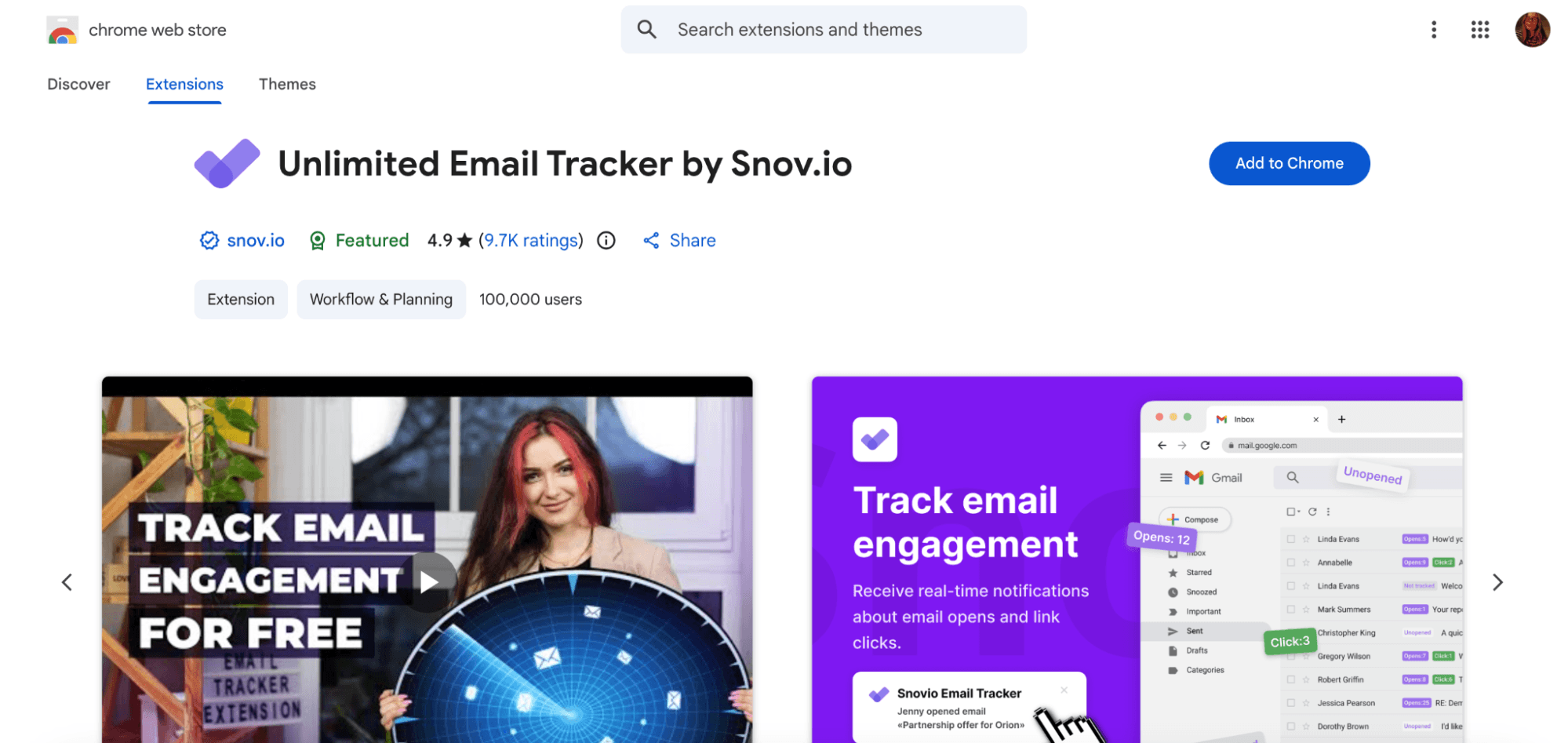
Once installed, go to your Gmail inbox (or refresh it if you’re already there).
The extension will activate automatically after you log in to your Snov.io account. If needed, refresh Gmail once more to complete the integration.
Step 3. Set your tracking preferences
Snov.io email tracking feature can be customized to match your workflow.
If you use multiple Gmail accounts, click the extension icon and toggle tracking on or off for each address individually. There’s no limit on the number of tracked accounts.
Overall, with Snov.io email tracker, you can:
- Disable or enable tracking
- Turn the “Not tracked” label on or off
- Choose between simple or expanded labels
- Select which browser alerts you want to receive (an email is opened, a link is clicked, a scheduled email is sent, etc.)
Note that if you’re trying to optimize email deliverability, you don’t have to use link tracking on every message. A practical approach is to enable it only when tracking link engagement is necessary.
Step 4. Compose and send your tracked email
With tracking active, open Gmail and compose your email message. At the bottom of the email window, next to the Send button, you’ll see Snov.io icons for tracking, scheduling, and reminders.
Choose your settings and send.
Once a tracked email is opened or clicked, you’ll get a real-time browser notification. In Gmail, each tracked email is labeled with its current status:
- Not tracked — tracking was disabled for this email
- Unopened — the email is tracked but hasn’t been opened yet
- Opens — shows how many times the email was opened
- Clicks — shows how many times a link was clicked
To view detailed engagement data for a specific email, open it from your Sent folder and select the Snov.io Email Tracker panel. You’ll see more details on opens and clicks, including when each interaction happened.
You can also view your stats in the Snov.io web app.
|
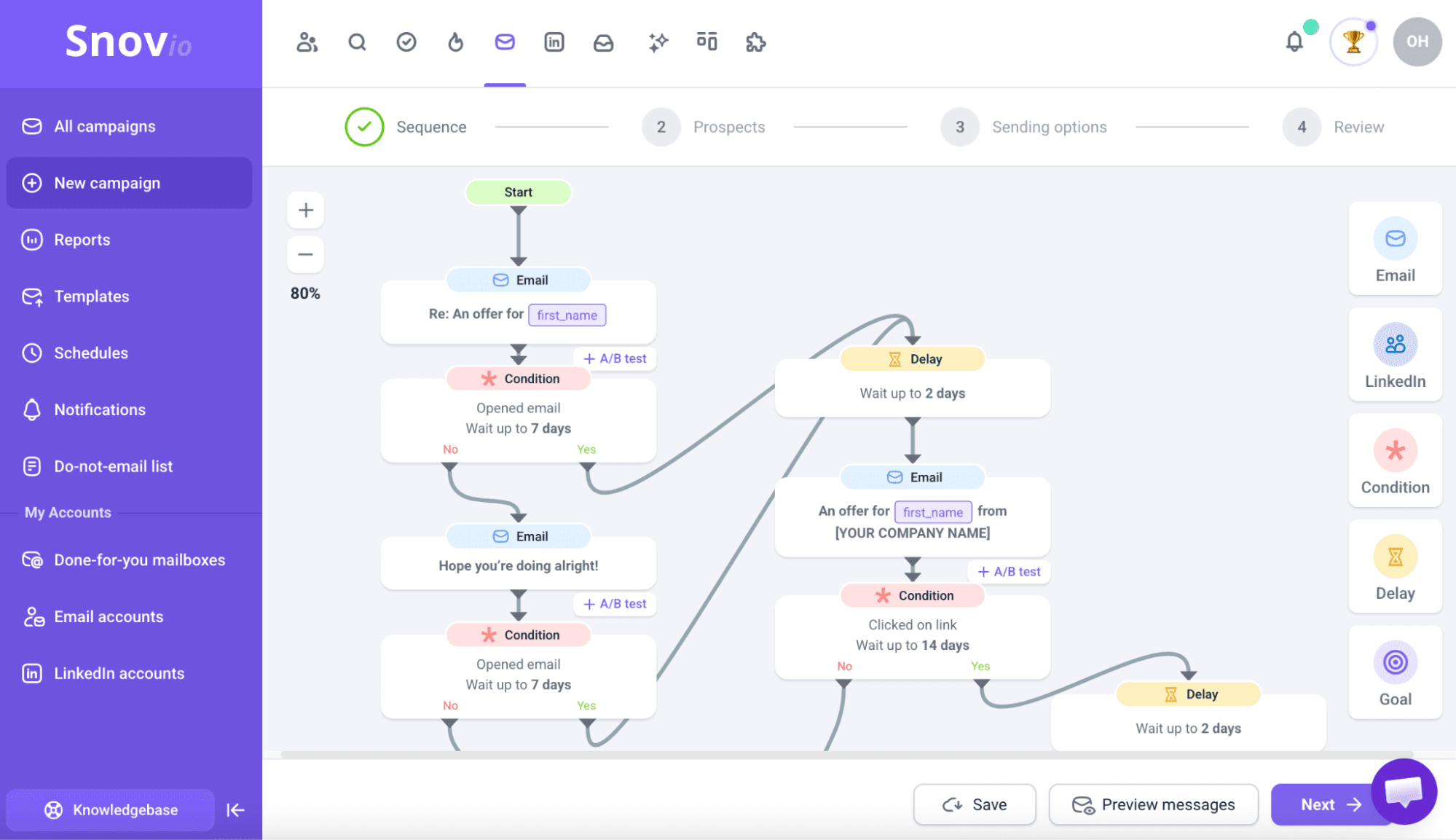
💡 Bonus tip Apart from tracking your email campaigns, Snov.io is a full-fledged outreach automation platform. So once you’ve learned how to track email opens and engagement, you can use that data to automate the next step. For example, prospects who click a link can automatically receive a different follow-up than those who only open the email, while contacts who reply can be removed from the sequence altogether. This helps keep your outreach relevant without requiring constant manual intervention. |
Hopefully, this makes it easy to understand how to track email open rates and monitor performance.
What are the benefits of email tracking?
Knowing how to track an email address is about more than monitoring opens. Used strategically, email tracking can help you prioritize leads, improve follow-up timing, and optimize campaign performance.
1. Know when leads open your emails
Seeing when a prospect opens your email tells you a lot about their level of interest. When they open soon after delivery, that timing can suggest interest. And if they keep coming back to it, that may signal growing interest.
|
📍 Important stats Based on Snov.io’s analysis of more than 44 million cold emails, here are a few useful benchmarks:
Feel free to use these figures as a reference point when reviewing your own email tracking data. |
With Snov.io Email Tracker, you can see the exact date and time of each open, which helps you:
- Uncover engagement trends
- Identify the best times to send future emails
- Prioritize leads who show repeated activity
- Make more informed follow-up decisions
This can provide valuable insight into engagement patterns, but it works best when read alongside click and reply data.
2. Optimize follow-up timing
Knowing what happened after you sent an email makes follow-ups a lot easier. You can focus on the person who showed interest instead of treating every recipient the same:
- Opened but didn’t click → offer more detail or address a potential objection
- Clicked a link → follow up around the specific offer or resource they viewed
- Opened multiple times → consider giving precedence to this lead
- Never opened → try a different subject line or send time
A single message rarely does the job. Since people may be busy or not in a position to reply at that exact moment, thoughtful follow-ups tend to generate more replies.
3. Improve response rates
With tracking, you can quickly spot where prospects lose interest in your outreach funnel.
Here are a few common patterns and what they may indicate:
- High open rate + low reply rate → your copy may need work
- High click rate + low conversion → the landing page or offer may be the issue
- Low open rate → deliverability or subject line problem
- High bounce rate → your list quality needs attention
I hope this gives you a much clearer picture of how to track email marketing performance effectively.
4. A/B test your subject lines and content
Rather than relying on assumptions, you can use tracking data to inform business decisions.
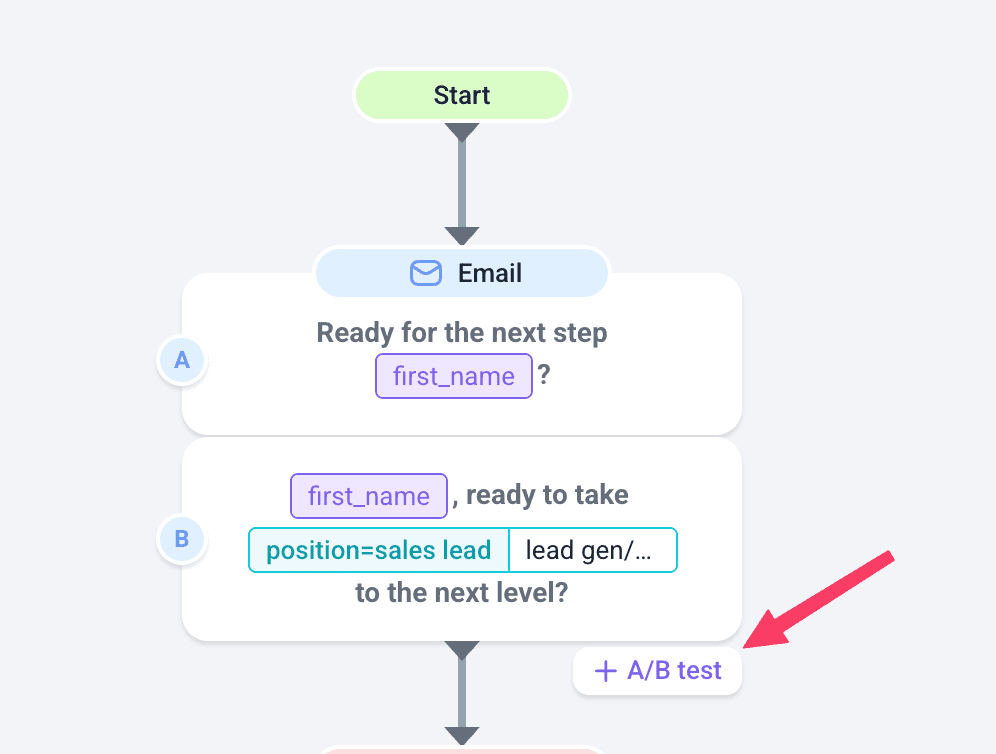
The fastest way to improve open rates is to test different subject lines. With Snov.io’s A/B testing feature, you can test up to 15 variations and compare factors such as email content, length, CTAs, etc.
My own takeaway has been to test changes one by one and rely more on clicks and replies, since opens alone can be misleading.


5. Identify hot leads
Prospects don’t all behave the same, and tracking helps you identify which ones deserve your attention first.
Here is some valuable information that signals a stronger intent:
- Opening your email multiple times
- Clicking a pricing, demo, or case study link
- Engaging quickly after delivery
- Repeatedly interacting with follow-up emails
Obviously, none of this guarantees a sale, but it helps you focus your energy on the right people at the right time.
6. Monitor overall campaign health
Beyond showing how a single recipient engaged with your email, tracking helps you see how your whole campaign is doing.
In my opinion, this is most valuable when your numbers start moving in unexpected ways, as tracking data helps you narrow down the cause. For example:
- Low open rates usually come from subject line or deliverability problems.
- High bounce rates suggest your list may need cleaning.
- More unsubscribes can suggest a mismatch between your message and your audience.
- High opens with low clicks often mean the email itself needs work.
Watching these trends over time means you catch problems before they do real damage to your campaign performance.
Best practices for email tracking
Email tracking works best when you don’t just use it, but use it well. Here are a few simple but useful tips I recommend for getting it working the way you actually need it to.
1. Get consent when required
Your recipients’ location can affect whether email tracking is allowed and how you should use it. For example, in the EU and the UK, laws such as the GDPR place a strong emphasis on transparency regarding tracking technologies and the use of personal data.
As a general rule:
- Explain how tracking data is used in your privacy policy
- Obtain consent where required
- Honor unsubscribe and opt-out requests
When in doubt, err on the side of transparency.
2. Weight clicks and replies more than opens
As I’ve already covered, privacy features have made opens less trustworthy than they once were. Clicks and replies, on the other hand, require deliberate action from the recipient, making them stronger signals of genuine interest. So for the most accurate picture of engagement, I recommend leaning on them when making decisions.
3. Respect unsubscribes
Obviously, an unsubscribe request should always be acted on promptly. But beyond compliance, tracking your unsubscribe rate can help you understand whether your emails continue to resonate with the audience.
4. Combine tracking with email verification
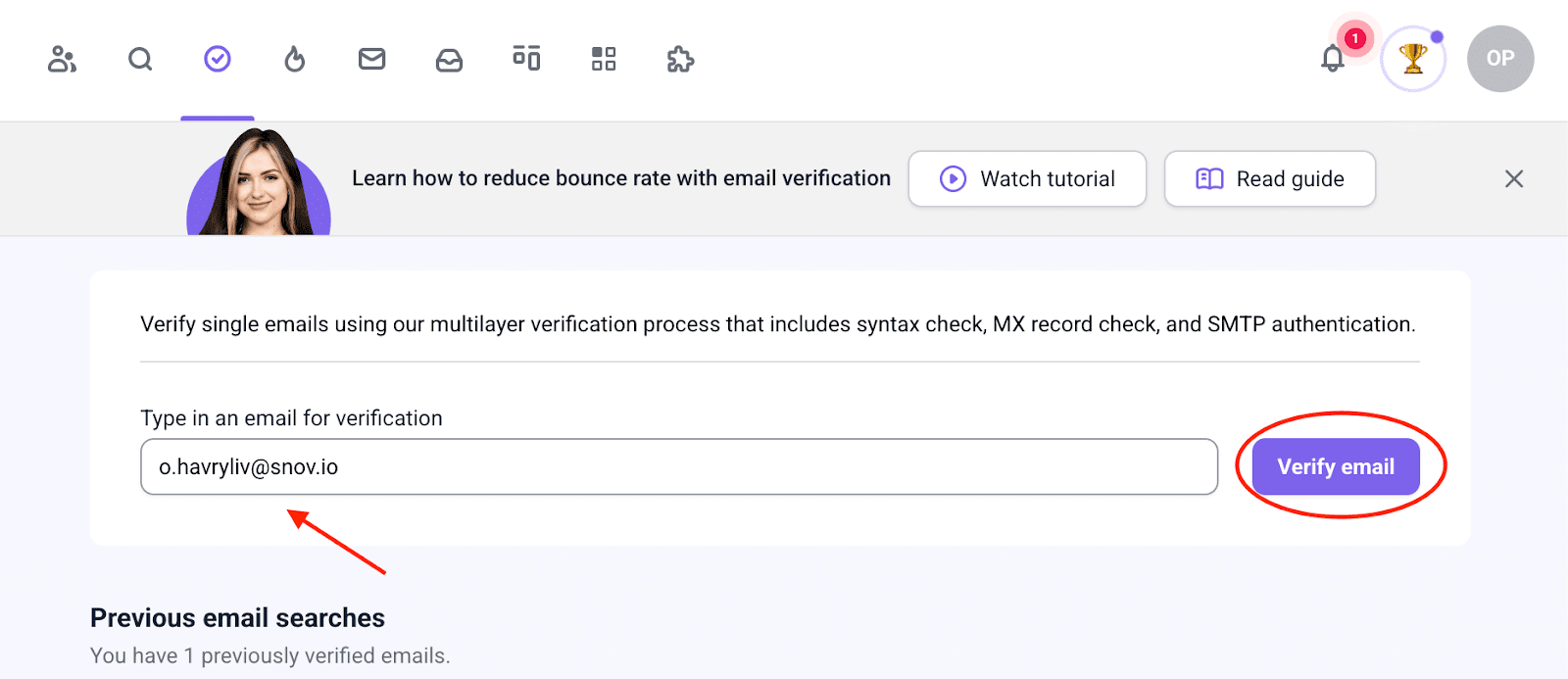
Your tracking data is only as good as your list. If that list contains invalid email addresses, it can lead to higher bounce rates, skewed performance data, and damaged email sender reputation.
For this reason, I suggest running your list through an Email Verifier before any outreach campaign. Snov.io’s verification tools help you maintain over 98% email accuracy.
And be aware that if your open rates drop suddenly or your campaigns stop performing, it’s also worth running an email deliverability audit to identify underlying issues.

Key takeaways
Email tracking is one of the most practical tools you can add to your email outreach workflow. It tells you what’s working, who’s interested, and when to follow up.
Hopefully, you now have a better understanding of how to track an email address and use that engagement data to improve your outreach. Put these insights into action with Snov.io.